Introduction
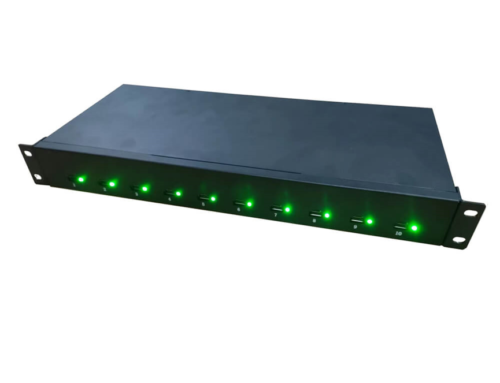
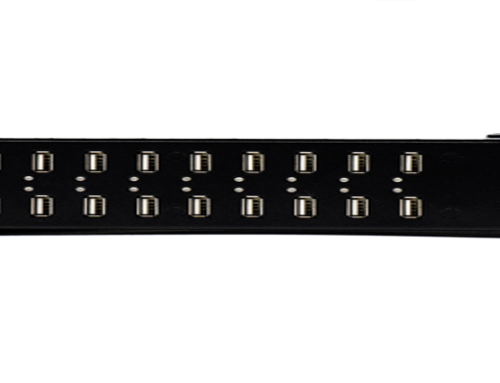
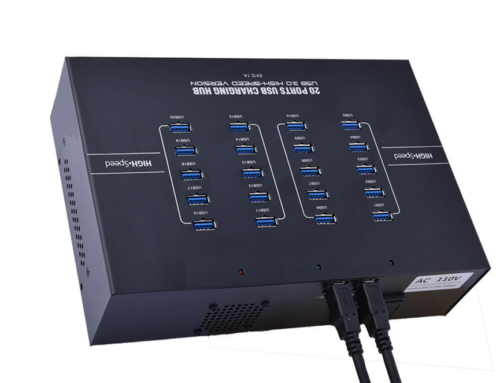
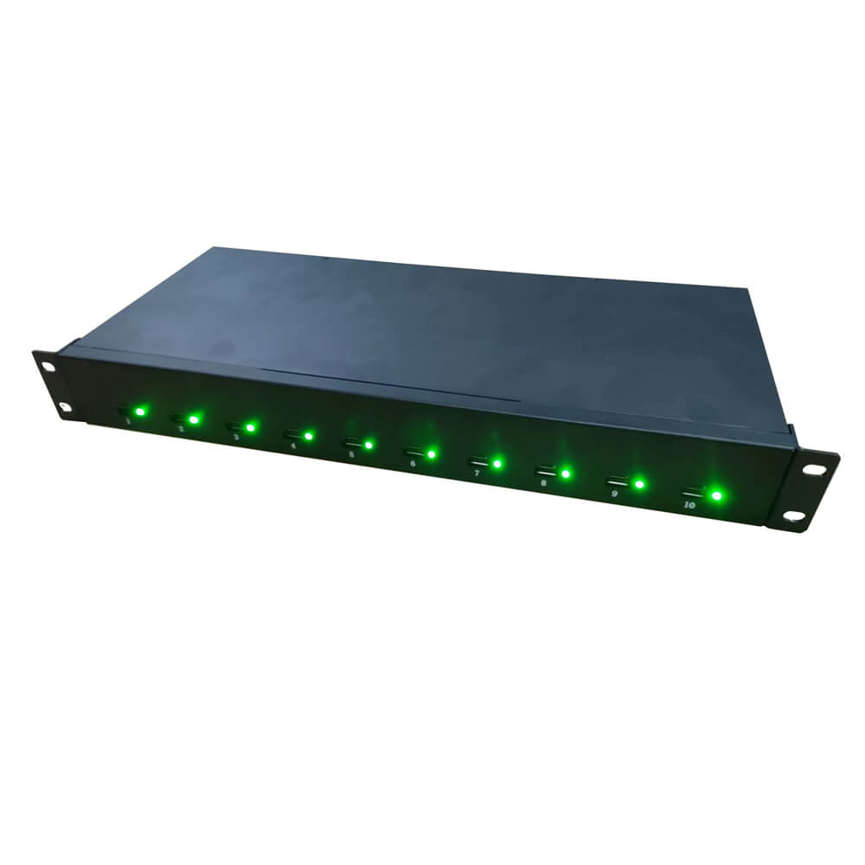
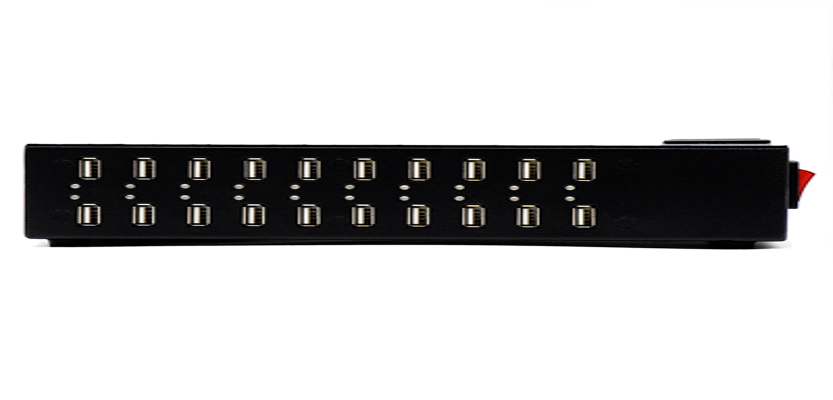
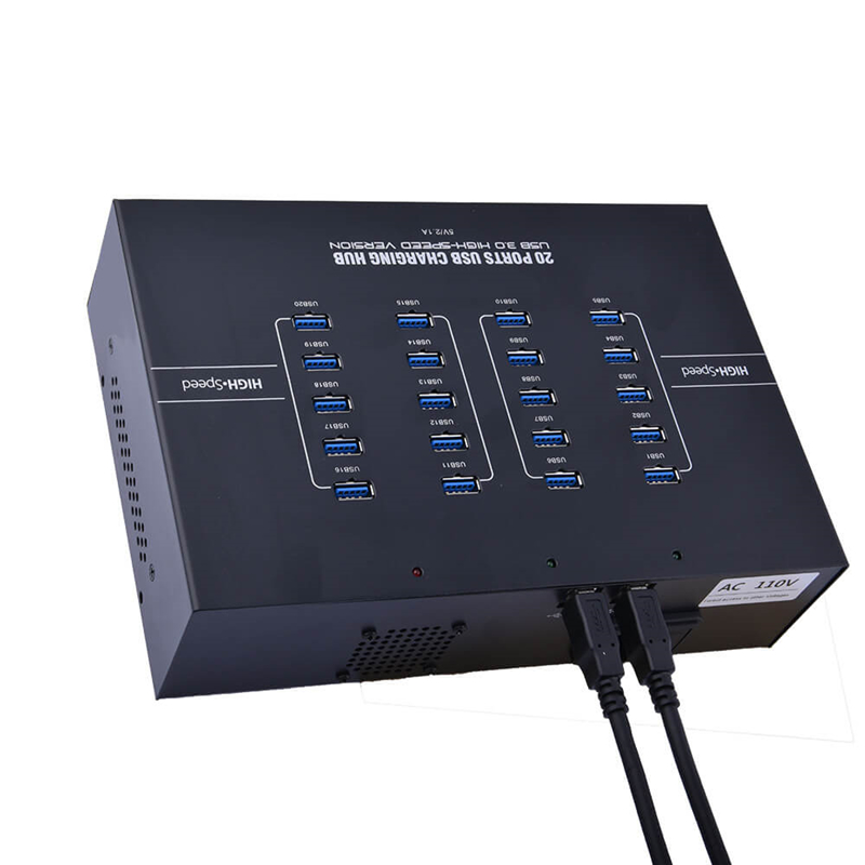
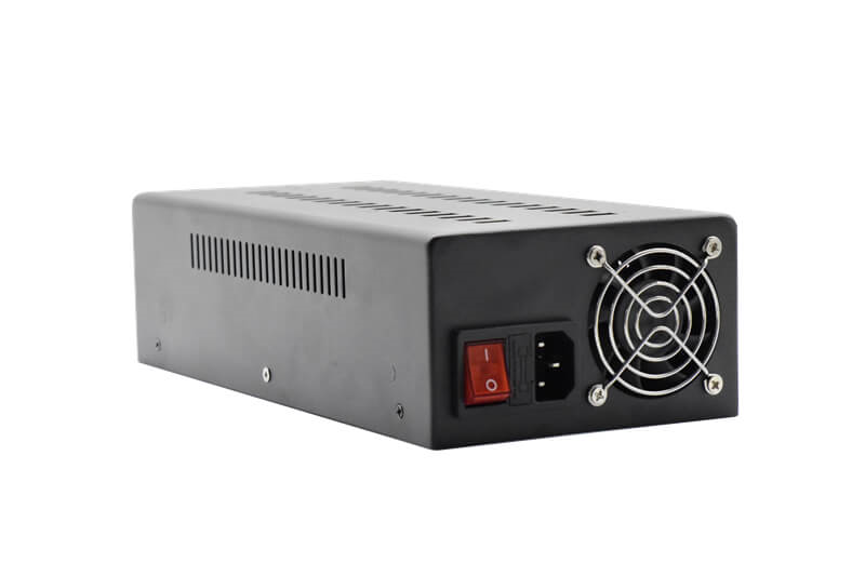
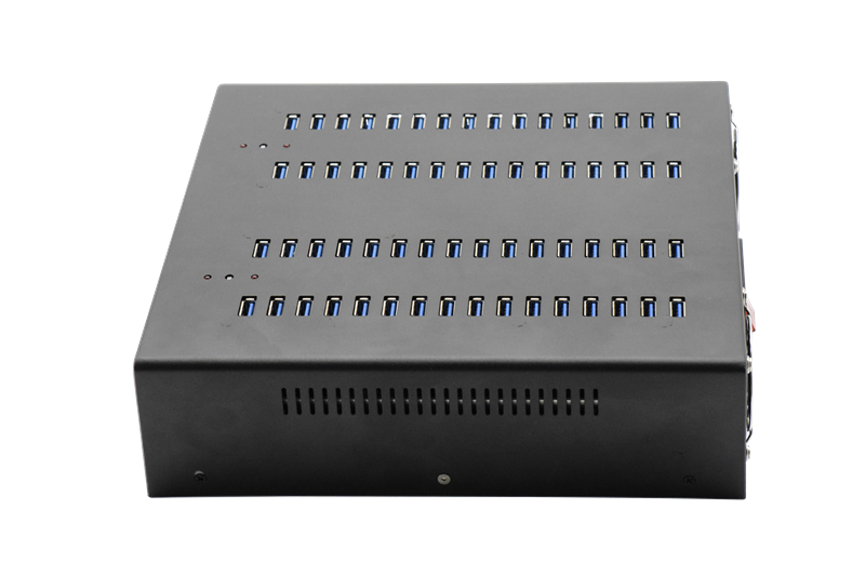
The 60 Port USB Hub A-64 is designed for high-capacity charging and synchronization of multiple compatible USB devices.
The 60 Ports Charge & Sync HUB A-64 is designed for high-capacity device charging and synchronization. With 60 USB ports, the hub can charge and sync up to 60 compatible USB devices in charge mode according to the supplied product specifications. It provides a maximum charging output of 2.4A per USB port and supports USB 3.0 data transfer rates up to 5Gbps.
The A-64 is positioned as an industrial USB hub and charge-and-sync solution, making it suitable for environments where large numbers of mobile and USB-powered devices need to be managed from a centralized location.
What Is the 60 Ports Charge & Sync HUB A-64?
The A-64 60 Ports Charge & Sync HUB is a high-capacity USB hub designed to combine charging and data synchronization for multiple compatible USB devices. The 60 Port USB Hub is suitable for schools, offices, and IT departments.
Unlike a conventional small USB hub intended for connecting a few peripherals, the A-64 is designed around large-scale device management. Its 60-port configuration allows many compatible devices to be connected to the same centralized hub.
The product supports:
- Up to 60 USB-connected devices
- Charging and synchronization
- Maximum charging output of 2.4A per USB port
- USB 3.0 data transfer rates up to 5Gbps
- Device synchronization through compatible software
- Device-appropriate charging in charge mode
The supplied specifications specifically mention iPads, iPods, iPhones, and other USB-charged devices as examples of supported devices.
Key Features of the A-64
60 USB Ports for High-Capacity Device Management
The most notable feature of the A-64 is its 60-port configuration.
A large number of ports makes it possible to centralize many USB devices rather than managing individual charging connections separately. For organizations handling large device fleets, this can simplify the physical setup and make charging and synchronization more manageable.
The product specifications state that the hub can charge and sync up to 60 compatible devices in charge mode.
This makes the A-64 particularly relevant to environments where dozens of tablets, smartphones, media devices, or other USB-powered equipment are handled simultaneously.
Up to 2.4A Charging Output Per USB Port
Each USB port is specified with a maximum charge output of 2.4A.
This should be understood as the maximum stated charging-current capability of an individual port rather than a guarantee that every connected device will continuously draw 2.4A. The 60 Port USB Hub supports centralized device management.
The actual charging current depends on the connected device and its charging requirements.
The product description also states that the hub provides each USB port with an optimum charge level for the connected device, with up to 1.1A mentioned for iPads when required for quick charging.
This distinction is important because different devices can request or accept different amounts of charging current.
USB 3.0 Data Transfer Up to 5Gbps
The A-64 supports USB 3.0 data transfer rates up to 5Gbps according to the supplied specifications.
This provides substantially higher theoretical interface bandwidth than USB 2.0, making the hub suitable for workflows where data synchronization and device management are important.
The phrase “up to 5Gbps” represents the maximum stated interface rate. Real-world transfer performance can be lower depending on the connected devices, host system, cables, software, and the nature of the data being transferred.
For example, a connected device with a lower USB capability cannot transfer data at the full 5Gbps rate simply because the hub supports USB 3.0.
Charge and Sync Functionality
The A-64 is designed for both charging and data synchronization.
This combination is valuable in environments where devices need more than just power. Organizations may need to transfer data, manage content, update devices, or perform other synchronization tasks while keeping multiple devices connected.
The supplied specifications state that the hub can sync USB devices using their compatible software.
This means software compatibility remains an important part of the synchronization process. The hub provides the physical USB connectivity, while the connected computer and compatible software handle the actual synchronization workflow.
A-64 Technical Specifications
| Specification | Details |
| Product | 60 Ports Charge & Sync HUB |
| Model | A-64 |
| Number of Ports | 60 USB ports |
| Charging Output | Up to 2.4A per USB port |
| Data Standard | USB 3.0 |
| Maximum Data Transfer Rate | Up to 5Gbps |
| Charging Capacity | Up to 60 compatible devices |
| Synchronization | Supported with compatible software |
| Example Devices | iPads, iPods, iPhones and other USB-charged devices |
| Charge Mode | Device-appropriate charging, up to 1.1A stated for iPads when needed |
| Product Categories | All Product, Charge & Sync Hub, Data & Hub, Industrial USB HUB |
Understanding 2.4A Per Port
The stated 2.4A maximum per USB port is an important specification for users evaluating the charging capabilities of the A-64.
Current and power are related, but they are not the same measurement. The supplied specification gives a maximum current of 2.4A per port but does not separately state the voltage or total system power rating.
Therefore, it would be inappropriate to present a specific wattage per port or calculate a total system wattage without additional manufacturer specifications.
The actual current drawn by a connected device can also be lower than the maximum available. Charging electronics inside the device determine how much current is requested and accepted.
This makes the 2.4A specification best understood as the maximum stated port-level charging-current capability.
Understanding USB 3.0 and 5Gbps
USB 3.0 is associated with a maximum theoretical data rate of up to 5Gbps.
However, maximum interface speed and actual file-transfer speed are different things.
Several factors can affect real-world performance:
- Host computer capability
- Connected device capability
- USB cable quality and specification
- Storage performance
- Device operating system
- Synchronization software
- Data-transfer workload
- Overall USB system architecture
For this reason, the A-64 should be described as supporting up to 5Gbps, rather than guaranteeing that every connected device will achieve 5Gbps.
Charging and Syncing Up to 60 Devices
One of the main advantages of the A-64 is its ability to centralize a large number of compatible devices.
The supplied product information states that the hub can charge and sync up to 60 iPads, iPods, iPhones, or other USB-charged devices in charge mode.
This can simplify operations where many devices need to be connected simultaneously.
For example, instead of setting up dozens of separate charging adapters, an organization can use a centralized multi-port hub and organize compatible devices around the available USB connections.
The exact synchronization workflow will depend on the host computer and compatible device-management or synchronization software.
Applications of the 60 Port A-64 Hub
Schools and Educational Institutions
Schools increasingly manage groups of tablets and other mobile devices. A 60-port charge and sync hub can help centralize device charging and synchronization.
Instead of handling each device separately, staff can connect multiple devices to a centralized system when preparing equipment for classes or maintaining a device fleet.
IT Departments
IT teams may need to manage a large number of smartphones, tablets, and other USB devices. The A-64 can provide centralized USB connectivity for charging and synchronization workflows.
Device Refurbishment Centers
Refurbishment and repair operations can handle many mobile devices simultaneously. A high-capacity charge-and-sync hub can help organize devices during testing, configuration, synchronization, and charging processes.
Mobile Device Management
Organizations deploying large numbers of mobile devices can benefit from centralized connectivity when performing setup or maintenance operations.
The A-64 can serve as part of a broader device-management workstation, provided the required synchronization software supports the connected devices.
Offices and Commercial Environments
Large offices, training facilities, and commercial operations may use numerous smartphones, tablets, or other USB-powered devices.
A centralized 60-port hub can reduce the need for multiple individual charging connections and make a multi-device workspace easier to manage.
Testing and Technical Environments
Technical teams working with multiple USB devices can use a high-capacity hub when simultaneous connections are required.
USB 3.0 data capability also makes the A-64 relevant to workflows where device synchronization and data movement are part of the process.
Benefits of a Centralized Charge & Sync Solution
A centralized hub offers several practical advantages.
Reduced Cable and Charger Management
Managing dozens of individual chargers can create unnecessary cable clutter. A centralized hub can help consolidate connections around a single multi-port system.
High Device Capacity
With 60 ports, the A-64 is designed for large-scale connectivity rather than occasional use with one or two devices.
Combined Charging and Data
Users do not have to treat charging and synchronization as completely separate workflows. The A-64 is designed to support both functions.
Organized Device Operations
A centralized setup can make it easier for teams to connect, monitor, synchronize, and charge multiple devices in a controlled environment.
Suitable for Large-Scale Workflows
The 60-port configuration makes the hub particularly relevant where dozens of compatible devices must be handled at once.
A-64 vs. Standard USB Hub
| Feature | A-64 60 Port Charge & Sync HUB | Standard USB Hub |
| Port Capacity | 60 ports | Usually fewer ports |
| Charging | Up to 2.4A maximum per USB port | Depends on model |
| Data Transfer | USB 3.0 up to 5Gbps | Depends on model |
| Charge & Sync | Yes | Depends on model |
| Device Capacity | Up to 60 compatible devices | Usually lower |
| Large-Scale Device Management | Designed for this use | Generally less suitable |
| Best Use | High-volume charging and synchronization | General USB expansion |
The A-64 is differentiated primarily by its high port count and charge-and-sync focus. A conventional USB hub may be more appropriate for basic peripheral expansion, while the A-64 is designed for environments requiring connections to many devices.
How to Use the A-64 in a Device Management Workflow
A typical workflow can be organized into several steps:
Step 1: Connect the Hub
Connect the A-64 to the appropriate host system and prepare the required USB connections.
Step 2: Connect Compatible Devices
Connect the tablets, smartphones, or other compatible USB devices using suitable USB cables.
Step 3: Confirm Device Recognition
Check that the connected devices are properly recognized by the host computer and the relevant software.
Step 4: Start Synchronization
Use compatible software to synchronize or manage the connected devices.
Step 5: Charge Devices
The hub can provide charging through its USB ports while devices remain connected, subject to the charging requirements and capabilities of each device.
Step 6: Disconnect Devices Safely
When synchronization or data operations are complete, use the appropriate operating-system or software procedures before disconnecting devices where required.
Best Practices for 60-Port USB Hub Management
When operating a high-capacity hub, organization becomes especially important.
Use suitable cables:
Good-quality USB cables can help maintain reliable charging and data connections.
Label devices:
In environments handling dozens of devices, labels can make it easier to identify each connected unit.
Use compatible software:
Synchronization depends on software compatibility with the connected USB devices.
Monitor device requirements:
The 2.4A maximum is not necessarily the current every device will draw. Each device determines its own charging requirements.
Keep the workstation organized:
With up to 60 connections, cable management can have a significant impact on usability.
Verify USB compatibility:
The 5Gbps maximum is available within the USB 3.0 capability, but connected devices and cables may have lower specifications.
What to Consider Before Choosing the A-64
Before purchasing or deploying the A-64, organizations should evaluate their workflow.
Number of Devices
If an environment regularly handles dozens of USB devices, a 60-port hub can provide substantial connection capacity.
Charging Requirements
Review the charging requirements of the devices being connected. The hub provides up to 2.4A maximum per USB port, but actual charging behavior depends on the connected device.
Data Synchronization Needs
If synchronization is required, verify that the host computer and software are compatible with the devices being managed.
USB 3.0 Compatibility
For high-speed data workflows, confirm that the connected devices, cables, and host system can take advantage of USB 3.0 performance.
Physical Workspace
A 60-port solution is intended for high-capacity environments. Ensure the installation area can accommodate the hub and the connected cables safely and conveniently.
Frequently Asked Questions
How many devices can the A-64 charge and sync?
The supplied specifications state that the A-64 can charge and sync up to 60 compatible USB devices in charge mode.
What is the maximum charging output per port?
The maximum stated charging output is 2.4A per USB port.
Does the A-64 support USB 3.0?
Yes. The product supports USB 3.0 data transfer rates up to 5Gbps.
Can the A-64 charge iPads and iPhones?
The supplied product specifications specifically list iPads, iPods, and iPhones among the supported device examples, along with other USB-charged devices.
Does every device charge at 2.4A?
No. The 2.4A figure is the maximum stated output capability per USB port. Actual charging current depends on the connected device and its charging requirements.
What does “up to 5Gbps” mean?
It refers to the maximum stated USB 3.0 data-transfer rate. Actual performance can vary depending on the host computer, connected device, cable, software, and other system factors.
Can the A-64 sync USB devices?
Yes. The product is designed to sync USB devices using compatible software.
Is the A-64 suitable for industrial use?
The product is categorized as an Industrial USB HUB, and its high-capacity charge-and-sync design is suitable for professional environments requiring centralized USB device management.
Conclusion
The 60 Ports Charge & Sync HUB A-64 is a high-capacity USB 3.0 solution designed for environments that need to manage large numbers of USB devices from a centralized setup. With 60 USB ports, maximum charging output of 2.4A per port, and USB 3.0 data transfer up to 5Gbps, it combines charging and synchronization capabilities in one multi-device platform.
The A-64 can be useful for schools, offices, IT departments, device refurbishment operations, testing environments, and other professional settings where multiple smartphones, tablets, and USB-powered devices need to be connected simultaneously.
Its 60-port capacity is particularly valuable for large device fleets, while its charge-and-sync functionality supports workflows that require both power and data connectivity. As with any high-capacity USB solution, actual charging and transfer performance depends on the connected devices, cables, host computer, and compatible software.
For organizations looking for a centralized solution for high-volume USB charging and synchronization, the A-64 provides a scalable 60-port platform built around USB 3.0 connectivity and multi-device management.