16 Port Type-C Hub Syncs & Charges – Customizable USB-C Connectivity Solution
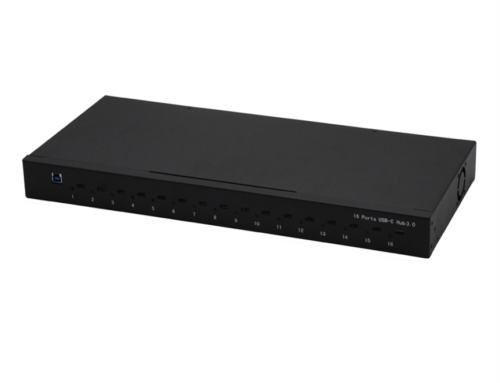
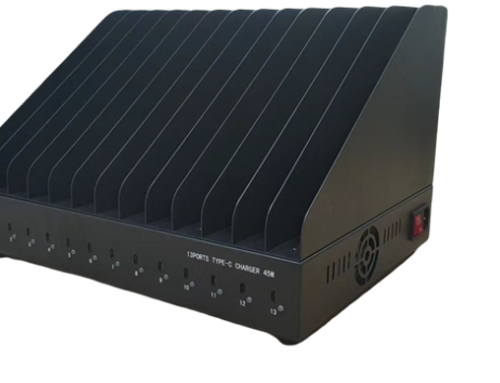
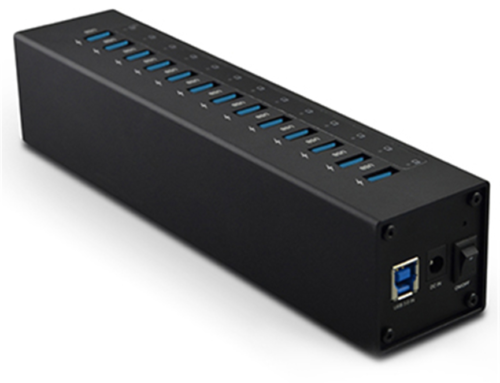
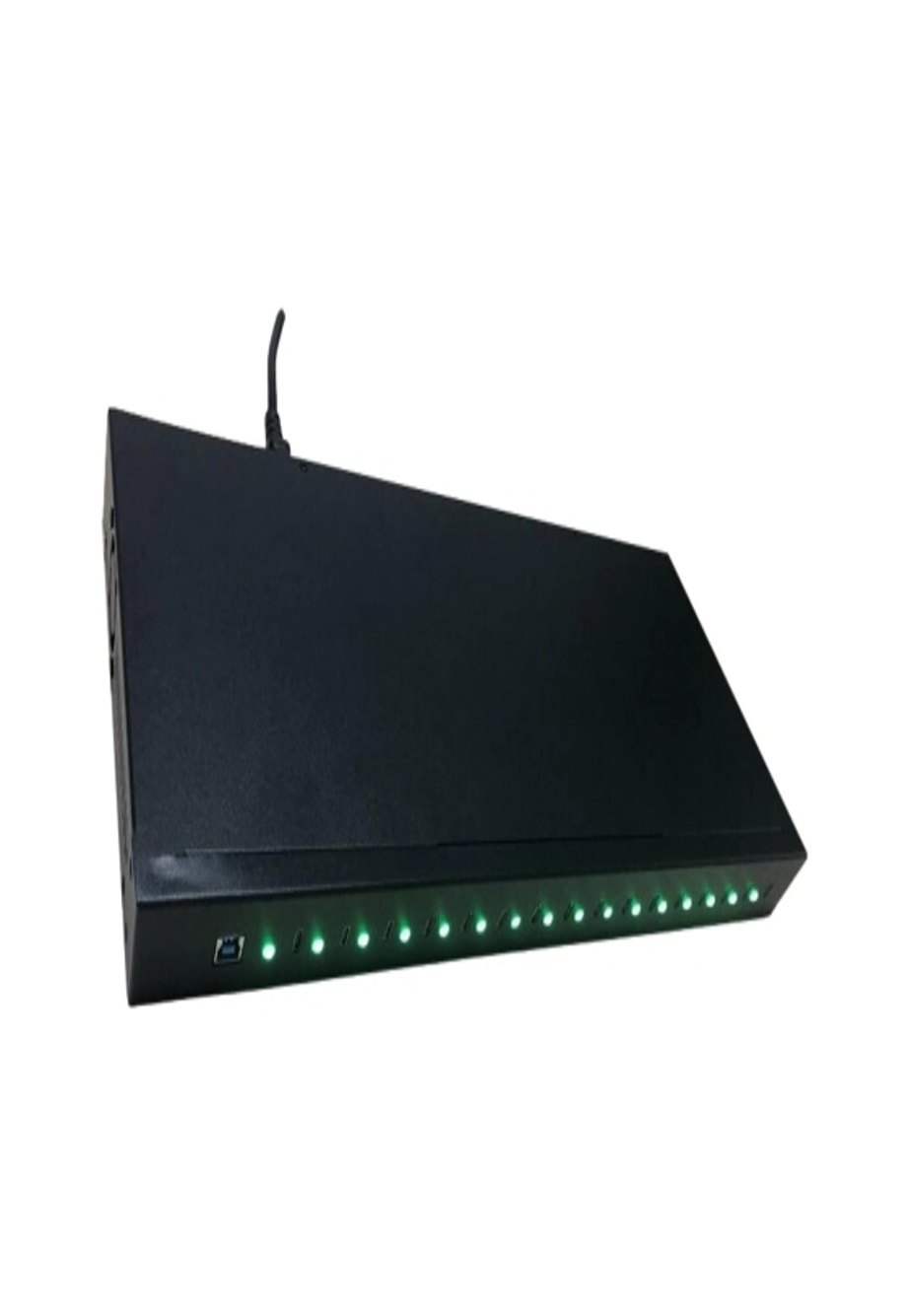
The 16 Port Type-C Hub provides a centralized solution for organizations that need to sync and charge multiple compatible USB-C devices.
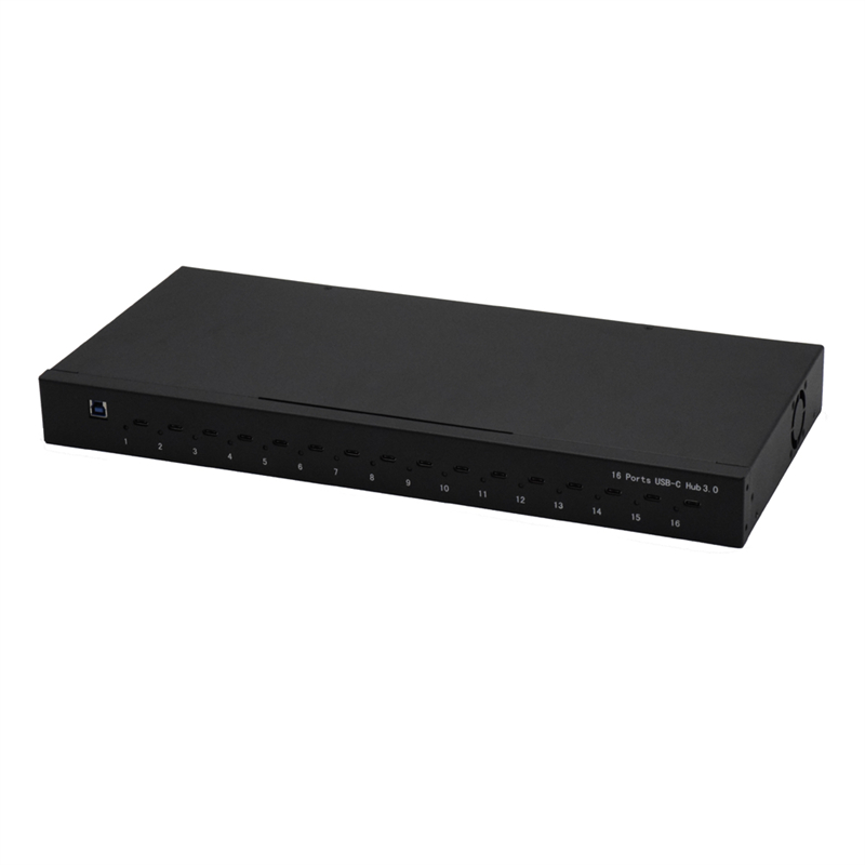
The 16 Port Type-C Hub (Syncs & Charges) is designed as a centralized solution for organizations that need to sync and charge multiple compatible devices through a multi-port Type-C hub.
With 16 Type-C ports, the hub is positioned for multi-device environments where simultaneous connectivity is important. Its inclusion in the Charge & Sync Hub, Data & Hub, and Multi-ports USB C HUB categories reflects its focus on both data connectivity and charging workflows.
The product is also identified as customizable, making it potentially suitable for organizations with specific deployment requirements.
Because exact technical details such as charging wattage, data-transfer rate, Power Delivery profiles, port-by-port output, and supported device models were not provided, those specifications should be confirmed according to the required customization and final configuration.
What Is a 16 Port Type-C Hub?
A 16 Port Type-C Hub is a multi-port connectivity device designed to provide multiple Type-C connections from a centralized hub.
The key purpose of this product is to support syncing and charging across multiple compatible devices.
Instead of connecting every device individually to a separate computer port or charger, a multi-port hub can provide a centralized connection point for managing multiple devices.
The 16-port configuration is particularly relevant for environments where several devices need to be connected at the same time.
Key Product Information
| Specification | Details |
| Product | 16 Port Type-C Hub |
| Primary Functions | Syncs & Charges |
| Port Count | 16 |
| Port Type | Type-C |
| Customization | Available / Customization-focused product |
| Categories | Charge & Sync Hub, Data & Hub, Multi-ports USB C HUB |
| Exact Data Speed | Not specified |
| Exact Charging Output | Not specified |
| Power Delivery Profile | Not specified |
| Individual Port Output | Not specified |
| Specific Device Compatibility | Not specified |
16 Type-C Ports for Multi-Device Management
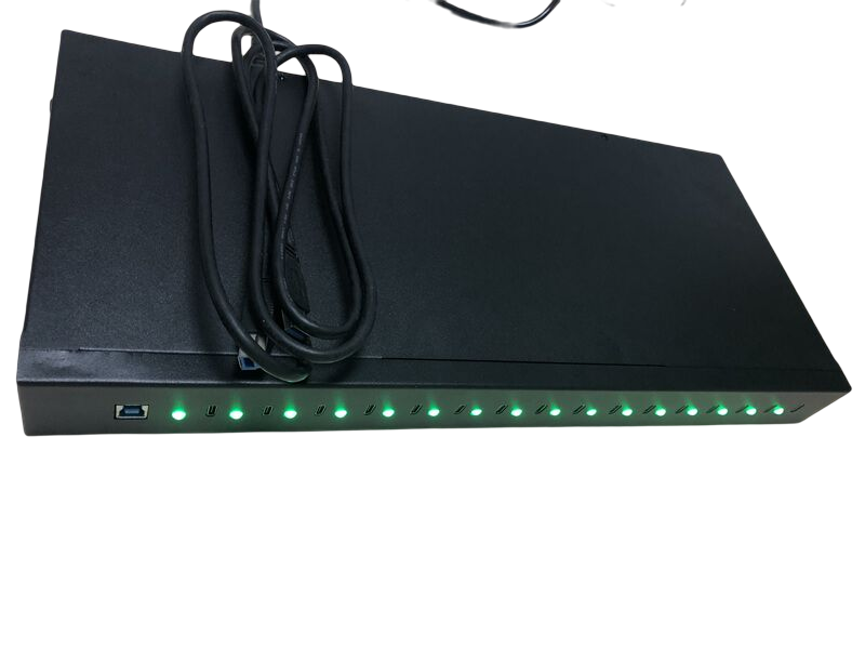
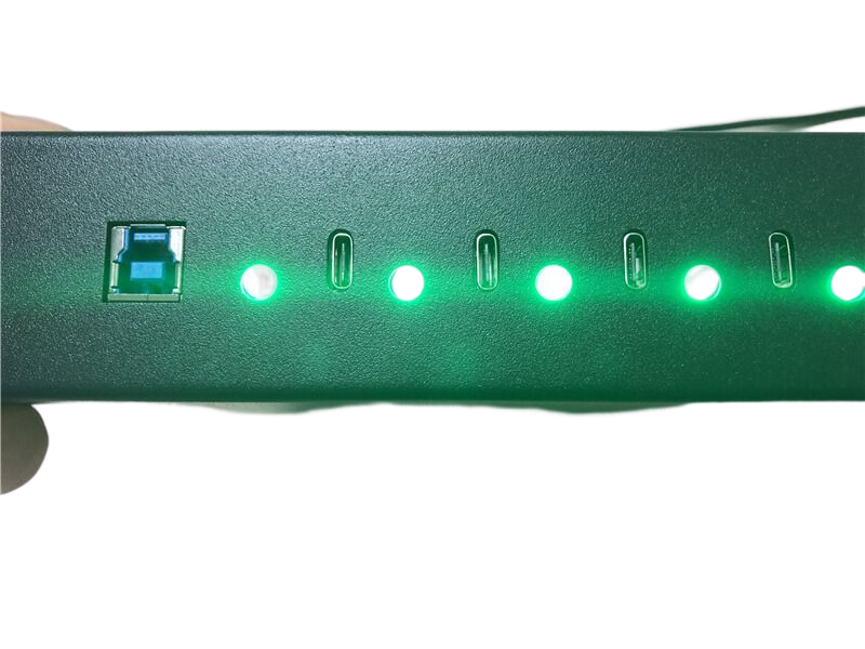
The biggest advantage of this hub is its 16-port design.
Organizations that manage multiple USB-C devices often need a practical way to connect them simultaneously. A hub with 16 Type-C ports can help centralize these connections and reduce the need for multiple separate accessories.
This can be especially useful when devices need to be connected for data synchronization, charging, or both.
A centralized multi-port solution can also make it easier to organize a device-management area and establish a consistent workflow.
Sync and Charge in One Hub
The product is specifically described as a hub that syncs and charges.
These two functions are important in environments where devices need both data communication and power.
Syncing
Synchronization allows compatible devices to communicate with a host system for supported data-management tasks.
Depending on the final configuration and connected devices, synchronization can be useful for activities such as:
- Device data management
- File transfer
- Content deployment
- Device setup
- Software-related workflows
- IT administration
The exact synchronization capabilities depend on the host system, operating system, connected devices, cables, and final hub configuration.
Charging
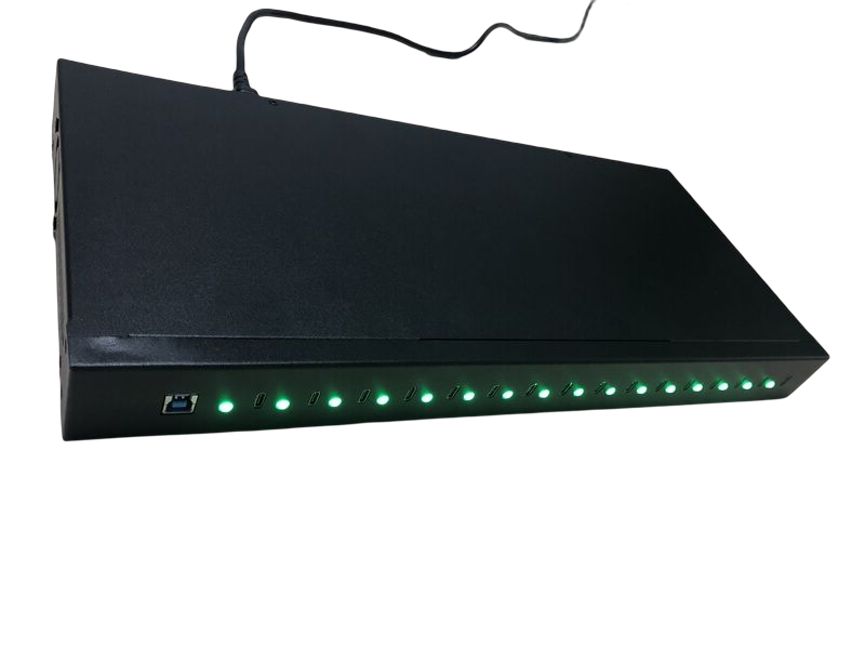
The charging function allows compatible devices to receive power through the hub.
However, the supplied specifications do not provide a specific charging wattage or per-port current. Therefore, the hub should not be advertised with a specific charging speed unless that information is confirmed for the required configuration.
Actual charging performance can depend on the device, cable, charging requirements, power source, and hub configuration.
Why Type-C Connectivity Matters
USB Type-C has become increasingly common across smartphones, tablets, laptops, accessories, and other modern electronics.
A Type-C hub can therefore provide a convenient connection point for compatible modern devices.
However, Type-C refers to the connector format and does not automatically define every capability of the connection.
Different Type-C implementations can support different combinations of:
- Data transfer
- Charging
- Power delivery
- Display output
- Alternate modes
For the 16 Port Type-C Hub, the supplied information specifically identifies syncing and charging. Other capabilities should not be assumed without confirming the final technical configuration.
Customization for Different Requirements
The word customization is an important part of this product’s positioning.
Different organizations can have different requirements for a multi-port charging and synchronization system. A customizable solution can potentially be configured according to the needs of a particular deployment.
Possible customization requirements may involve aspects such as the desired port arrangement, physical design, branding, or technical configuration.
However, the exact customization options have not been provided in the supplied product information. Therefore, specific customization features should be discussed and confirmed with the manufacturer before being presented as guaranteed capabilities.
Why Customization Can Be Valuable
A customized hub can be useful when standard off-the-shelf products do not perfectly match an organization’s workflow.
For example, a business managing a specific fleet of USB-C devices may require a particular physical arrangement or deployment configuration.
Similarly, a service provider may have different requirements from a school, office, or retail operation.
The ability to discuss customization can therefore make the product relevant to a wider range of professional applications.
Applications of a 16 Port Type-C Sync & Charge Hub
1. IT Departments
IT teams may manage multiple company-owned mobile devices, tablets, or other USB-C equipment.
A centralized sync-and-charge hub can help create a more organized device-management workflow.
2. Schools and Educational Institutions
Educational organizations increasingly use tablets and other connected devices for teaching and administration.
A 16-port hub can provide a centralized location for managing multiple compatible devices.
3. Device Testing and Service Centers
Repair shops, testing facilities, and service centers may need to work with multiple devices simultaneously.
The hub can provide a centralized connection point for supported syncing and charging workflows.
4. Corporate Offices
Businesses with shared tablets, mobile devices, or other USB-C equipment can benefit from centralized charging and synchronization.
5. Retail and Commercial Environments
Retail and commercial organizations may use multiple mobile devices for demonstrations, inventory, customer service, or operational tasks.
A multi-port Type-C hub can help keep compatible devices connected and charged in an organized environment.
6. Training and Demonstration Facilities
Training centers that work with multiple devices can use a centralized hub to simplify device management.
Benefits of a 16-Port Configuration
High Port Count
Sixteen Type-C ports allow multiple compatible devices to be managed from one centralized hub.
Centralized Device Management
Instead of relying on many individual chargers and connections, organizations can establish a dedicated sync-and-charge area.
Reduced Cable Clutter
A centralized setup can help make device-management areas more organized.
Scalable Workflows
A 16-port design can be useful for environments where multiple devices need to be handled simultaneously.
Customization Potential
Customization can help organizations adapt the product to specific deployment requirements.
16 Port Type-C Hub vs. Individual Chargers
A multi-port sync-and-charge hub provides a different approach from using separate chargers for each device.
| Feature | 16 Port Type-C Hub | Individual Chargers |
| Centralized Setup | Yes | No |
| Type-C Ports | 16 | Usually one per charger |
| Multi-Device Management | Yes | Requires separate units |
| Sync Function | Supported as specified | Usually charging-focused |
| Charging Function | Supported as specified | Yes |
| Cable Organization | Centralized | Multiple charging points |
| Customization | Product positioned for customization | Usually limited |
The main advantage of a hub is centralization. Instead of maintaining numerous individual charging units, organizations can build a dedicated multi-device connection point.
How a Sync-and-Charge Workflow Can Work
A typical deployment can be organized around a few basic steps.
Step 1: Connect the Hub
Install the 16-port Type-C hub in the designated workspace.
Step 2: Connect the Host System
Establish the required host connection according to the final configuration and manufacturer’s instructions.
Step 3: Connect Compatible Devices
Use suitable Type-C cables to connect compatible devices to the available ports.
Step 4: Begin Synchronization
Where supported by the host system and connected devices, begin the required data synchronization or management process.
Step 5: Charge Devices
Use the hub’s charging function to provide power to compatible connected devices.
Step 6: Monitor the Workflow
Check that devices are properly recognized and receiving the intended charging and synchronization functions.
The exact setup procedure can vary depending on the final customized configuration and the devices being managed.
Important Technical Considerations
Before deploying a 16-port Type-C hub, organizations should confirm several technical details.
Charging Output
The exact charging output per port has not been provided. If a specific wattage is required, it should be confirmed before purchase.
Total Power Capacity
A 16-port hub does not automatically mean that all 16 ports can deliver a particular wattage simultaneously. Total system power depends on the product’s electrical design and final configuration.
Data Transfer Speed
The supplied information does not specify a maximum data-transfer rate. A specific USB speed should therefore not be claimed without manufacturer confirmation.
Device Compatibility
Different devices can have different synchronization and charging requirements. Compatibility should be verified for the intended devices.
Cable Requirements
The Type-C connector alone does not guarantee identical performance across all cables. Appropriate cables should be selected for the required data and charging functions.
Best Practices for Multi-Device Sync and Charging
Use Suitable Type-C Cables
Use cables that support the required functions and are appropriate for the connected devices.
Organize Devices by Workflow
Labeling connected devices or arranging them systematically can make large-scale device management easier.
Confirm Charging Requirements
Before connecting a large number of devices, verify that the hub’s power capabilities match the requirements of the intended devices.
Confirm Sync Compatibility
Make sure the host system and device-management software support synchronization with the connected devices.
Plan the Physical Installation
A 16-port hub can involve many cables, so physical cable management should be considered when designing the workspace.
Choosing a Customized Type-C Hub
Organizations considering a customized solution should define their requirements before ordering.
Identify the Devices
Determine exactly which smartphones, tablets, or other USB-C devices will be connected.
Determine the Required Functions
Decide whether the primary requirement is charging, synchronization, or both.
Determine Port Requirements
The T-C hub already provides 16 ports, but organizations should confirm whether this matches their expected device-management volume.
Define Physical Requirements
Consider where the hub will be installed and whether specific mounting, enclosure, branding, or physical-design requirements apply.
Confirm Technical Specifications
Before finalizing an order, confirm:
- Data-transfer specification
- Charging output
- Total power capacity
- Device compatibility
- Cable requirements
- Synchronization support
- Customization options
Frequently Asked Questions
What is a 16 Port Type-C Hub?
It is a multi-port Type-C hub designed to sync and charge multiple compatible devices through a centralized solution.
How many ports does the hub have?
The product provides 16 Type-C ports.
Can it sync devices?
Yes. The product is specifically described as a Syncs & Charges Type-C hub.
Can it charge devices?
Yes. Charging is one of the stated functions of the product.
Is the hub customizable?
Yes. The product is identified as a customization solution. Specific customization options should be confirmed according to the required configuration.
What is the charging wattage?
A specific charging wattage has not been provided in the supplied specifications, so a particular output should not be assumed.
What is the data-transfer speed?
The supplied product information does not specify a maximum data-transfer rate.
Does it support USB Power Delivery?
No specific Power Delivery specification has been supplied. PD support or a particular PD profile should therefore be confirmed before making that claim.
What devices can be connected?
The hub is designed for compatible Type-C devices. Exact supported devices should be confirmed according to the final configuration and manufacturer specifications.
Is this hub suitable for business use?
Its 16-port sync-and-charge design can be useful for businesses and organizations managing multiple compatible devices, particularly where centralized device connectivity is required.
Conclusion
The 16 Port Type-C Hub (Syncs & Charges) is designed for organizations that need a centralized solution for managing multiple compatible Type-C devices.
With 16 Type-C ports and support for both syncing and charging, the hub can help simplify multi-device workflows in IT departments, offices, educational institutions, service centers, retail environments, and other professional settings.
Its customization-focused design also makes it relevant for organizations with specific deployment requirements that may not be fully addressed by standard consumer hubs.
For the most accurate implementation, users should confirm the final configuration’s charging output, total power capacity, data-transfer capabilities, device compatibility, cable requirements, and available customization options before deployment.
When those requirements are properly matched, a centralized 16-port Type-C sync-and-charge hub can provide a more organized approach to multi-device connectivity and management.