16 Port USB Duplicator – High-Speed USB Copying and Device Replication
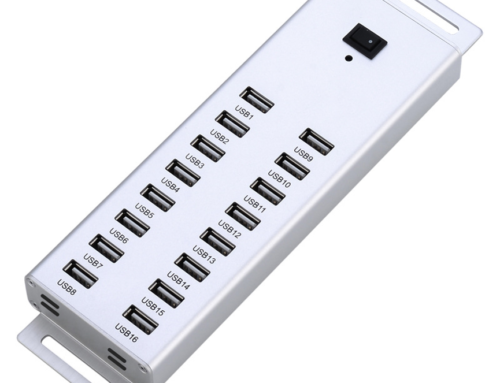
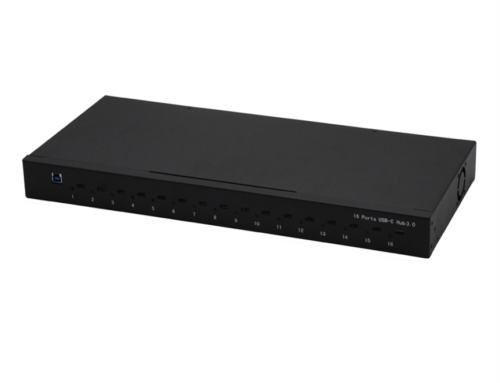
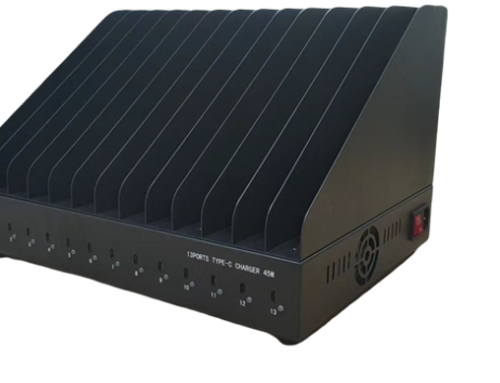
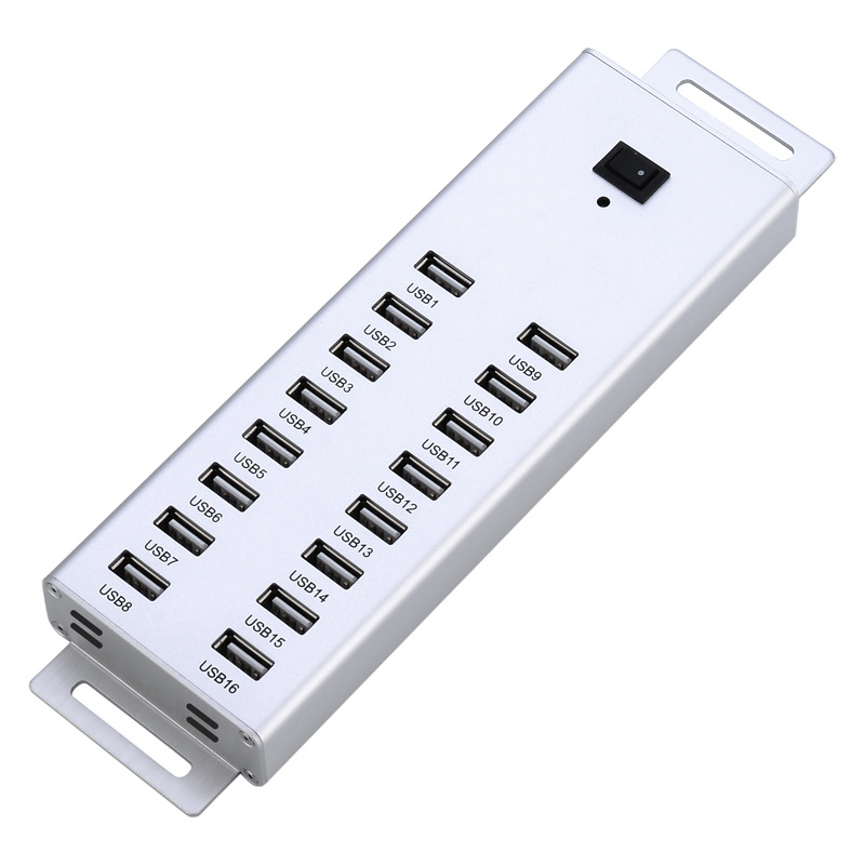
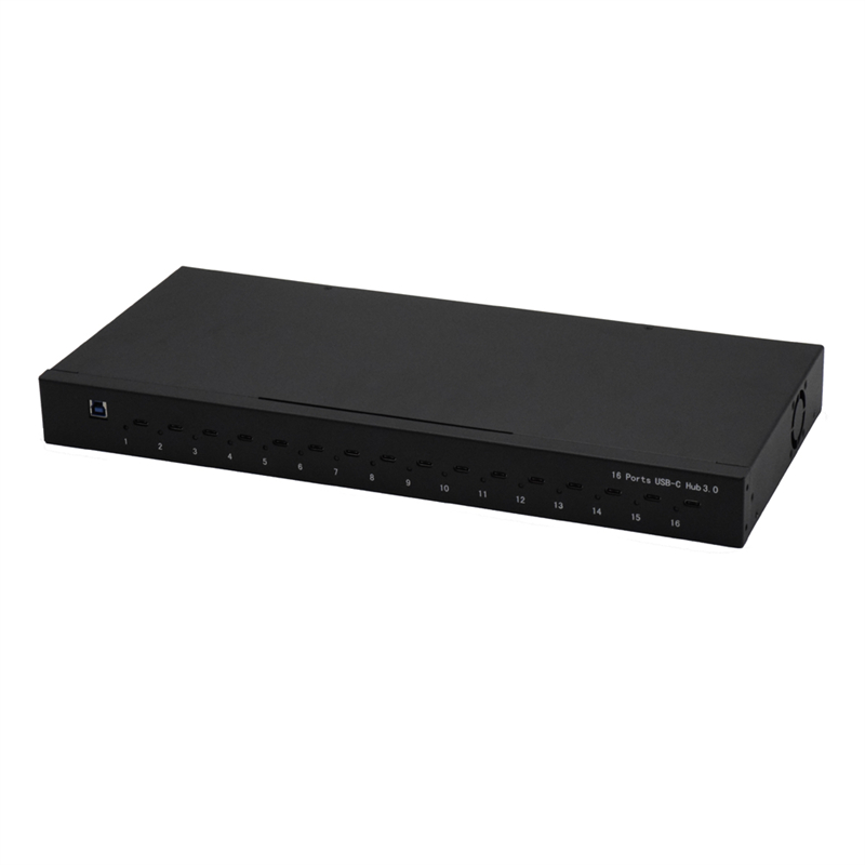
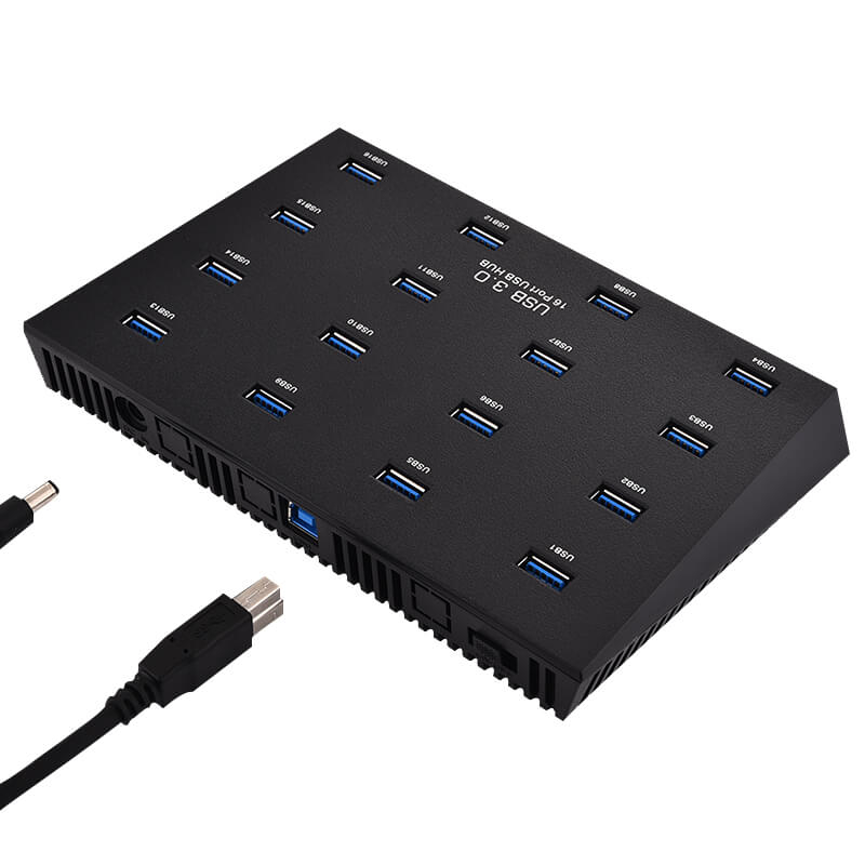
16 Port USB Duplicator is a multi-port USB device designed to connect multiple USB devices to a computer for copying, duplication, and synchronization workflows.
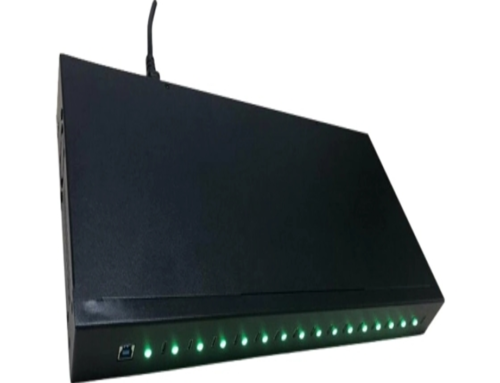
The device supports USB duplicator and copy speeds of up to 5Gbps according to the supplied specifications and comes with the required software free of charge. LED indicator lights provide a visual way to identify which USB ports are currently in use.
Designed for applications such as flash drive replication, USB sticks, and e-readers, the unit can be useful for organizations and users who regularly need to manage multiple USB devices simultaneously.

What Is a 16 Port USB Duplicator?
A 16 Port USB Duplicator is a multi-port USB device designed to connect multiple USB devices to a computer for copying, duplication, and synchronization workflows.
Rather than connecting USB devices one at a time, the 16-port design allows up to 16 devices to be connected simultaneously.
The product is positioned for duplication and replication tasks, making it particularly relevant to workflows where identical or similar data needs to be distributed across multiple USB devices.
Potential applications include:
- Flash drive replication
- USB stick copying
- E-reader management
- USB device synchronization
- Multi-device data distribution
- Device preparation
- USB media management
The supplied product information states that compatible software is provided free of charge for the duplication workflow.
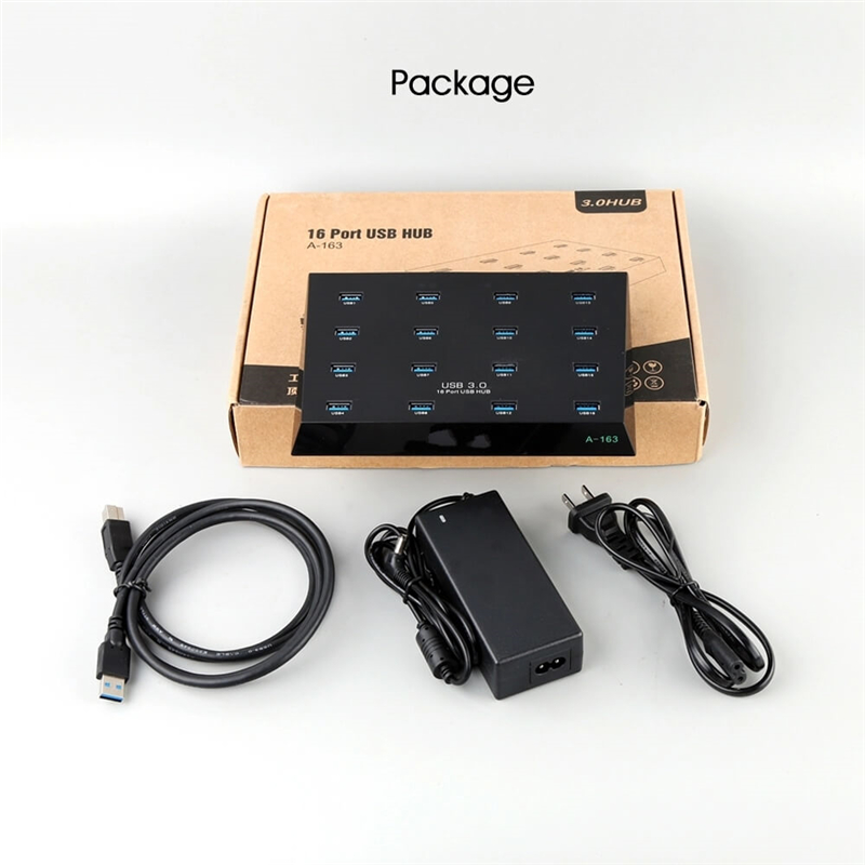
Key Specifications
| Specification | Details |
| Product | 16 Port USB Duplicator |
| Device Capacity | Up to 16 USB devices |
| Power Adapter | 5V/5A |
| Maximum Copy Speed | Up to 5Gbps |
| Status Indicators | LED indicator lights |
| Software | Duplication software provided free |
| Sync Function | Supports syncing compatible USB devices using compatible software |
| Operating Systems Listed | Windows ME/98/2000/XP/Vista/7; Mac 9.1/10.2 and higher |
| Applications | Flash drive replication, USB sticks, e-readers |
| Product Categories | Data & Hub, USB 3.0 HUB |
| Tags | USB Copier, USB Duplicator |
Connect Up to 16 USB Devices
The main feature of the product is its ability to connect up to 16 USB devices to a computer.
For workflows involving several USB drives or other compatible devices, this can reduce the need to repeatedly disconnect and reconnect individual devices.
A multi-port setup can be particularly useful when a user needs to prepare a batch of USB devices with the same content.
For example, instead of copying files to one USB stick, removing it, connecting another, and repeating the process, multiple compatible USB devices can be connected to the duplicator at the same time.
The actual number of devices that can be used in a particular workflow can depend on the computer, connected devices, software, and available power.
Up to 5Gbps Copy Speed
The product specifications state support for USB duplicator/copy speeds of up to 5Gbps.
This represents the stated maximum interface/copying capability and should be understood as an up-to figure rather than a guaranteed real-world transfer speed.
Actual copying performance can vary depending on several factors:
- USB device performance
- Source media speed
- Destination media speed
- File size
- Number of files
- Computer performance
- Software
- USB connection
- Simultaneous copying workload
For example, a high-performance USB storage device may be capable of much faster transfers than an older or slower flash drive. In a multi-device duplication process, the performance of the destination devices can also affect the overall workflow.
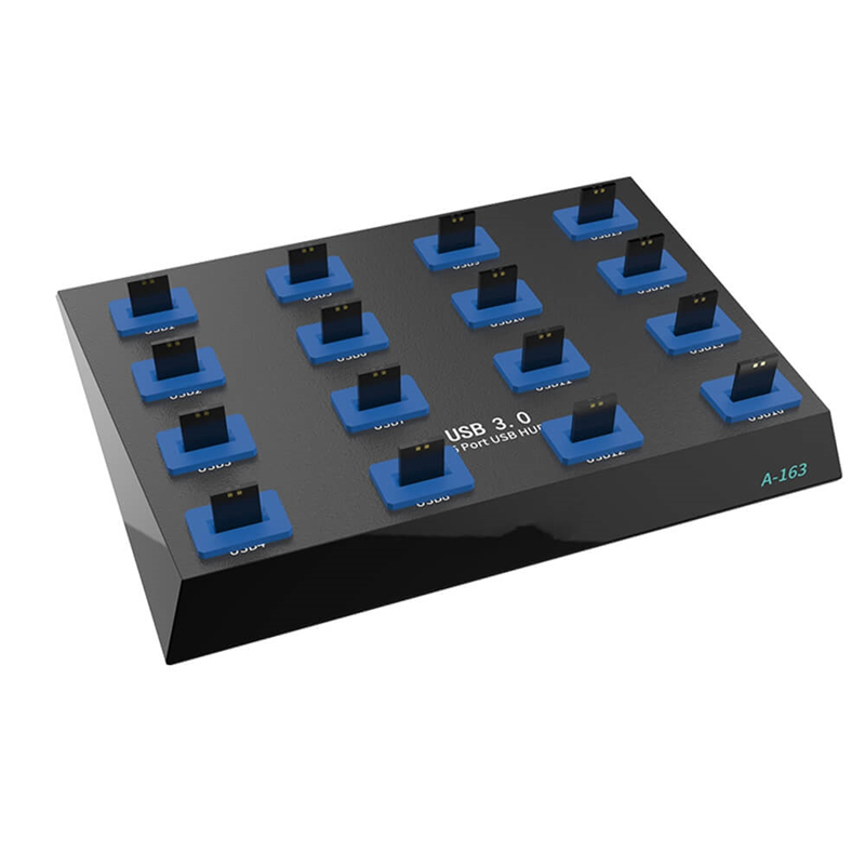
Free Duplication Software
The product is supplied with software for free, according to the provided specifications.
The software is intended to support USB duplication and copying workflows.
Software-based duplication can make batch copying more convenient because users can manage multiple connected USB devices from the computer rather than treating every device as a completely separate manual operation.
The exact software name, version, interface, supported features, and current compatibility details are not provided in the supplied specifications, so those details should be confirmed with the manufacturer before deployment.
USB Synchronization
The 16 Port USB Duplicator also supports syncing USB devices using compatible software.
Synchronization can be useful when multiple USB devices need to receive updated or matching content.
For example, an organization may need to distribute the same set of documents, media files, educational materials, or other permitted content across several USB devices.
The exact synchronization features depend on the supplied software and compatible devices.
It is therefore useful to distinguish between the hardware’s ability to connect multiple USB devices and the specific functions provided by the duplication software.
LED Indicator Lights
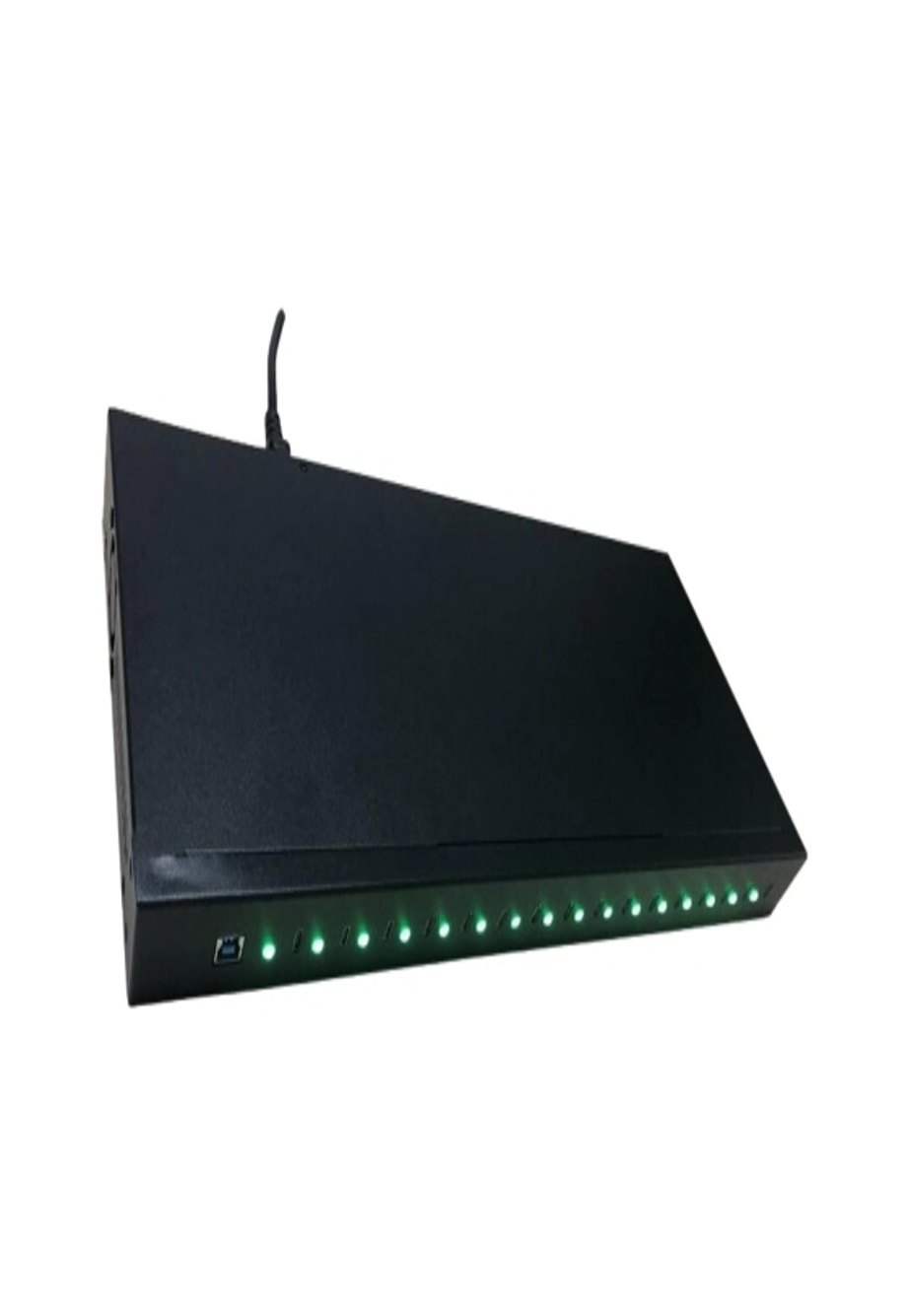
The unit includes LED indicator lights that show which USB ports are in use.
This simple visual feature can be valuable when multiple devices are connected simultaneously.
With up to 16 connected devices, identifying active ports by sight can make the workstation easier to manage.
LED indicators can help users:
- Identify connected ports
- Check which ports are active
- Monitor the multi-device setup
- Reduce unnecessary cable checking
- Organize multiple USB devices more efficiently
The supplied information specifically states that the indicators show which USB ports are in use; it does not specify additional meanings such as individual transfer status or error notifications.
5V/5A Power Adapter
The 16 Port USB Duplicator is supplied with a 5V/5A power adapter.
Using the basic electrical relationship:
5V × 5A = 25W
This means the stated adapter rating corresponds to approximately 25W of electrical power.
This is the power rating of the supplied adapter and should not be interpreted as 25W being available independently from every USB port.
When multiple devices are connected, available power is distributed according to the system’s design and the requirements of the connected USB devices.
For this reason, users should consider the power requirements of the USB devices being connected, especially when using a large number of devices simultaneously.
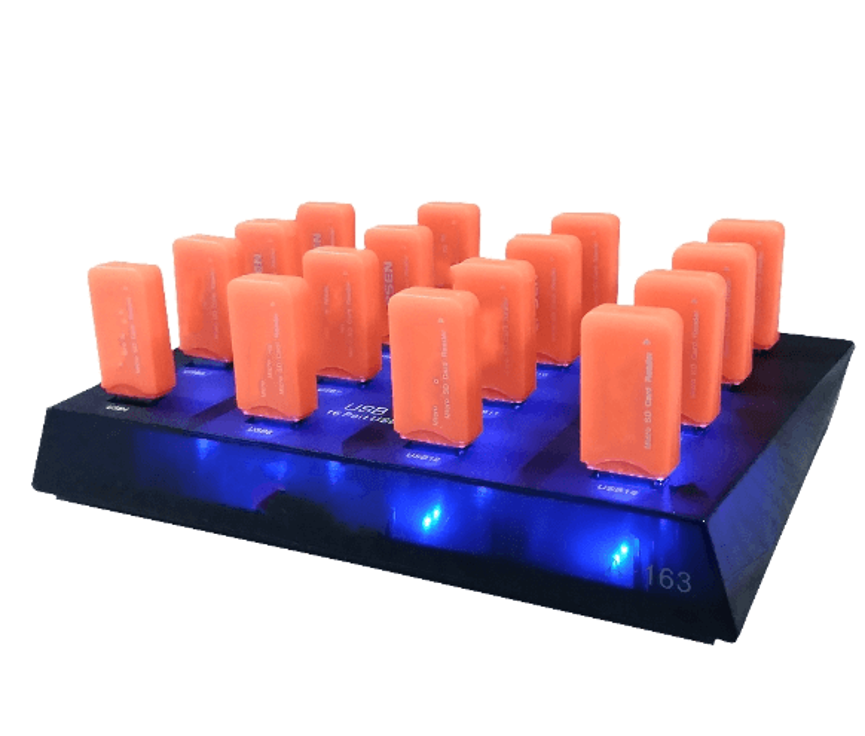
Flash Drive Replication
One of the main applications identified for this product is flash drive replication.
Flash drive replication involves preparing multiple USB drives with the same or required data.
This can be useful when an organization needs to distribute identical content across a batch of compatible USB drives.
Possible applications include:
- Preparing training materials
- Distributing approved business files
- Creating software or documentation media
- Preparing event materials
- Creating multiple identical USB data sets
- Preparing USB devices for controlled organizational use
Users should always ensure that they have the legal rights and authorization to copy the data being replicated.
USB Stick Copying
USB sticks are among the most common types of removable storage devices.
When several USB sticks need to receive the same content, a multi-port duplicator can simplify the physical connection process.
Instead of repeatedly swapping USB sticks, users can connect multiple compatible devices and manage them through the duplication software.
The actual duplication process will depend on the software supplied with the product and the characteristics of the connected USB devices.
E-Reader Applications
The supplied product information also identifies e-readers as a suitable application.
E-readers can sometimes require content management or synchronization through a computer connection. A multi-port USB solution can be useful in environments where several compatible devices need to be managed at once.
The exact compatibility with individual e-reader models depends on the device and software requirements.
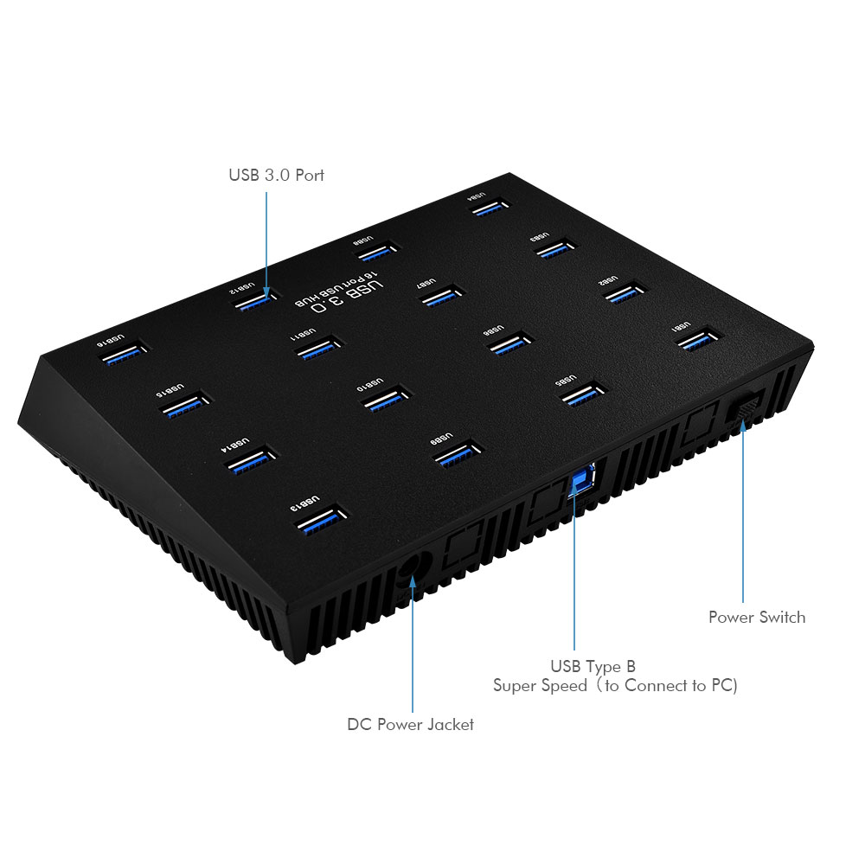
Operating System Compatibility
The product information lists support for several operating systems, including:
- Windows ME
- Windows 98
- Windows 2000
- Windows XP
- Windows Vista
- Windows 7
- Mac OS 9.1
- Mac OS 10.2
- Higher versions
Because these operating systems are older, users should verify current software and driver compatibility before deploying the product on a modern computer.
The supplied list reflects the operating systems stated in the product specifications. It does not provide a confirmed list of modern Windows or macOS versions.
For a current deployment, compatibility should be confirmed with the manufacturer or software provider.
How a Multi-Device Duplication Workflow Works
A typical duplication workflow can be organized into several stages.
Step 1: Connect the Duplicator
Connect the 16-port USB duplicator to the computer using the appropriate connection and power it with the supplied 5V/5A adapter.
Step 2: Connect USB Devices
Connect the source and destination USB devices to the available ports.
Step 3: Launch the Software
Open the supplied compatible duplication software on the computer.
Step 4: Identify the Devices
Use the software and LED indicators to identify the connected USB ports and devices.
Step 5: Select the Required Operation
Choose the appropriate duplication or synchronization operation supported by the software.
Step 6: Start the Process
Begin the copy or synchronization process according to the software instructions.
Step 7: Verify the Results
After completion, check the destination devices to confirm that the expected content has been copied successfully.
This workflow can be much more efficient for batch device preparation than repeatedly connecting individual USB drives.
16 Port USB Duplicator vs Standard USB Hub
Although both products can provide multiple USB connections, their intended purposes are different.
| Feature | 16 Port USB Duplicator | Standard USB Hub |
| USB Device Connections | Up to 16 | Varies |
| Duplication Focus | Yes | Generally no |
| Copying Software | Provided free | Usually not duplication-focused |
| Maximum Stated Copy Speed | Up to 5Gbps | Depends on model |
| LED Port Indicators | Yes | Varies |
| Power Adapter | 5V/5A | Varies |
| Flash Drive Replication | Designed for this use | Not necessarily |
| USB Synchronization | Supported with compatible software | Depends on software/system |
| E-Reader Application | Listed | Depends on model |
| Batch USB Management | Yes | General connectivity |
The main distinction is that the 16 Port USB Duplicator is specifically positioned around USB copying, duplication, and synchronization, rather than simply adding more USB ports.
Benefits of a 16 Port USB Duplicator
Batch Device Management
Multiple USB devices can be connected at the same time, simplifying large-scale copying workflows.
Centralized Operation
Users can manage several devices from one computer rather than repeatedly changing connections.
Visual Port Status
LED indicators help identify which ports are currently in use.
High Stated Copy Capability
The product supports copy speeds of up to 5Gbps according to the supplied specifications.
Software Included
Duplication software is provided free with the product.
Versatile Applications
The product is intended for flash drive replication, USB sticks, and e-readers.
Best Practices for USB Duplication
Verify the Source Data
Before starting a large duplication task, confirm that the source device contains the correct and final data.
Check Destination Capacity
Destination USB devices should have enough available capacity for the data being copied.
Use Compatible Devices
Not every USB storage device necessarily behaves identically. Test the intended device type before a large batch operation.
Avoid Disconnecting Devices During Transfers
Removing a USB device while data is being copied can cause incomplete or corrupted transfers.
Verify Copied Data
After duplication, check a sample or the required destination devices to confirm successful copying.
Keep Software Updated Where Applicable
The product’s supplied operating-system information includes older platforms. For modern systems, verify whether the supplied software requires an updated version or additional compatibility support.
Maintain Adequate Power
When many devices are connected, consider their combined power requirements and the capabilities of the supplied 5V/5A adapter.
Who Can Use a 16 Port USB Duplicator?
The product can be useful for users and organizations that regularly need to prepare multiple USB devices.
Potential applications include:
- IT departments
- Educational institutions
- Training organizations
- Software deployment teams
- Service centers
- Media preparation environments
- Device-management teams
- Commercial businesses
- Technical workstations
It is particularly relevant where multiple USB storage devices need to receive identical or synchronized content.
Important Compatibility Considerations
The term USB duplicator describes the intended workflow, but successful duplication still depends on the connected hardware and software.
Users should consider:
USB Device Type
Confirm that the connected USB storage or device is supported by the supplied software.
Computer Compatibility
Verify that the host computer can recognize the duplicator and connected devices.
Software Compatibility
The duplication software must support the operating system being used.
Storage Capacity
Destination devices need adequate capacity for the data being copied.
Data Rights
Only duplicate data for which you have the appropriate rights or authorization.
Transfer Performance
The stated 5Gbps is a maximum figure. Real-world performance may be lower depending on the entire system.
Frequently Asked Questions
How many devices can the duplicator connect?
The product can connect up to 16 USB devices to a computer.
What is the maximum copy speed?
The supplied specifications state copy speeds of up to 5Gbps.
Does the product include duplication software?
Yes. The product information states that the required software is provided free of charge.
What power adapter does it use?
The product includes a 5V/5A power adapter.
How much power is that adapter rated for?
The stated 5V/5A rating corresponds to approximately 25W using the basic voltage × current calculation.
Does the device have LED indicators?
Yes. LED indicators show which USB ports are currently in use.
Can it synchronize USB devices?
Yes. The product supports syncing USB devices using compatible software.
What devices is it suitable for?
The supplied specifications identify flash drives, USB sticks, and e-readers as suitable applications.
Does it support USB 3.0?
The product is categorized as a USB 3.0 HUB and specifies copy speeds of up to 5Gbps, which is consistent with the USB 3.x SuperSpeed class. However, the supplied information does not provide a detailed USB specification statement beyond those details.
Does 5Gbps mean every device will copy at 5Gbps?
No. 5Gbps is the stated maximum copy speed, not a guaranteed real-world speed. Actual performance depends on the computer, USB devices, storage media, files, software, and simultaneous workload.
Does it work with modern Windows and macOS?
The supplied compatibility list specifically names older Windows and Mac operating systems. Because modern operating systems are not explicitly listed, current compatibility should be confirmed before purchase or deployment.
Conclusion
The 16 Port USB Duplicator is designed for users who need to connect and manage multiple USB devices from one computer. With support for up to 16 devices, a 5V/5A power adapter, LED port indicators, up to 5Gbps copy speeds, and free duplication software, it provides a centralized solution for USB copying and synchronization workflows.
Its intended applications include flash drive replication, USB stick management, and e-reader workflows, making it particularly useful for batch USB device preparation.
The 16-port configuration can reduce the repetitive process of connecting and disconnecting individual devices, while the LED indicators provide a simple visual reference for active ports. The supplied software further supports duplication and synchronization workflows where compatible hardware and operating systems are used.
The stated 5Gbps copy speed should be treated as a maximum capability, since actual performance depends on the connected USB devices, source and destination storage speeds, computer hardware, software, file characteristics, and number of devices being processed simultaneously.
For organizations managing multiple USB devices, the 16 Port USB Duplicator provides a practical centralized approach to USB copying, replication, and synchronization. Before deployment, users should verify current software compatibility, destination storage capacity, device compatibility, and the power requirements of their specific USB devices.