Introduction
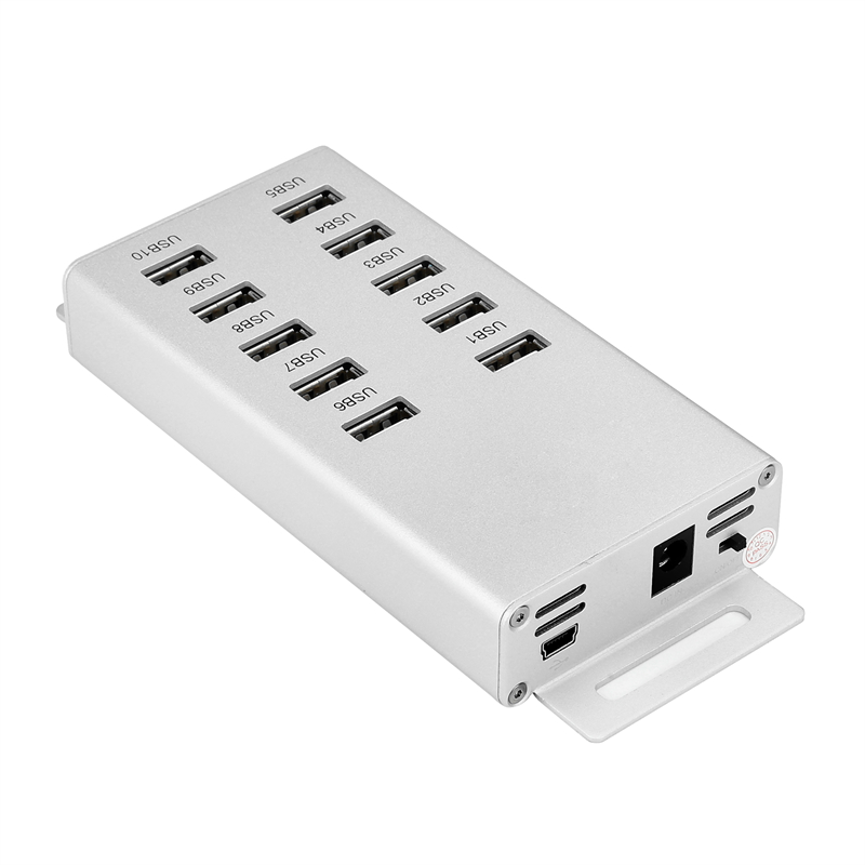
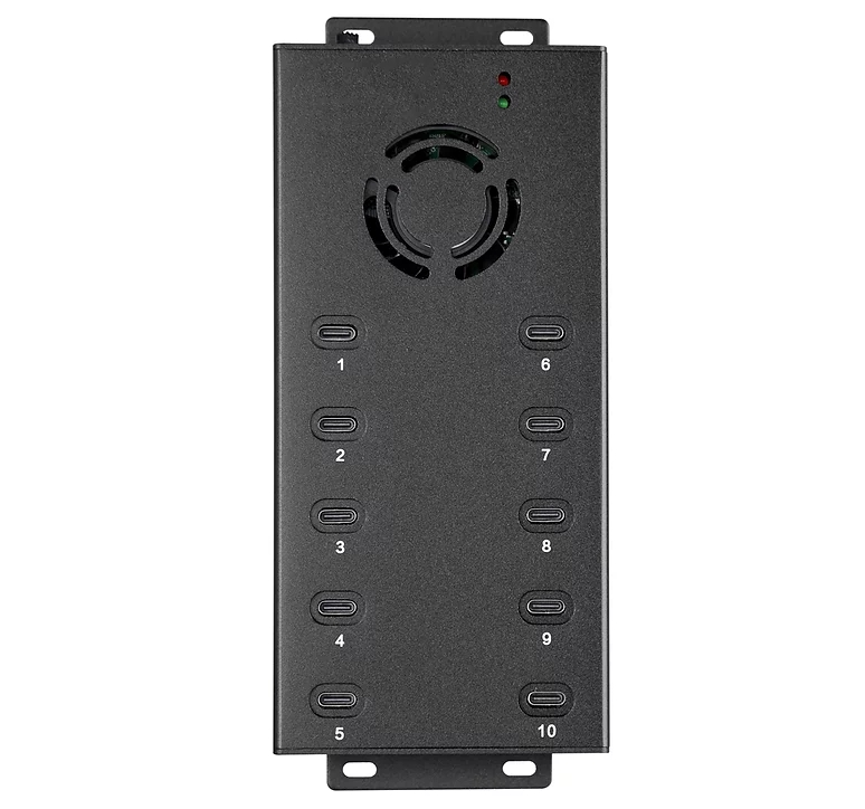
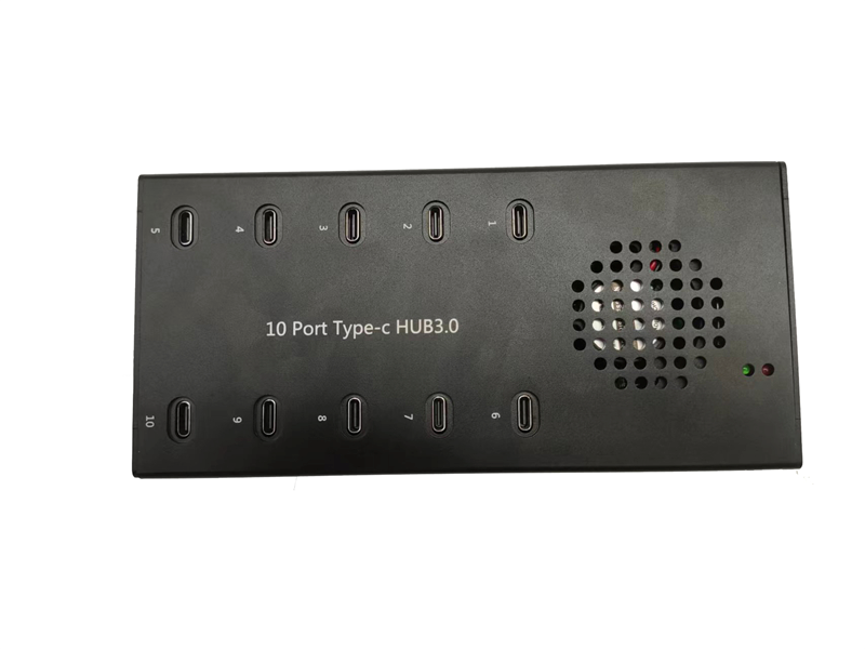
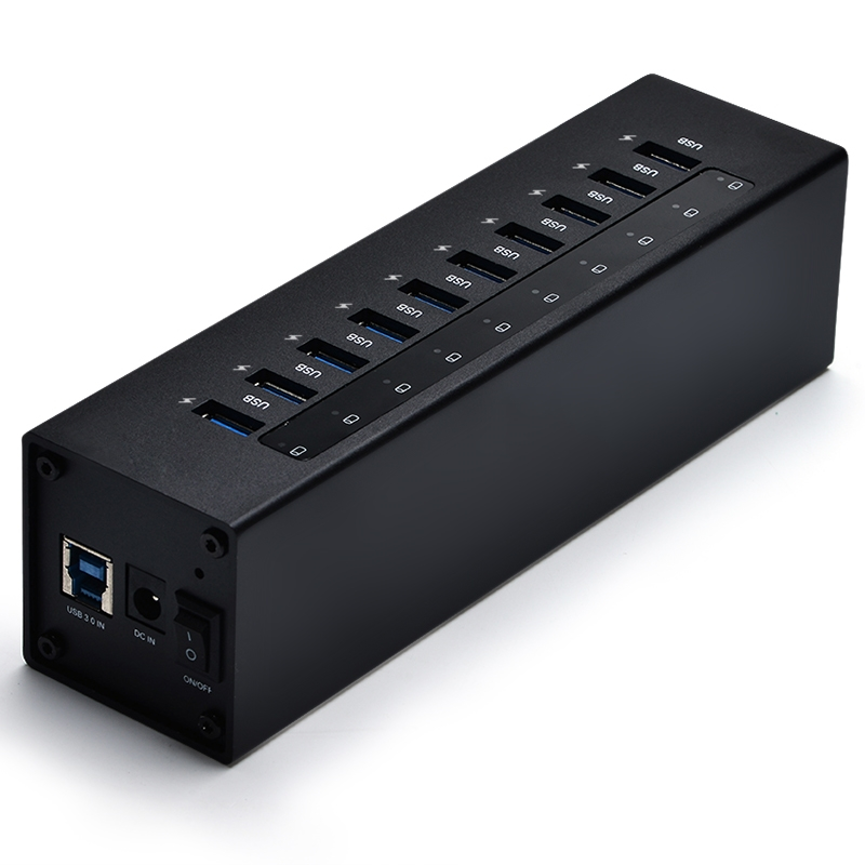
A 10 Ports USB Charging Station provides a convenient way to charge multiple USB-powered devices from one centralized location. Homes, offices, schools, healthcare facilities, retail stores, and industrial environments may have dozens or even hundreds of devices that require regular charging.
Using individual chargers for every device can create cable clutter, occupy valuable electrical outlets, and make device management more difficult. A 10 Ports USB Charging Station provides a centralized solution for charging multiple USB-connected devices from one convenient location.
Designed for both personal and professional environments, a multi-port USB charging station can support devices such as iPads, iPhones, Android tablets, Windows tablets, smartphones, Kindles, Nooks, eReaders, and other USB-compatible electronics.
With support for charging iPads at their full 2.1A charging rate, this type of charging station can provide a convenient and organized way to keep multiple devices ready for use.
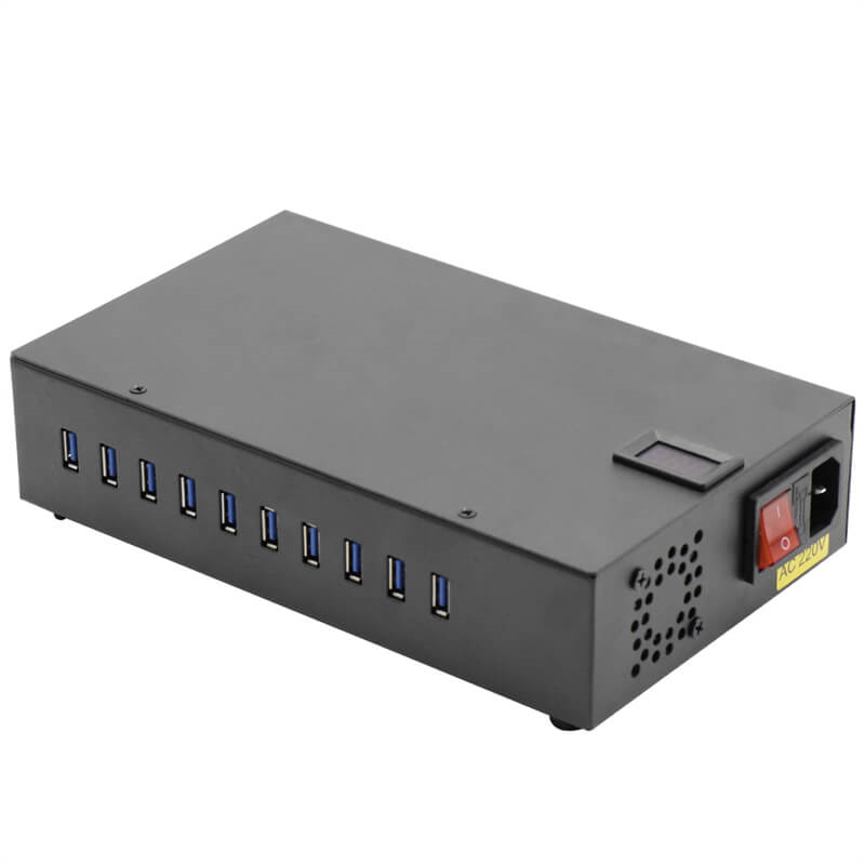
What Is a 10 Ports USB Charging Station?
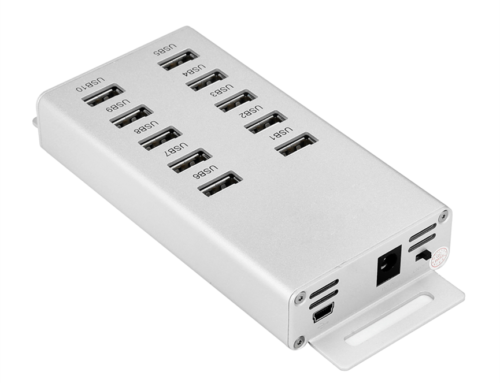
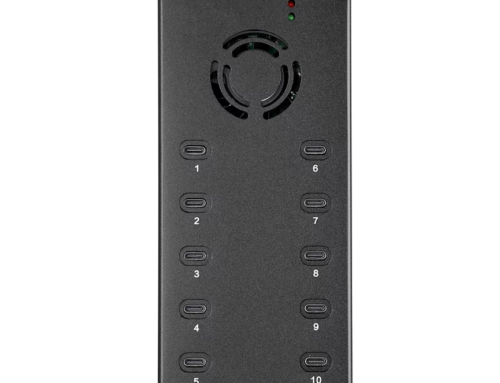
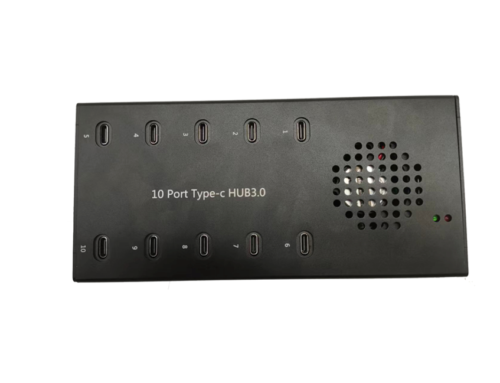
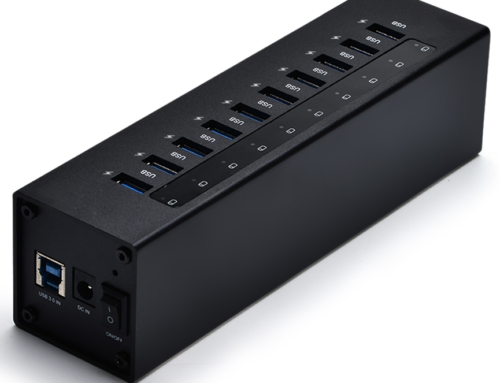
A 10 Ports USB Charging Station is a centralized charging unit equipped with ten USB charging ports. It allows multiple compatible devices to be connected and charged simultaneously without requiring a separate wall charger for every device.
Unlike conventional single-port chargers, a multi-port charging station is designed around the needs of users who manage several devices at the same time.
It can be used to charge:
- iPads
- iPhones
- iPods and iPod Touch devices
- Android smartphones
- Android tablets
- Windows tablets
- Kindles
- Nooks
- eReaders
- Other USB-connected devices
This flexibility makes a 10-port charging station suitable for environments where multiple people or devices need access to charging throughout the day.
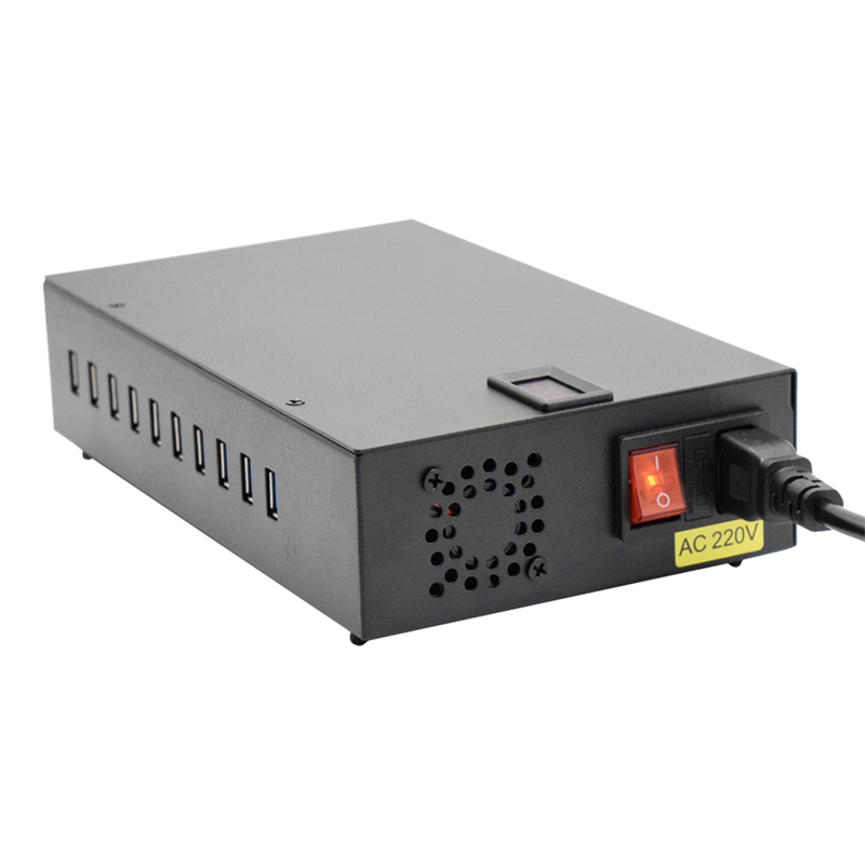
How Does a Multi-Port USB Charging Station Work?
The operating principle is simple. The charging station connects to a suitable power source and provides multiple USB charging outputs through its integrated ports.
Users can connect compatible charging cables to the available ports and then connect their devices.
A typical charging process includes:
- Position the charging station in a suitable location.
- Connect the station to its designated power source.
- Connect USB charging cables to the available ports.
- Connect smartphones, tablets, eReaders, or other USB devices.
- Allow the connected devices to charge simultaneously.
- Disconnect the devices when charging is complete.
The centralized approach makes it easier to establish a dedicated charging area rather than having individual chargers distributed throughout a facility.
10 Ports USB Charging Station: Key Features and Benefits
Supports Multiple USB Devices
The primary benefit is the ability to charge up to ten compatible devices through one charging station.
This can be particularly valuable in offices, schools, healthcare facilities, retail environments, and other locations where multiple devices are used every day.
Supports iPad Charging
The charging station can support iPads at their full 2.1A charging rate, subject to device compatibility and charging conditions.
This is useful for educational institutions, businesses, healthcare facilities, and other organizations that rely on iPads for daily operations.
Compatible With Smartphones and Tablets
The charging station is designed for a broad range of USB-connected devices.
Compatible device categories can include Apple products, Android devices, Windows tablets, and other electronics.
Supports eReaders
Devices such as Kindles, Nooks, and other eReaders can also benefit from a centralized USB charging solution.
This makes the station useful in libraries, schools, hotels, offices, and other environments where eReaders may be regularly used.
Centralized Charging
Instead of connecting ten separate chargers to different outlets, users can establish one dedicated charging location.
This can simplify device management and reduce unnecessary cable and adapter clutter.
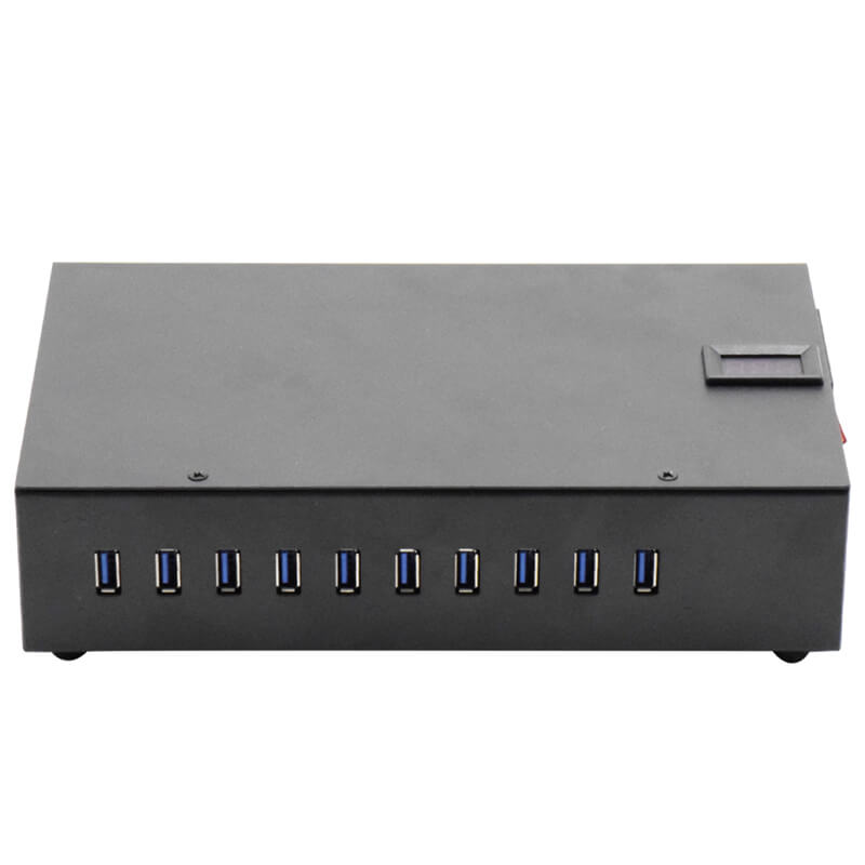
10 Ports USB Charging Station Specifications
The exact specifications may vary depending on the model and configuration, but the primary product capabilities can be summarized as follows:
| Feature | Details |
| Product Type | 10 Ports USB Charging Station |
| Number of Ports | 10 USB charging ports |
| Supported Devices | Smartphones, tablets, eReaders and USB devices |
| iPad Charging | Up to full 2.1A charging |
| Apple Devices | iPad, iPod, iPod Touch, iPhone |
| Android Devices | Android phones and tablets |
| Windows Devices | Windows tablets |
| eReaders | Kindle, Nook and compatible devices |
| Application | Home, office and commercial environments |
| Deployment | Education, retail, healthcare, industrial and business |
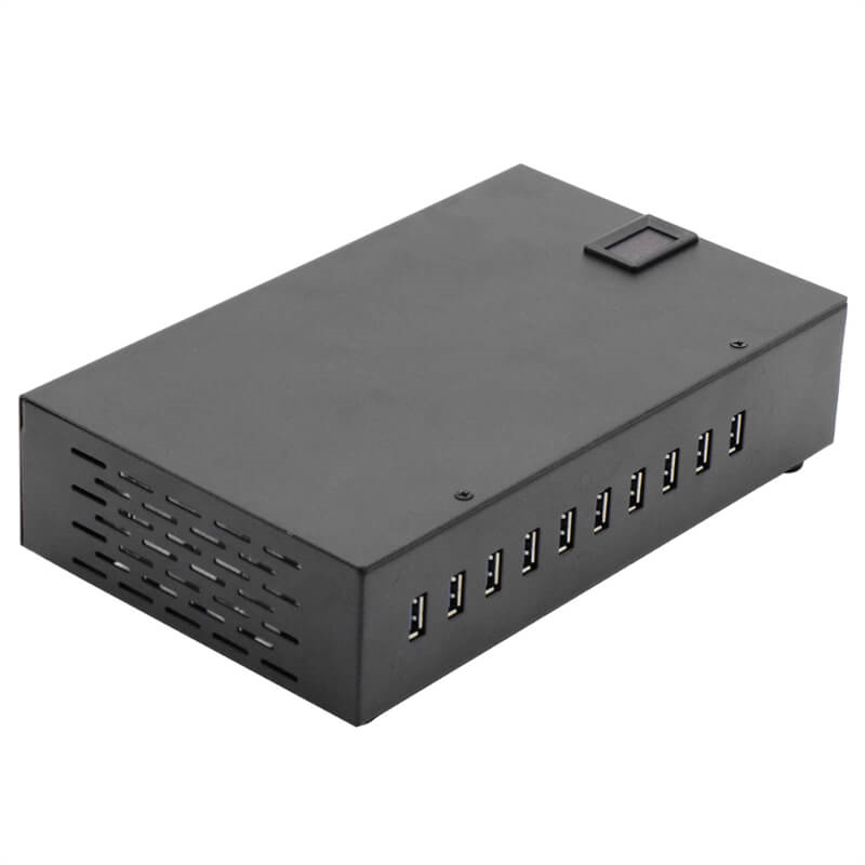
Benefits of Using a 10 Port USB Charging Station
Charge Multiple Devices at Once
The ability to connect multiple devices simultaneously is the main advantage of a 10-port charging station.
In a workplace, for example, employees may need to charge smartphones and tablets during the same period. A centralized station eliminates the need to locate several individual chargers.
Reduces Cable Clutter
Multiple adapters and charging cables can quickly make desks and workspaces look disorganized.
A dedicated multi USB charging station gives users a central location for charging, making cable management easier.
Saves Space
A centralized charging solution can reduce the number of individual charging adapters required in a workspace.
This is especially useful in environments where desk space, counter space, or electrical outlets are limited.
Convenient Device Management
When devices are charged in one designated area, it becomes easier to manage them.
Organizations can establish charging procedures, assign charging locations, and maintain better visibility over shared devices.
Suitable for Shared Environments
Schools, businesses, healthcare facilities, retail stores, and other organizations often have devices shared between multiple users.
A 10-port charging station provides a convenient shared charging point.
Applications of a 10 Ports USB Charging Station
A multi-device charging station can be deployed in many industries.
| Environment | Application |
| Education | Charging student tablets and iPads |
| Offices | Charging employee smartphones and tablets |
| Healthcare | Charging mobile devices used by staff |
| Retail | Charging business and POS-related devices |
| Industrial | Charging tablets and mobile equipment |
| Commercial | Centralized charging areas |
| Hotels | Guest and staff device charging |
| Libraries | Charging tablets and eReaders |
| Training Centers | Managing shared mobile devices |
| Home | Charging family smartphones and tablets |
10 Port Charging Station for Education
Educational institutions increasingly use tablets and mobile technology for teaching, communication, testing, and administration.
When a classroom contains multiple tablets, keeping each device charged can become a daily challenge.
A tablet charging station provides a dedicated location where devices can be returned after use.
For example, a school may have a classroom set of ten iPads. Instead of providing a separate charging adapter for every device, the school can use a multi-port charging station to organize charging.
Benefits for Schools
- Centralized device charging
- Better classroom organization
- Reduced cable clutter
- Convenient access to charging
- Suitable for multiple student devices
- Easier device management
The same concept can be applied in universities, colleges, libraries, and training facilities.
USB Charging Station for Offices
Modern offices rely heavily on smartphones, tablets, laptops, and other connected devices.
Employees may need to charge devices during meetings, working hours, or breaks. A centralized office charging station provides an accessible location for charging compatible USB devices.
It can also be useful for businesses that provide shared tablets to employees for inventory, communication, customer service, or operational tasks.
Charging Solutions for Healthcare Environments
Healthcare facilities frequently use mobile technology for communication, patient management, documentation, monitoring, and other operational activities.
A centralized charging solution can help keep compatible mobile devices ready for use.
For example, tablets used by healthcare staff can be placed in a designated charging area when they are not being used.
Because healthcare environments can have strict equipment-management requirements, organizations should select charging equipment that meets their operational and electrical safety requirements.
Multi-Port USB Charger vs. Individual Chargers
Choosing between individual chargers and a centralized multi-port solution depends on the number of devices and the environment.
| Feature | Individual Chargers | 10 Port USB Charging Station |
| Device Capacity | Usually one per charger | Up to 10 devices |
| Charging Location | Multiple locations | Centralized |
| Cable Management | More difficult | Easier |
| Outlet Usage | Multiple adapters | Centralized setup |
| Shared Use | Limited | Excellent |
| Device Organization | Lower | Higher |
| Workplace Suitability | Small-scale use | Multi-device environments |
For users managing several devices every day, a multi-port charging station can provide a more organized approach.
10 Ports USB Charging Station for Commercial Use
Commercial environments can benefit from centralized device charging in several ways.
Retail businesses may use tablets for inventory, product information, customer service, or payment-related activities. Hotels may use tablets and mobile devices for guest services. Training centers may provide devices to students or participants.
In these situations, a 10 port USB charger can provide a dedicated charging location.
The charging station can also help organizations establish a consistent charging routine, reducing the possibility of devices being left with low battery levels when they are needed.
What Makes a Good Multi USB Charging Station?
When choosing a multi USB charging station, several factors should be considered.
Number of Ports
Determine how many devices need to be charged simultaneously. Ten ports can be suitable for small to medium-sized device groups.
Device Compatibility
Check whether the charging station supports the specific devices being used, including Apple, Android, Windows, and eReader products.
Charging Output
Charging performance should match the requirements of the connected devices. For example, iPads may require up to 2.1A under supported charging conditions.
Physical Design
The station should fit comfortably into the intended charging area. A well-organized setup can improve accessibility and reduce cable clutter.
Intended Environment
Consider whether the station will be used at home, in an office, classroom, healthcare facility, retail environment, or industrial location.
Charging Station vs. Charging Kiosk
The terms charging station and charging kiosk are sometimes used interchangeably, but they can describe different types of products.
A charging station generally refers to a centralized unit designed to charge several devices.
A charging kiosk may include a larger physical structure, device storage compartments, user-facing features, or additional functionality.
| Feature | Charging Station | Charging Kiosk |
| Primary Purpose | Device charging | Charging and public/device management |
| Typical Size | Compact | Often larger |
| Device Capacity | Multiple devices | Multiple devices |
| Common Location | Offices, classrooms, homes | Public and commercial spaces |
| User Interaction | Simple | May provide additional features |
The right choice depends on the application and installation environment.
Best Practices for Using a USB Charging Station
Use Appropriate Cables
Always use cables suitable for the connected devices. Damaged or poor-quality cables can affect charging reliability.
Keep the Charging Area Organized
Cable management becomes particularly important when multiple devices are connected.
Avoid Damaged Devices
Do not connect devices with damaged charging ports, cables, or batteries unless they have been properly inspected.
Follow Manufacturer Guidelines
Operate the charging station according to the manufacturer’s instructions and electrical requirements.
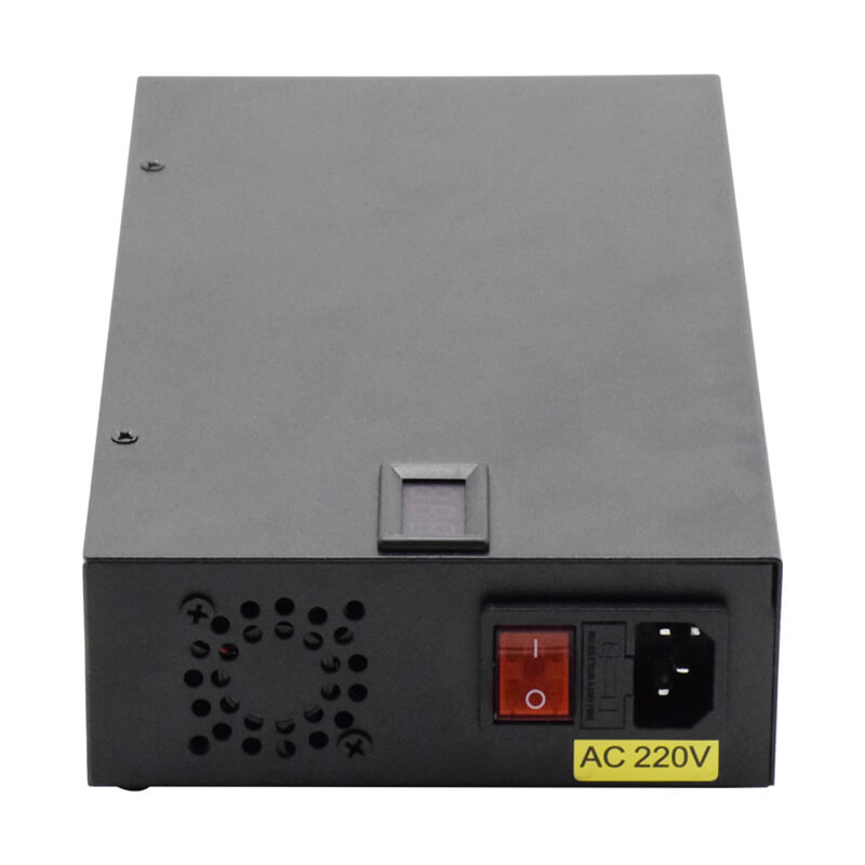
Provide Adequate Ventilation
Keep the charging station in an appropriate location with sufficient airflow and avoid covering ventilation areas.
Who Should Use a 10 Ports USB Charging Station?
A 10-port charging solution can be useful for anyone managing multiple USB devices.
It is particularly suitable for:
- Schools and universities
- Corporate offices
- Healthcare organizations
- Retail businesses
- Hotels and hospitality
- Libraries
- Training centers
- Industrial facilities
- Commercial organizations
- Homes with multiple users
If several USB-connected devices need to be charged in the same location, a centralized charging station can simplify the process.
Frequently Asked Questions
What is a 10 Ports USB Charging Station?
A 10 Ports USB Charging Station is a centralized device that provides ten USB charging ports, allowing multiple compatible smartphones, tablets, eReaders, and other USB devices to charge in one location.
How many devices can it charge?
It is designed to support up to ten compatible USB devices simultaneously.
Can it charge iPads?
Yes. The product is designed to support iPads at their full 2.1A charging rate under compatible charging conditions.
Can I charge Android tablets?
Yes. Compatible Android tablets and smartphones can be connected through the USB charging ports.
Can it charge Kindles and Nooks?
Yes. Compatible Kindle, Nook, and other USB-connected eReaders can be charged using the station.
Is a 10-port charging station suitable for schools?
Yes. It can be particularly useful for classrooms and educational institutions that manage multiple iPads, tablets, and other student devices.
Can businesses use a multi-port USB charger?
Yes. Offices, retail businesses, healthcare organizations, industrial facilities, and other commercial environments can use centralized charging stations for compatible devices.
Is a charging station better than individual chargers?
For environments managing many devices, a centralized charging station can provide better organization and convenience than using numerous individual chargers. The best option depends on the number and type of devices being managed.
Conclusion
A 10 Ports USB Charging Station provides a convenient and organized way to manage multiple USB-powered devices in one location. Its ability to support iPads, iPhones, iPods, Android and Windows tablets, smartphones, Kindles, Nooks, eReaders, and other USB-connected devices makes it a versatile solution for a wide range of environments.
From classrooms and offices to healthcare facilities, retail stores, industrial workplaces, and homes, centralized charging can reduce cable clutter, simplify device management, and provide convenient access to power.
For organizations that regularly manage several tablets, smartphones, and other USB devices, investing in a reliable multi-port USB charging station can make everyday charging more efficient and organized.
Whether the goal is to create a classroom tablet charging station, an office charging area, or a commercial charging kiosk, choosing the right multi-device charging solution can help keep essential electronics powered and ready for use.