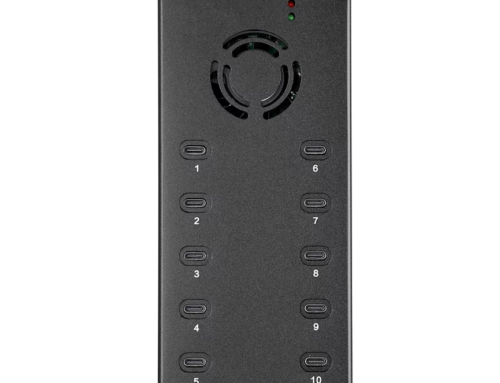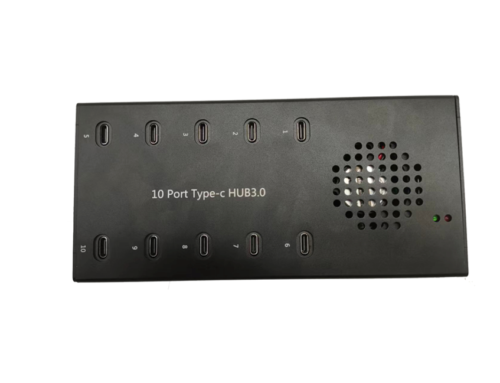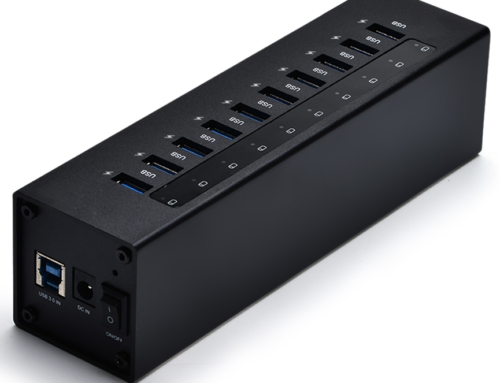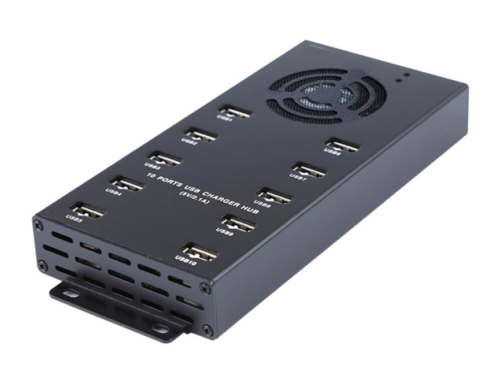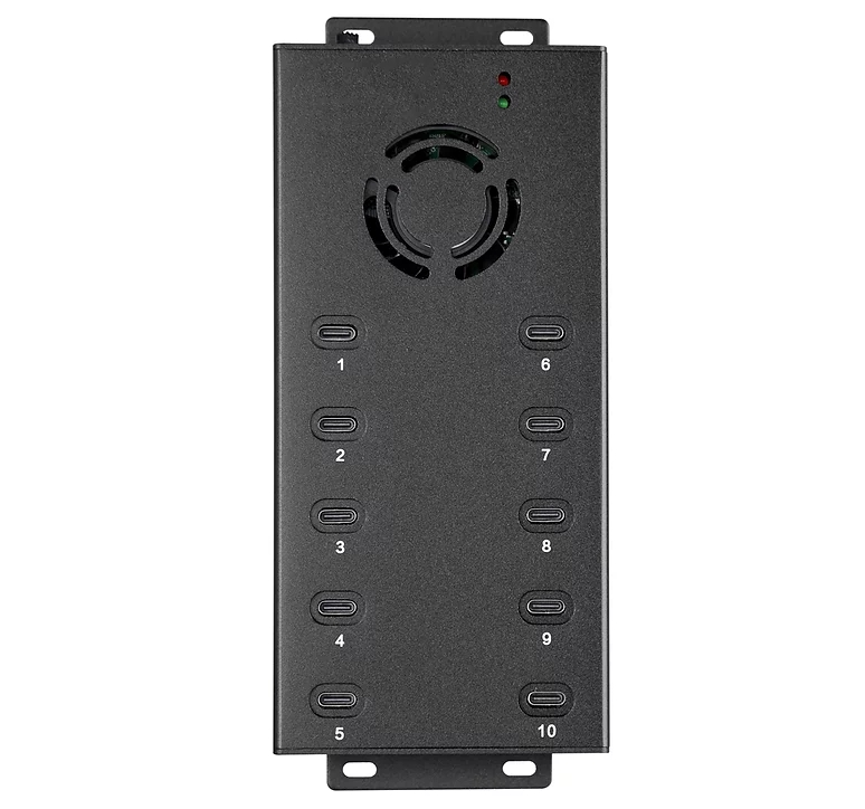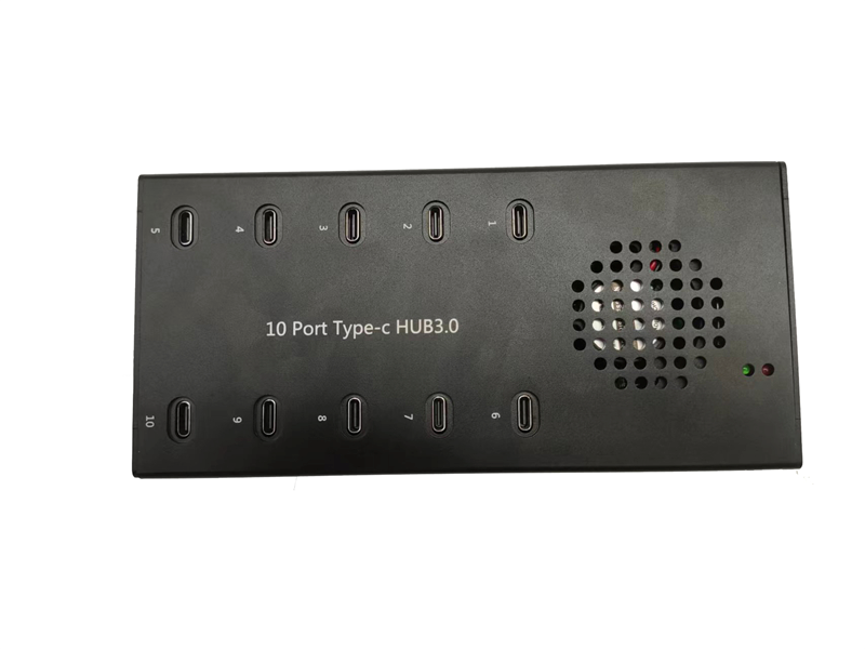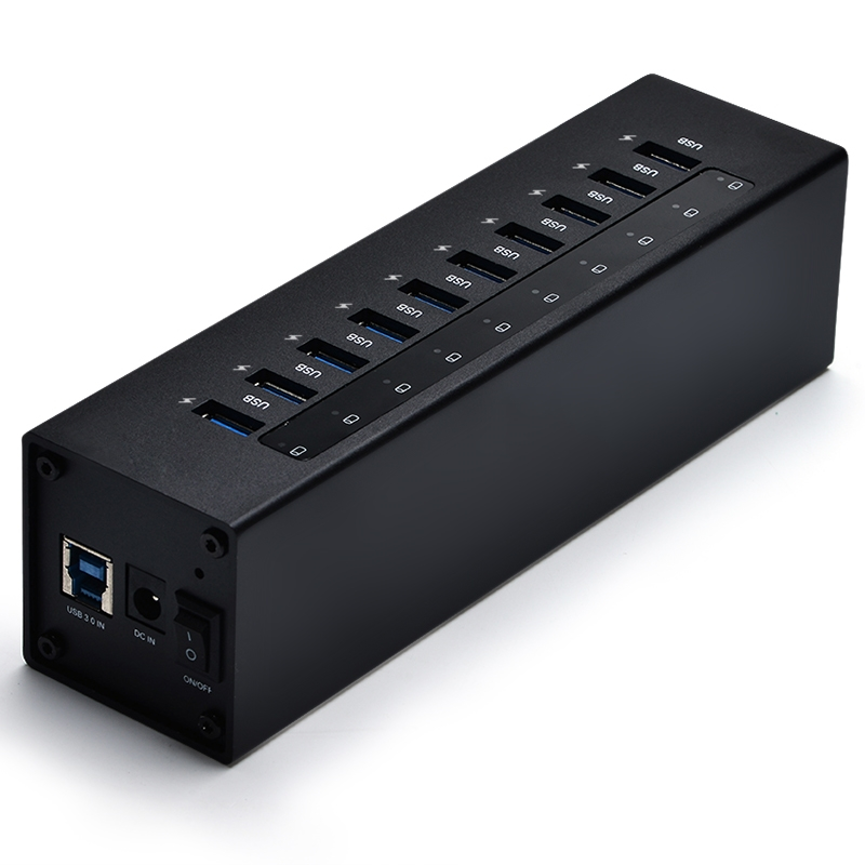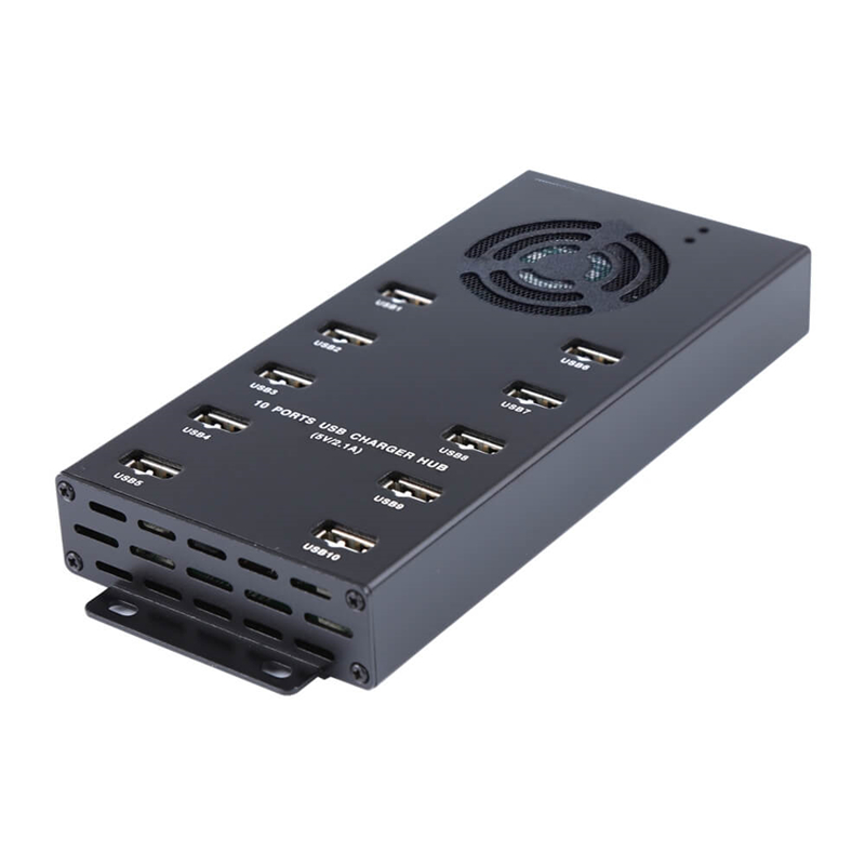
The 10 Port USB 2.0 HUB A-10A provides a practical way to expand USB connectivity for computers, workstations, and other compatible systems. When users need to connect additional peripherals, external storage devices, input devices, or other USB equipment, a multi-port hub can provide a practical way to expand connectivity.
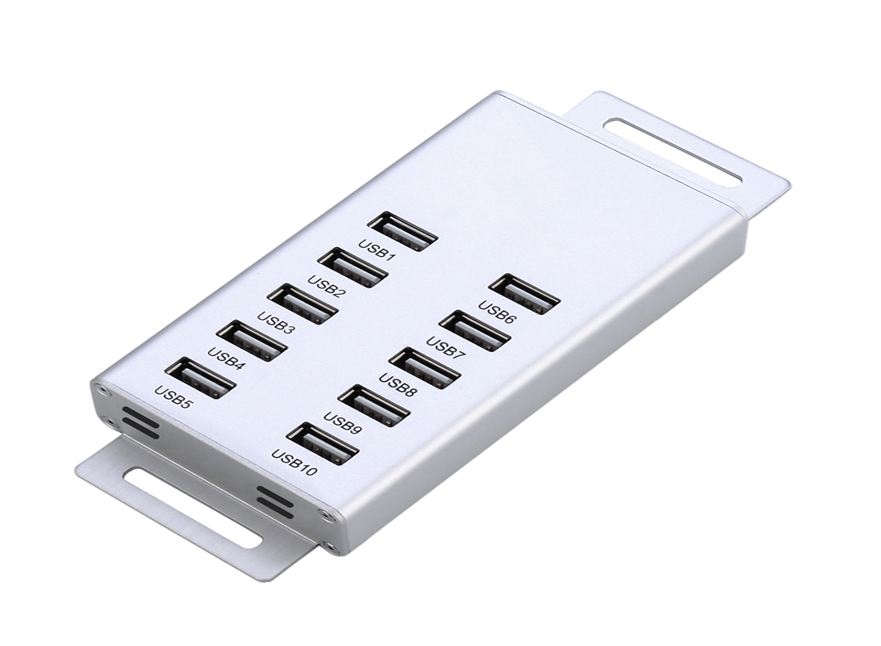
The 10 Ports USB 2.0 HUB Model A-10A is designed specifically for this purpose. It provides 10 USB 2.0 ports through a single hub, giving users more connection options for compatible USB devices.
The A-10A comes with a 65W power adapter rated at 19V/3.42A, providing external power for the hub. It also features a USB 2.0 interface, making it suitable for USB 2.0 peripherals and everyday connectivity requirements.
As part of the USB 2.0 HUB product category, the A-10A is a practical option for users who need to connect multiple USB devices from one centralized location.
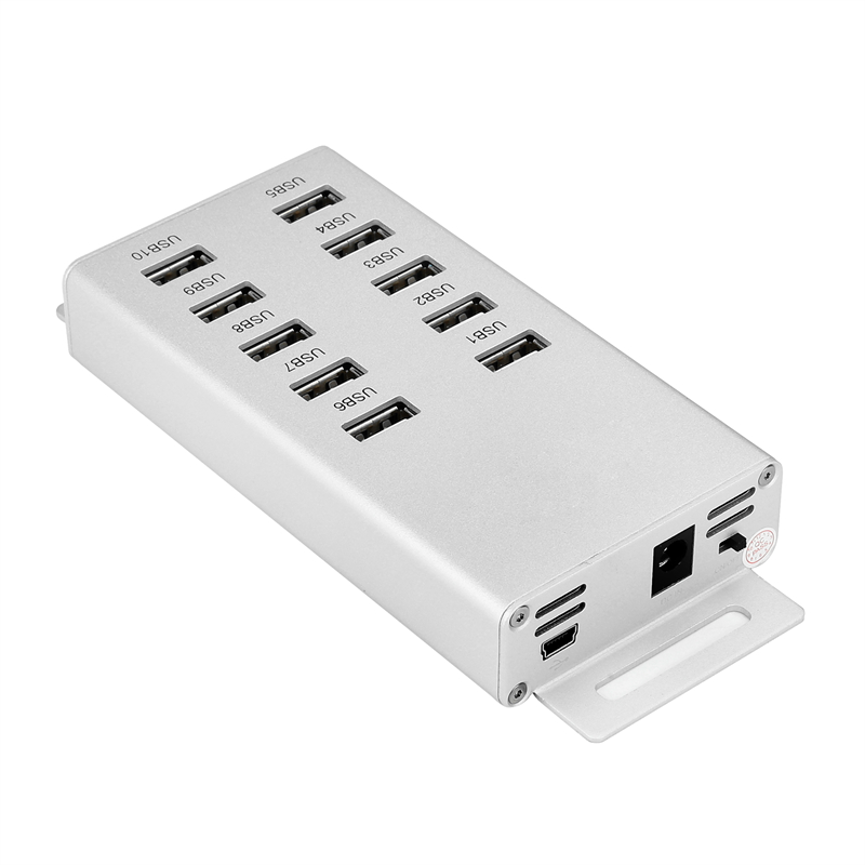
What Is the A-10A 10 Port USB 2.0 HUB?
The A-10A is a 10-port USB 2.0 hub designed to expand the number of available USB connections on a compatible computer or host system.
Instead of connecting each USB device directly to the limited ports on a computer, users can connect the A-10A to the host system and then connect multiple compatible peripherals to the hub.
The product provides 10 USB 2.0 ports, making it useful for environments where multiple USB devices need to be connected at the same time.
The included 65W power adapter provides external power to the hub, which is particularly relevant when several USB peripherals are connected.
The A-10A can therefore serve as a centralized connectivity point for a desktop, workstation, office setup, technical environment, or other compatible USB applications.
10 Port USB 2.0 HUB A-10A: Key Features
1. 10 USB 2.0 Ports
The A-10A provides 10 USB 2.0 ports, giving users significantly more USB connection options than a computer with only a few built-in ports.
This can be useful when a workstation needs to accommodate several USB peripherals simultaneously.
Instead of repeatedly disconnecting one device to connect another, users can keep multiple compatible devices connected through the hub.
2. 65W Power Adapter
The A-10A is supplied with a 65W power adapter.
The adapter is specified as 19V/3.42A, providing the external power source required by the hub.
External power is an important feature for a multi-port USB hub because several connected devices can place greater demands on the hub than a basic bus-powered setup.
3. USB 2.0 Interface
The A-10A uses a USB 2.0 interface.
USB 2.0 is a widely supported USB standard and is suitable for many common peripherals and connectivity applications.
Users should remember that the hub’s data performance is based on the USB 2.0 interface. It should not be represented as a USB 3.x or USB 3.2 hub unless a manufacturer specification confirms that capability.
4. Expanded Connectivity
The primary purpose of the A-10A is to expand connectivity options.
A single computer or host device can use the hub as a centralized connection point for multiple USB peripherals, helping users build a more flexible workstation.
5. Powered Multi-Port Design
Because the A-10A uses an external 65W power adapter, it is designed as a powered USB hub rather than relying solely on power from the host computer.
This can be beneficial when multiple USB peripherals are connected simultaneously.
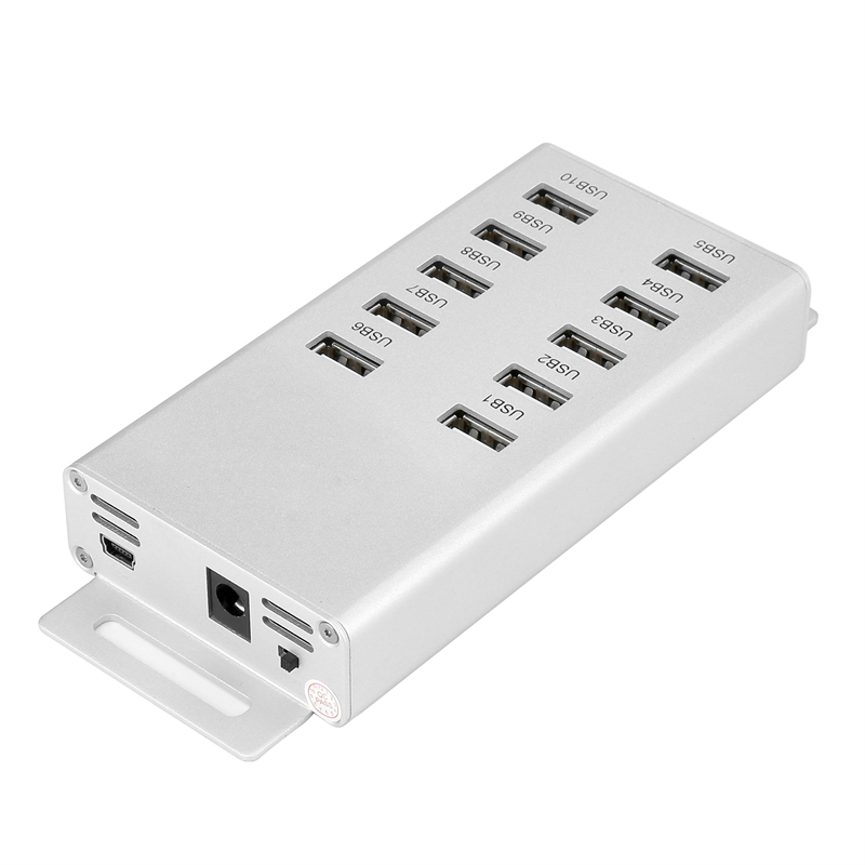
Technical Specifications
| Specification | A-10A Details |
| Product Name | 10 Ports USB 2.0 HUB |
| Model | A-10A |
| Number of USB Ports | 10 |
| USB Standard | USB 2.0 |
| Interface | USB 2.0 |
| Power Adapter | 65W |
| Adapter Rating | 19V / 3.42A |
| Product Type | USB 2.0 HUB |
| Primary Function | Expanding USB connectivity |
| External Power | Yes |
| Data Transfer Rate | Not specifically stated in supplied specifications |
| Individual Port Output | Not specified |
| Charging Support | Not specified |
| Dimensions | Not specified |
| Weight | Not specified |
| Product Categories | All Product, USB 2.0 HUB |
Why Choose a 10-Port USB Hub?
A computer’s built-in USB ports may not be enough for users with multiple peripherals.
Consider a workstation that needs connections for a keyboard, mouse, printer, USB storage device, card reader, webcam, external accessories, and other USB equipment. Connecting everything directly to the computer may quickly consume the available ports.
A 10-port hub provides a centralized alternative.
With the A-10A, users can expand their available USB connectivity and keep compatible peripherals connected through a single hub.
This is particularly useful for workstations where devices are regularly added, removed, or used simultaneously.
Understanding the 65W Power Adapter
The A-10A includes a 65W power adapter rated at 19V/3.42A.
The wattage can be understood from the voltage and current rating:
19V × 3.42A = 64.98W, which is approximately 65W.
This confirms the stated 65W adapter rating.
However, the 65W rating should not be interpreted as 65W of guaranteed USB output per port. It refers to the supplied power adapter’s rated electrical output.
The actual amount of power available to connected USB devices depends on the hub’s internal power distribution and the requirements of the connected equipment.
Because individual USB port power specifications were not supplied, no specific per-port charging wattage or current should be assumed.
USB 2.0 Connectivity Explained
USB 2.0 is a widely adopted interface standard designed for connecting computers and peripherals.
The A-10A’s USB 2.0 interface allows users to connect compatible USB 2.0 devices through the 10 available ports.
Typical USB peripherals can include devices such as:
- Keyboards
- Mice
- USB storage devices
- Card readers
- Printers
- Webcams
- USB adapters
- Input devices
- Other compatible USB peripherals
Actual compatibility and performance depend on the connected device, host system, operating system, drivers, cables, and other hardware factors.
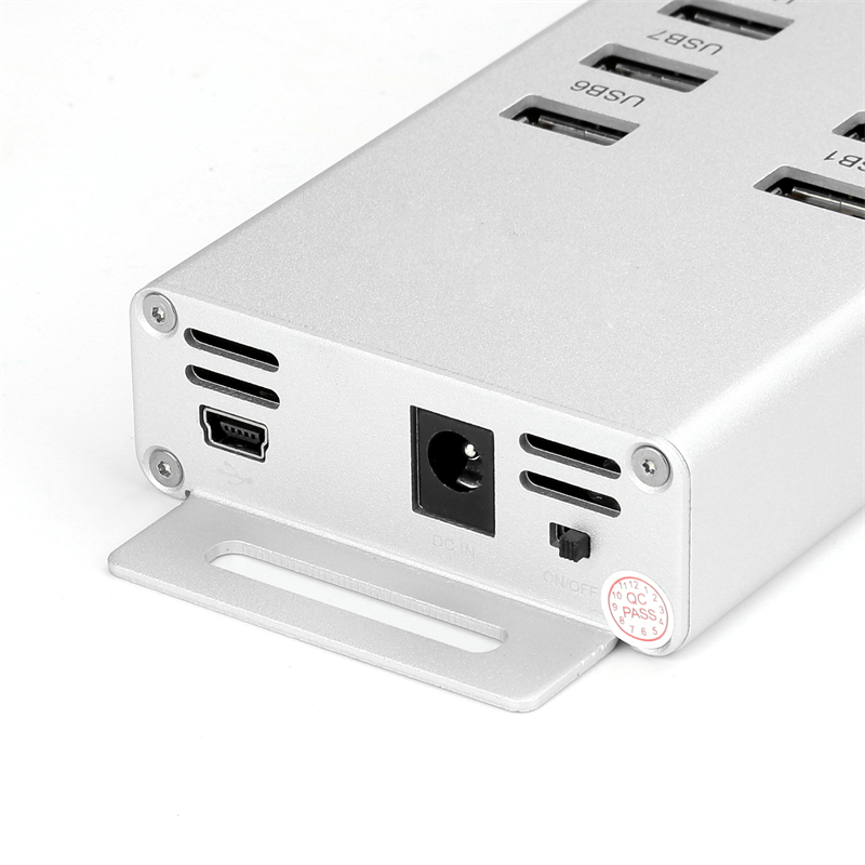
Benefits of the A-10A 10 Port USB 2.0 HUB
More Connection Options
The 10-port design gives users more USB connections from one centralized hub.
Centralized Peripheral Management
Instead of spreading USB peripherals across multiple locations, users can organize them around a single hub.
External Power
The supplied 65W power adapter provides dedicated power to the hub.
Convenient Workstation Expansion
The A-10A can help users expand connectivity without replacing their existing computer or workstation.
Useful for Multi-Peripheral Setups
Users who regularly work with several USB devices can benefit from having additional ports available.
Broad USB 2.0 Application
USB 2.0 remains suitable for many everyday peripheral and connectivity applications.
Applications of the A-10A USB 2.0 HUB
Office Workstations
Employees can use a multi-port hub to connect several USB peripherals to a workstation.
Home Offices
Home-office users may need connections for keyboards, mice, storage devices, printers, webcams, and other USB equipment.
Computer Labs
A multi-port USB hub can provide additional connectivity for computers used in educational or technical environments.
IT Workspaces
IT professionals may work with multiple USB peripherals and devices during configuration, testing, or maintenance tasks.
Technical Workstations
The A-10A can be useful in environments where multiple USB devices need to remain accessible.
Shared Workspaces
A centralized hub can help provide flexible connectivity for users working with multiple USB peripherals.
A-10A vs. Standard USB Hub
| Feature | A-10A 10-Port USB 2.0 HUB | Basic USB Hub |
| USB Ports | 10 | Varies |
| USB Standard | USB 2.0 | Varies |
| External Power | Yes | May vary |
| Power Adapter | 65W, 19V/3.42A | Varies |
| Multi-Device Connectivity | Yes | Yes |
| Primary Purpose | Expanded connectivity | Expanded connectivity |
| Suitable for Multiple Peripherals | Yes | Depends on port count and power |
The A-10A stands out primarily through its 10-port configuration and included 65W external power adapter.
A-10A vs. Direct Computer USB Connections
Connecting devices directly to a computer can be convenient when only a few peripherals are required. However, computers may have a limited number of available ports.
The A-10A provides an expansion point.
| Consideration | A-10A | Direct Computer Ports |
| Available connections | 10 hub ports | Limited by computer |
| Centralized connectivity | Yes | No |
| External power | 65W adapter | Depends on computer |
| Multiple peripherals | Designed for this | Limited by available ports |
| Expandability | High | Limited |
A USB hub does not replace the host computer’s USB controller or increase the underlying capabilities of the USB standard. Instead, it provides additional connection points through the hub.
How to Use the A-10A USB 2.0 HUB
Step 1: Position the Hub
Place the A-10A in a convenient location near the computer or host system and the peripherals you want to connect.
Step 2: Connect the Power Adapter
Connect the supplied 65W, 19V/3.42A power adapter according to the manufacturer’s instructions.
Step 3: Connect the Hub to the Host
Connect the A-10A to the compatible host system using the appropriate USB connection.
Step 4: Connect Your USB Devices
Connect compatible USB peripherals to the hub’s 10 USB ports.
Step 5: Allow the Host System to Recognize the Devices
The operating system should detect compatible USB peripherals according to its normal USB-device handling process.
Step 6: Use the Connected Devices
Once recognized, users can operate their connected peripherals normally, subject to each device’s requirements and compatibility.
Best Practices for Using a Powered USB Hub
Do Not Exceed the Hub’s Intended Capacity
Although the A-10A provides 10 USB ports, the actual power requirements of connected devices should always be considered.
Use the Supplied or Recommended Power Adapter
The specified adapter is rated at 19V/3.42A, approximately 65W. Use the manufacturer’s recommended power equipment.
Use Appropriate USB Cables
Different USB devices may require different cable types and capabilities. Use suitable cables for the connected peripherals.
Check USB Compatibility
Confirm that the connected equipment is compatible with the A-10A’s USB 2.0 interface and the host system.
Keep the Hub Ventilated
Avoid covering the hub or placing it in an environment where heat cannot dissipate properly.
Organize Connected Devices
Labeling or arranging cables can make it easier to identify peripherals when multiple devices are connected.
What to Consider Before Buying a 10-Port USB Hub
Before selecting the A-10A or another multi-port USB hub, consider the following factors.
Number of Ports
Determine how many USB devices you need to connect simultaneously. The A-10A provides 10 ports.
USB Standard
If your devices require high-speed USB 3.x data transfer, verify the hub’s USB standard before purchasing. The A-10A is specified as USB 2.0.
Power Requirements
Consider the power requirements of all connected peripherals. The A-10A includes a 65W external power adapter.
Host Compatibility
Make sure the host computer or system supports the required USB connection.
Device Requirements
Check whether your peripherals require specific drivers, software, data rates, or power capabilities.
Frequently Asked Questions
What is the A-10A?
The A-10A is a 10 Ports USB 2.0 HUB designed to expand the connectivity options of a compatible host system.
How many USB ports does the A-10A have?
The A-10A has 10 USB 2.0 ports.
Does the A-10A come with a power adapter?
Yes. The product includes a 65W power adapter rated at 19V/3.42A.
What USB standard does the A-10A use?
The A-10A uses a USB 2.0 interface.
Is the A-10A a powered USB hub?
Yes. It uses an external 65W power adapter, making it a powered USB hub.
What is the maximum power of the included adapter?
The adapter is rated at 19V and 3.42A, which is approximately 65W.
Can I connect 10 USB devices to the A-10A?
The hub provides 10 USB ports and is designed to expand connectivity for multiple compatible USB devices. Actual operation depends on the requirements and compatibility of the connected equipment.
Does the A-10A support USB 3.0?
The supplied specifications identify the A-10A as a USB 2.0 HUB. USB 3.0 capability should not be assumed.
Can the A-10A charge smartphones?
The supplied specifications do not provide dedicated smartphone charging specifications or per-port charging output. Therefore, specific charging performance should be confirmed with the manufacturer.
What is the main purpose of the A-10A?
Its primary purpose is to expand USB connectivity, providing 10 USB 2.0 ports through one hub.
Is the A-10A suitable for office use?
Yes. Its 10-port design and external 65W power adapter make it suitable for workstations and environments where multiple compatible USB peripherals need to be connected.
Conclusion
The 10 Ports USB 2.0 HUB Model A-10A is designed for users who need to expand the number of USB connections available on a compatible computer or host system.
With 10 USB 2.0 ports, a 65W power adapter rated at 19V/3.42A, and a USB 2.0 interface, the A-10A provides a centralized connectivity solution for multiple compatible peripherals.
Its externally powered design is particularly useful for multi-device environments where several USB peripherals need to remain connected. The 10-port configuration can help reduce the limitations of computers with a small number of built-in USB ports while creating a more organized workstation.
The A-10A is suitable for offices, home offices, computer labs, IT workspaces, technical environments, and other applications where expanded USB connectivity is required.
For buyers, the key considerations are the number of devices to be connected, the USB standard required, the power demands of the peripherals, and host-system compatibility. Since the supplied specifications do not define individual port power, charging performance, or a specific data-transfer speed, those details should be confirmed before deployment for specialized applications.
Overall, the A-10A 10 Port USB 2.0 HUB offers a practical and powered way to expand USB connectivity while keeping multiple peripherals accessible through one centralized hub.