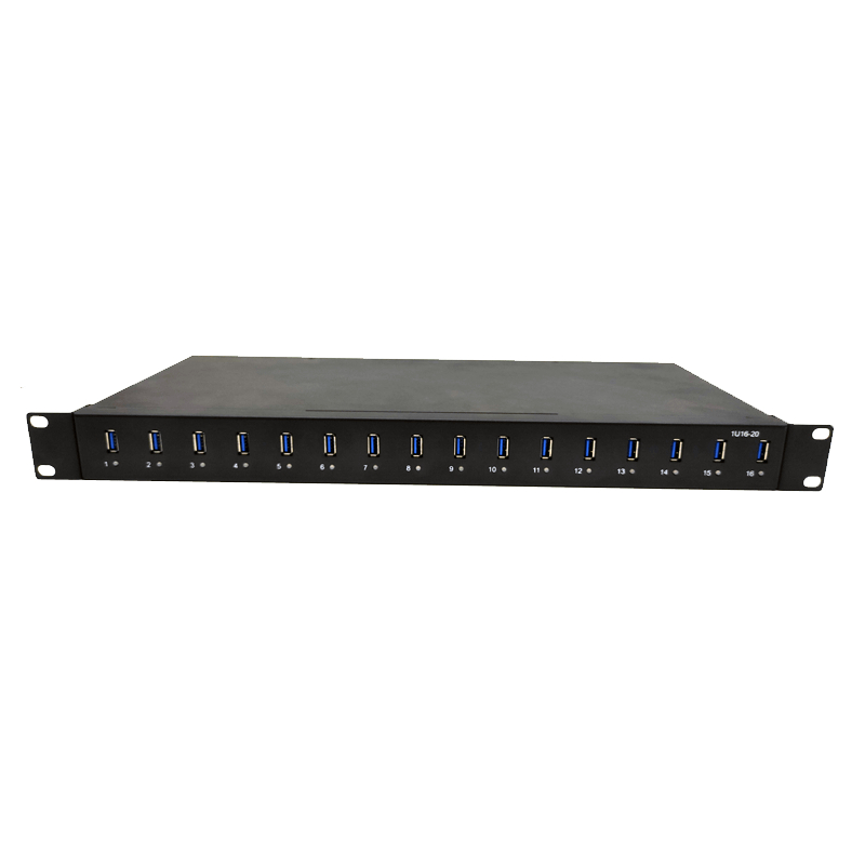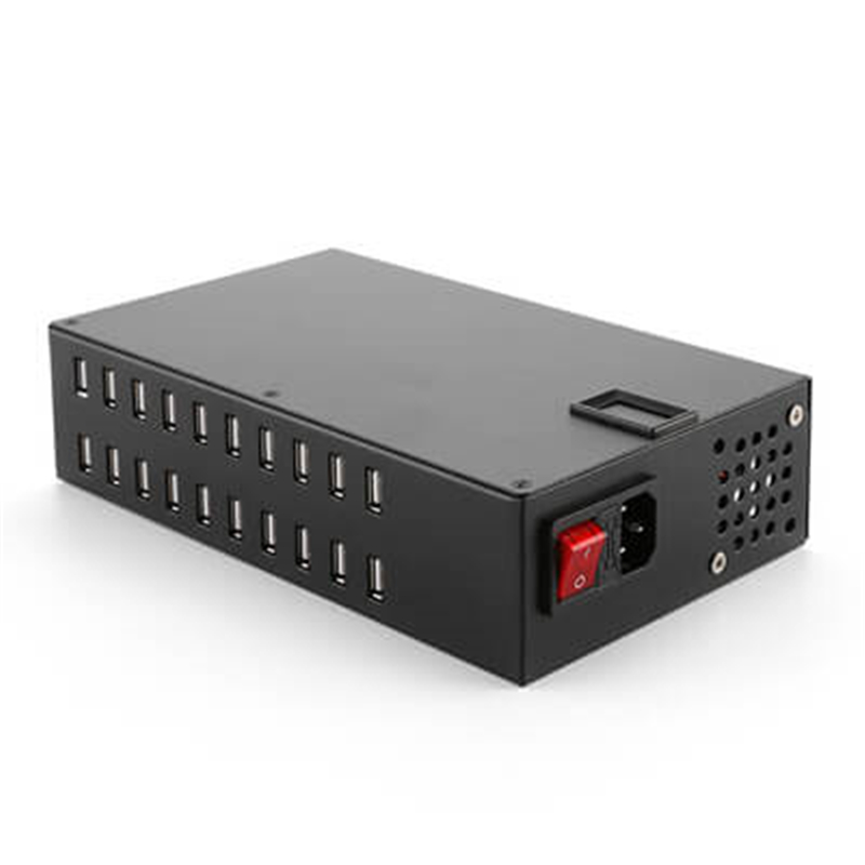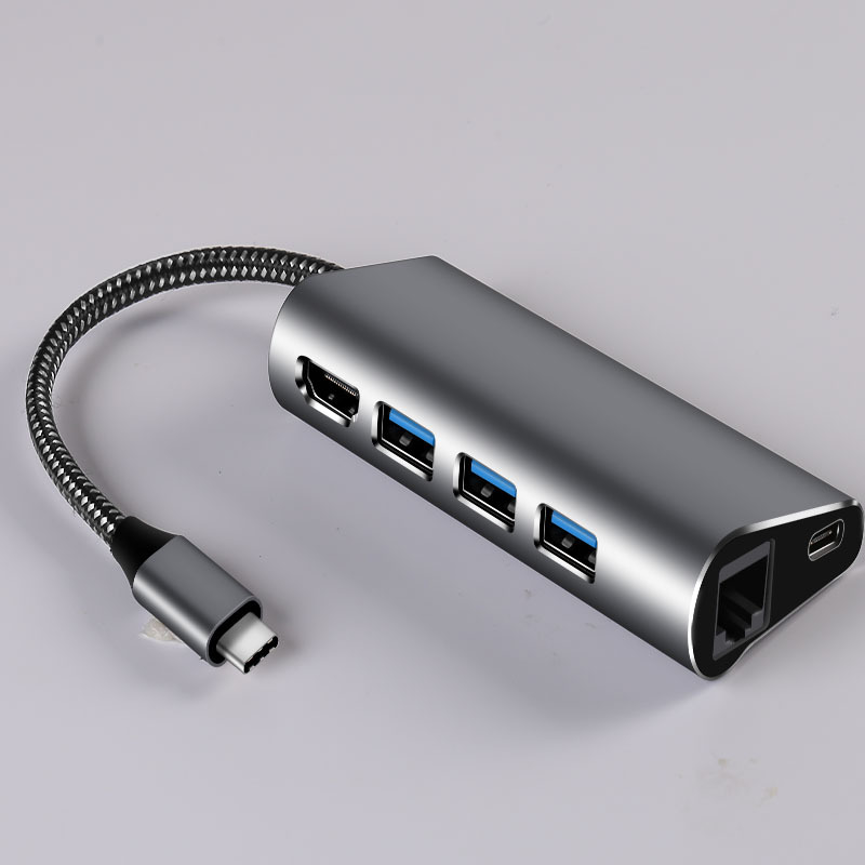
Introduction
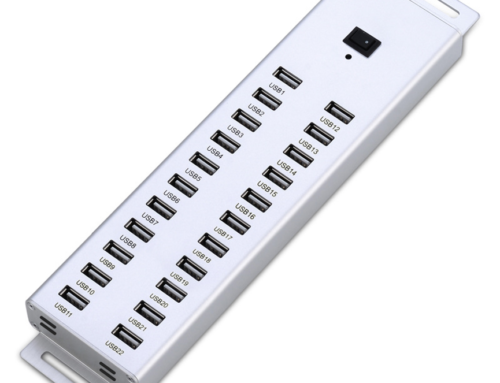
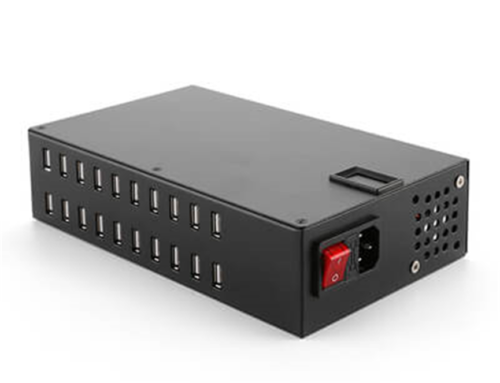
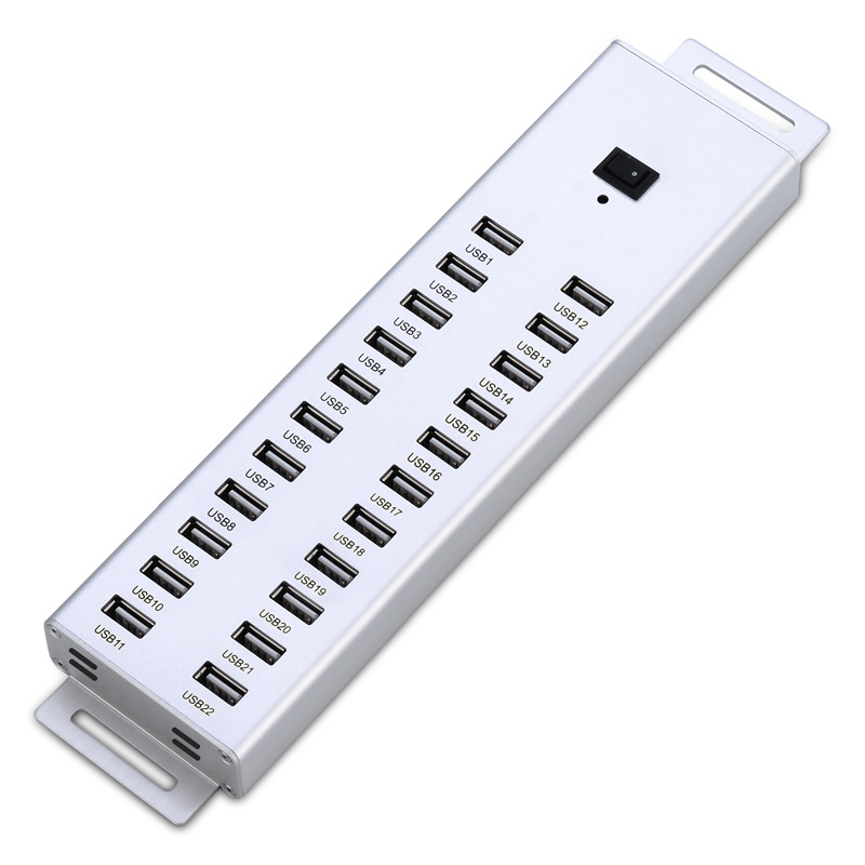
25 Port USB Hub A-25 provides a high-capacity solution for connecting multiple USB devices through one centralized hub. USB dongles, adapters, test equipment, storage devices, and other peripherals can quickly consume the available USB ports on a computer.
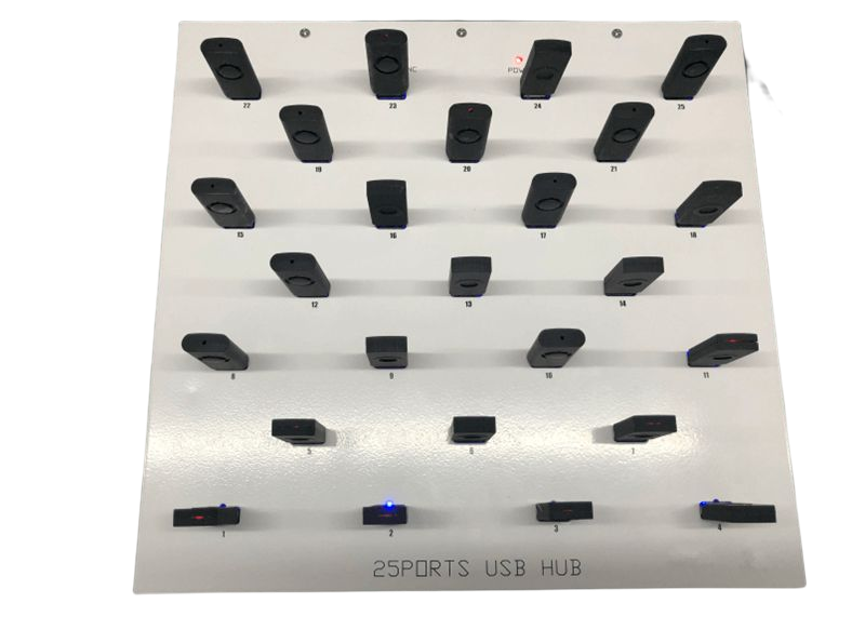
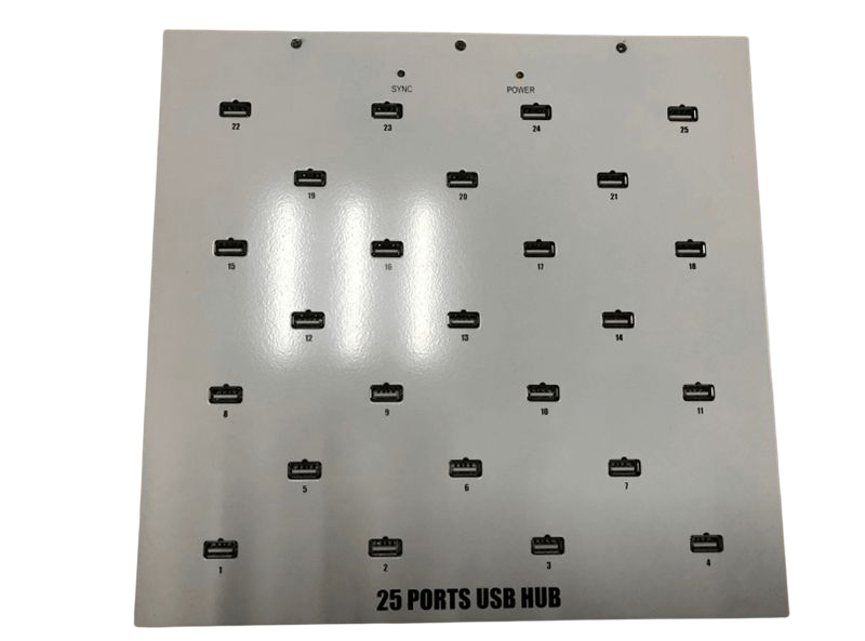
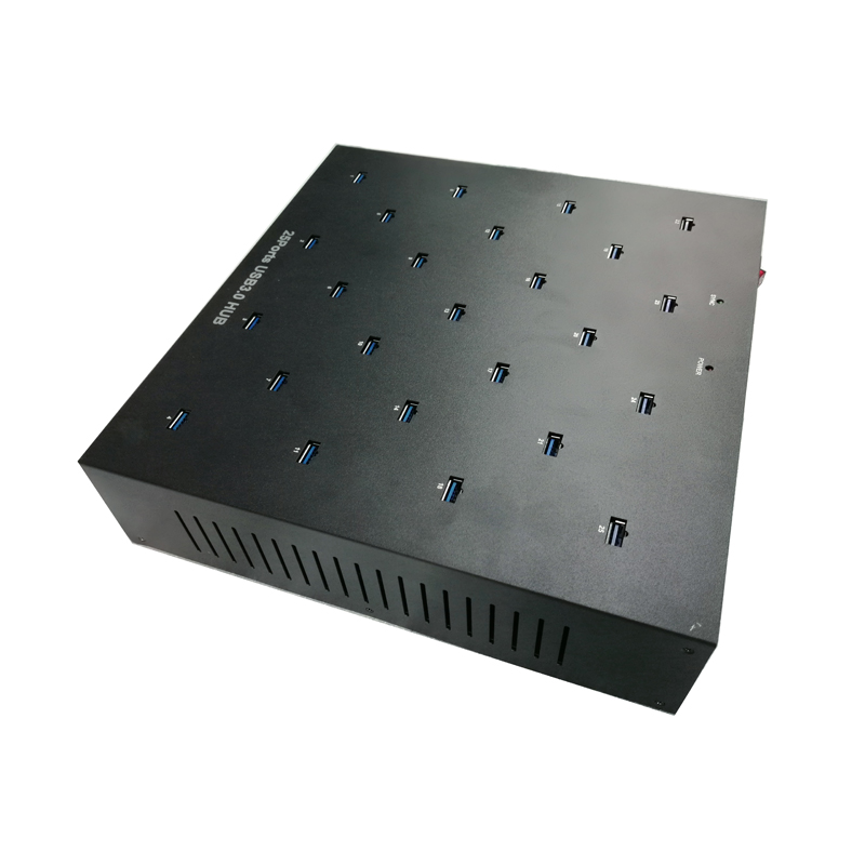
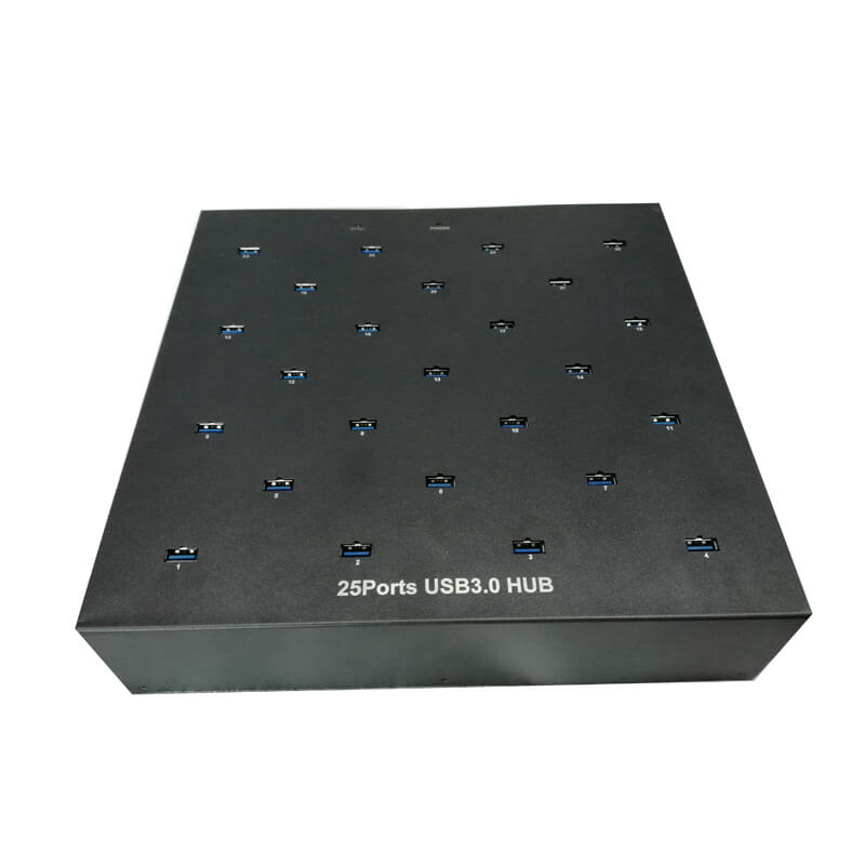
The 25 Port USB HUB A-25 provides a high-capacity solution for environments where many USB devices need to be connected through a centralized hub. With 25 USB ports and compatibility with USB 2.0 and USB 3.0 devices, the A-25 is designed to provide flexible connectivity for a wide range of USB peripherals.
The hub features a plug-and-play design, allowing users to set up the device quickly without a complicated installation process. It is also designed for reliable and secure data transfers, making it suitable for professional workstations and specialized multi-device applications.
The product is categorized under Data & Hub, Industrial USB HUB, New Products, USB 2.0 HUB, and USB 3.0 HUB, reflecting its focus on high-capacity USB connectivity.
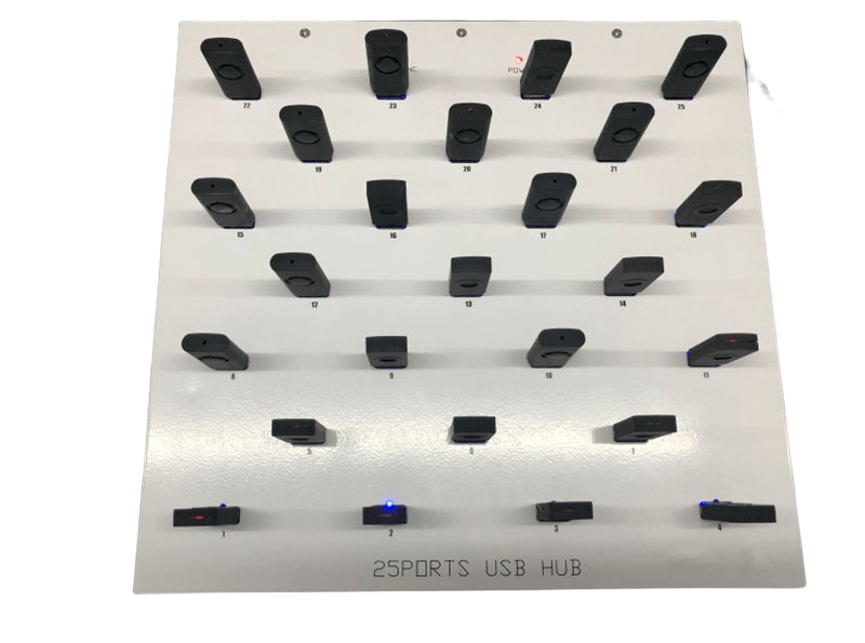
What Is the 25 Port USB HUB A-25?
The A-25 is a 25-port USB hub designed to expand USB connectivity for computers and compatible systems.
Its main purpose is to allow multiple USB devices to be connected through a centralized hub rather than using the limited number of USB ports built into a computer.
The A-25 supports both USB 2.0 and USB 3.0 compatibility, allowing it to work with a variety of USB peripherals.
Key features include:
- 25 USB ports
- USB 2.0 compatibility
- USB 3.0 compatibility
- Plug-and-play design
- Support for multiple USB dongles and adapters
- Reliable data-transfer functionality
- High-capacity multi-device connectivity
The exact performance of each connected device depends on the device’s own USB specification, the host computer, cables, software, and the way the hub manages its connections.
25 Port USB Hub: High-Capacity Connectivity
The defining feature of the A-25 is its 25 USB ports.
Many computers provide only a small number of built-in USB ports. When a workstation needs to connect numerous peripherals, repeatedly switching devices can be inconvenient and can interrupt productivity.
A 25-port hub provides a centralized connection point for multiple devices.
This can be useful for:
- USB dongles
- USB adapters
- Test equipment
- Peripheral devices
- Data-related accessories
- Specialized USB hardware
- Compatible storage devices
- Other USB peripherals
The actual number of devices that can operate simultaneously depends on the host system, connected devices, power requirements, USB architecture, and software.
USB 2.0 and USB 3.0 Compatibility
The A-25 is specified as being compatible with both USB 2.0 and USB 3.0 devices.
This provides flexibility when a workstation uses a mixture of older and newer USB peripherals.
USB 2.0 Devices
USB 2.0 devices can be connected to the hub and will operate according to their own USB capabilities.
This can include many common peripherals and older USB accessories.
USB 3.0 Devices
USB 3.0-compatible devices can take advantage of the USB 3.0 connectivity supported by the hub when the complete connection chain supports the required standard.
This means the host computer, USB device, cable, and hub all play a role in determining practical performance.
A USB 3.0 device connected through a USB 2.0 connection path may be limited by the lower USB standard.
Designed for USB Dongles and Adapters
The supplied product specification specifically identifies the A-25 as being ideal for connecting a variety of USB dongles and adapters.
This is useful in professional environments where multiple USB accessories may be required simultaneously.
Examples can include different types of:
- USB dongles
- Wireless adapters
- Specialized adapters
- Security-related USB accessories
- Testing accessories
- Interface devices
The advantage of a 25-port configuration is that users can maintain many connections at once rather than continually swapping dongles between limited computer ports.
Specific compatibility depends on the individual dongle or adapter and its software requirements.
Plug-and-Play Design
The A-25 features a plug-and-play design for quick and easy setup.
A plug-and-play approach can reduce the complexity associated with installing a multi-port USB hub.
In a typical compatible setup, the process involves:
- Connect the hub to the host computer.
- Allow the computer to recognize the hub.
- Connect compatible USB devices.
- Allow the operating system to identify the connected peripherals.
- Begin using the devices according to their individual requirements.
Some specialized USB devices may still require their own drivers or software. Plug-and-play functionality for the hub itself does not necessarily mean that every connected device is driver-free.
Reliable and Secure Data Transfers
The A-25 is described as supporting reliable and secure data transfers.
This makes the product relevant to workstations where multiple USB devices are used for communication and data-related tasks.
However, data reliability is influenced by the complete system.
Factors can include:
- USB device quality
- USB cables
- Host computer
- Operating system
- Drivers
- Software
- Data workload
- USB standard used by the connected device
For important data transfers, users should also follow normal data-management practices such as maintaining backups and using trusted storage devices.
Applications of the A-25
Professional Workstations
A high-capacity USB hub can simplify connectivity on workstations that require many USB peripherals.
Instead of connecting devices directly to different computer ports, users can organize compatible equipment through one centralized hub.
Testing Environments
Testing workstations may need multiple USB-connected devices or adapters at the same time.
The A-25’s 25-port configuration provides significant connectivity capacity for these environments.
Industrial Applications
The product is categorized as an Industrial USB HUB, making it relevant to professional and technical environments where multiple USB devices are part of a workstation or equipment setup.
Specific industrial compatibility should be evaluated based on the actual operating environment and connected devices.
USB Dongle Management
Organizations that rely on multiple USB dongles can benefit from having a large number of available USB ports.
The A-25 allows users to keep numerous compatible dongles connected simultaneously.
PCR Test Kit Applications
The product’s tags include “25 ports USB Hub for PCR TEST KIT.” This indicates a related application or product positioning.
However, the supplied specifications do not provide specific PCR equipment compatibility, laboratory certification, or medical-device approval. Such requirements should be confirmed separately before using the hub in a regulated or specialized testing environment.
Technical Specifications
| Specification | Details |
| Product | 25 Ports USB HUB |
| Model | A-25 |
| Number of USB Ports | 25 |
| USB Compatibility | USB 2.0 and USB 3.0 |
| Setup | Plug and play |
| Primary Function | USB connectivity expansion |
| Data Function | Data transfer |
| Dongle/Adapter Support | Suitable for a variety of USB dongles and adapters |
| Data Transfer Description | Reliable and secure data transfers |
| Charging Output | Not specified |
| Power Supply | Not specified |
| Individual Port Output | Not specified |
| Cooling | Not specified |
| Mounting | Not specified |
Important: The supplied product information does not specify the exact USB 3.0 transfer rate, power-supply capacity, per-port current, charging wattage, physical dimensions, mounting system, or cooling features. These should be confirmed if they are important to the intended application.
Understanding USB 2.0 and USB 3.0 Compatibility
It is useful to understand that USB compatibility does not mean every connected device will operate at the same speed.
For example, if a USB 3.0 device is connected through a USB 3.0-compatible connection path, it can potentially use the capabilities supported by that connection.
If a USB 2.0 device is connected, its performance remains limited by its own USB 2.0 capability.
Similarly, a USB 3.0 device connected through a lower-standard connection may not achieve its maximum potential performance.
Therefore, practical USB performance depends on the hub, host computer, cable, and connected device working together.
A-25 vs. Standard USB Hub
| Feature | A-25 USB HUB | Standard USB Hub |
| Number of Ports | 25 | Usually fewer |
| USB 2.0 Compatibility | Yes | Depends on model |
| USB 3.0 Compatibility | Yes | Depends on model |
| Dongle Support | Suitable for multiple dongles | Depends on port count |
| Adapter Support | Suitable for multiple adapters | Depends on model |
| Plug and Play | Yes | Common on many models |
| Data Connectivity | Yes | Yes |
| High-Capacity Connectivity | 25 ports | Varies |
| Industrial USB Category | Yes | Depends on model |
The primary advantage of the A-25 is its combination of high port capacity and USB 2.0/3.0 compatibility.
Benefits of the 25 Port A-25 HUB
Centralized USB Connectivity
The A-25 allows many compatible USB peripherals to be connected through one centralized hub.
Reduced Port Switching
With 25 available USB ports, users can keep more devices connected simultaneously and reduce the need to repeatedly unplug and reconnect peripherals.
Flexible Device Compatibility
Support for USB 2.0 and USB 3.0 provides flexibility for workstations containing devices from different USB generations.
Easy Installation
The plug-and-play design helps simplify initial setup.
Useful for Specialized Workflows
Its high port count makes the A-25 relevant to technical workstations, testing environments, dongle-heavy setups, and other professional applications.
How to Set Up the A-25
Step 1: Select a Suitable Location
Place the hub where the connected devices and USB cables can be managed comfortably.
Step 2: Connect the Hub to the Host
Connect the A-25 to the compatible host computer or system using the appropriate connection.
Step 3: Allow the System to Detect the Hub
The plug-and-play design is intended to simplify hub recognition.
Step 4: Connect USB Devices
Connect compatible USB dongles, adapters, peripherals, or other devices to the available ports.
Step 5: Check Device Recognition
Confirm that the operating system recognizes the connected devices.
Step 6: Install Required Device Software
If a particular USB device requires its own driver or application, install it according to that device manufacturer’s instructions.
Best Practices for Using a 25 Port USB Hub
Use Appropriate USB Cables
Use cables that match the requirements of the connected devices and USB standard.
Avoid Unnecessary Cable Clutter
Twenty-five ports can result in a significant number of cables. Labeling and organizing cables can make the workstation easier to maintain.
Check Device Power Requirements
The supplied specifications do not provide the A-25’s overall power-supply capacity or individual-port power output. Confirm these details before connecting power-hungry devices.
Verify Specialized Device Compatibility
For specialized equipment such as testing systems, confirm compatibility with the equipment manufacturer before deployment.
Keep Data Backups
Although the product is described as supporting reliable and secure data transfers, important data should always be backed up separately.
What to Consider Before Buying
Port Count
The 25-port configuration is ideal when a workstation needs a large number of USB connections.
USB Standards
Confirm whether your devices require USB 2.0, USB 3.0, or a specific USB performance level.
Power Requirements
If the hub will connect to many devices simultaneously, verify its power-supply and per-port specifications before purchase.
Software Compatibility
Some USB dongles and adapters may require dedicated drivers or software.
Physical Installation
If the hub is intended for an industrial or fixed workstation, check its dimensions and mounting options because these details were not included in the supplied specifications.
Frequently Asked Questions
How many ports does the A-25 have?
The A-25 has 25 USB ports.
Does the A-25 support USB 2.0?
Yes. The product is specified as compatible with USB 2.0.
Does it support USB 3.0?
Yes. The A-25 is also specified as compatible with USB 3.0 devices.
Is the A-25 plug and play?
Yes. The product is described as having a plug-and-play design for quick and easy setup.
Can I connect USB dongles?
Yes. The product is specifically described as being ideal for connecting a variety of USB dongles and adapters.
Can I connect USB adapters?
Yes. The A-25 is designed to support a variety of compatible USB adapters.
Does the A-25 provide USB charging?
The supplied specifications do not state a dedicated charging output or per-port charging specification. It should therefore not be marketed as a dedicated charging hub unless the manufacturer confirms this capability.
What is the maximum USB 3.0 speed?
The supplied information confirms USB 3.0 compatibility but does not provide a specific maximum transfer-rate figure. The exact speed should be confirmed from the manufacturer’s technical datasheet.
Is the A-25 suitable for PCR test equipment?
The product tag references PCR test kits, but the supplied specifications do not establish specific PCR equipment compatibility or any medical/laboratory certification. Such requirements should be verified before deployment.
Is the A-25 suitable for professional environments?
Its high port count, USB 2.0/3.0 compatibility, plug-and-play design, and industrial USB HUB categorization make it suitable for consideration in professional multi-device environments, subject to the specific power and compatibility requirements of the installation.
Conclusion
The 25 Port USB HUB A-25 is a high-capacity USB connectivity solution designed for workstations and professional environments that require numerous USB connections.
With 25 USB ports, USB 2.0 and USB 3.0 compatibility, plug-and-play setup, and support for multiple USB dongles and adapters, the A-25 provides a flexible way to centralize USB peripherals.
Its high port count can be particularly useful for technical workstations, testing environments, industrial applications, and specialized setups where numerous USB devices need to remain connected.
The A-25 should be selected based on the specific requirements of the connected equipment. Users should verify power capacity, exact transfer speeds, physical specifications, and specialized device compatibility when those factors are important.
For users looking for a 25-port USB hub with USB 2.0 and USB 3.0 compatibility, the A-25 provides a high-capacity connectivity platform designed to simplify multi-device USB management.