19″ Rackmount 16 Ports USB Charger: Compact 1U Charging Solution
Managing multiple USB devices in schools, businesses, conference rooms, and professional environments requires a charging solution that is organized, reliable, and easy to integrate into existing infrastructure. The 19″ Rackmount 16 Ports USB Charger is designed specifically for this type of centralized charging environment.
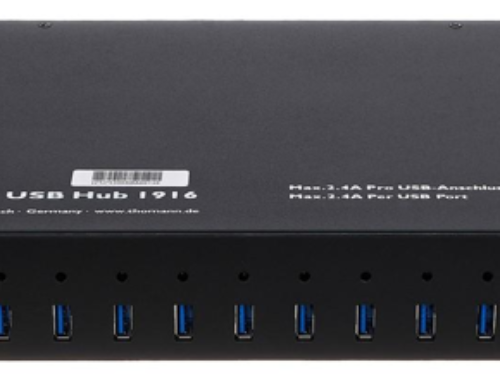
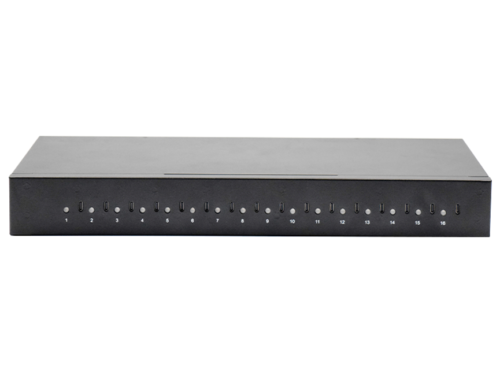
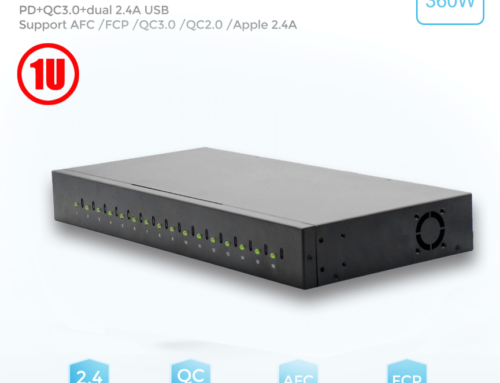
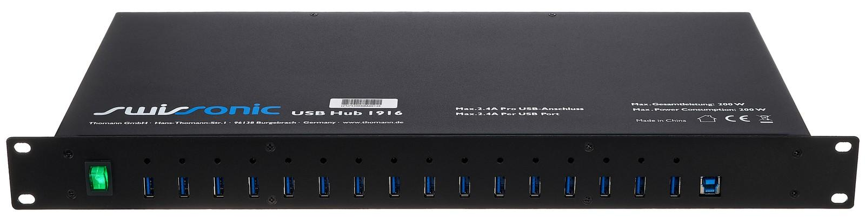
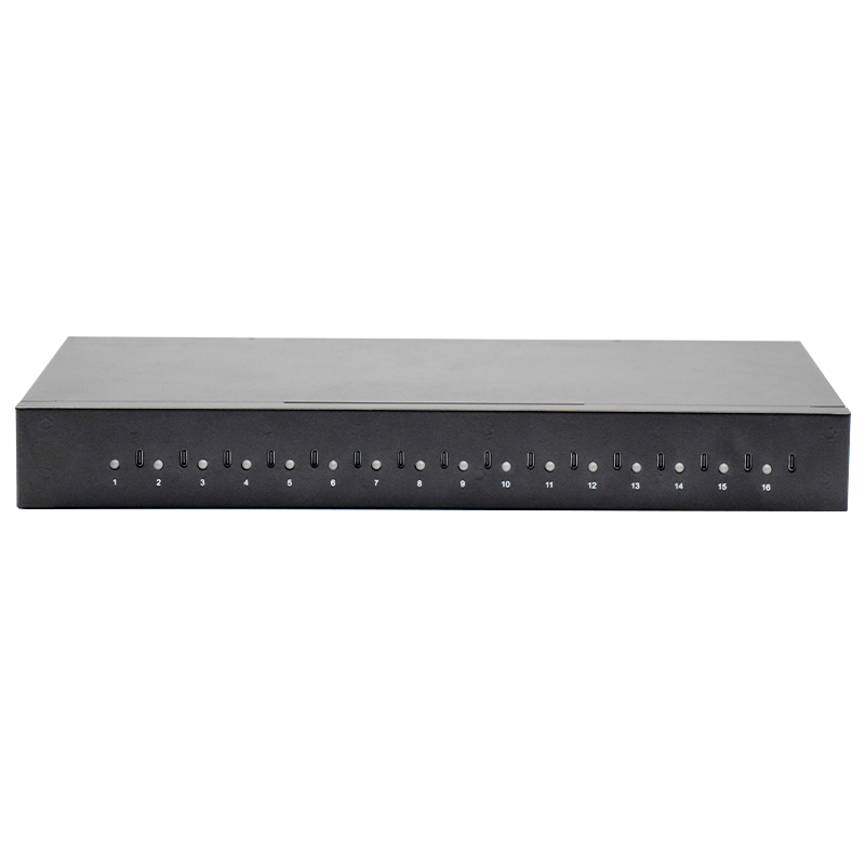
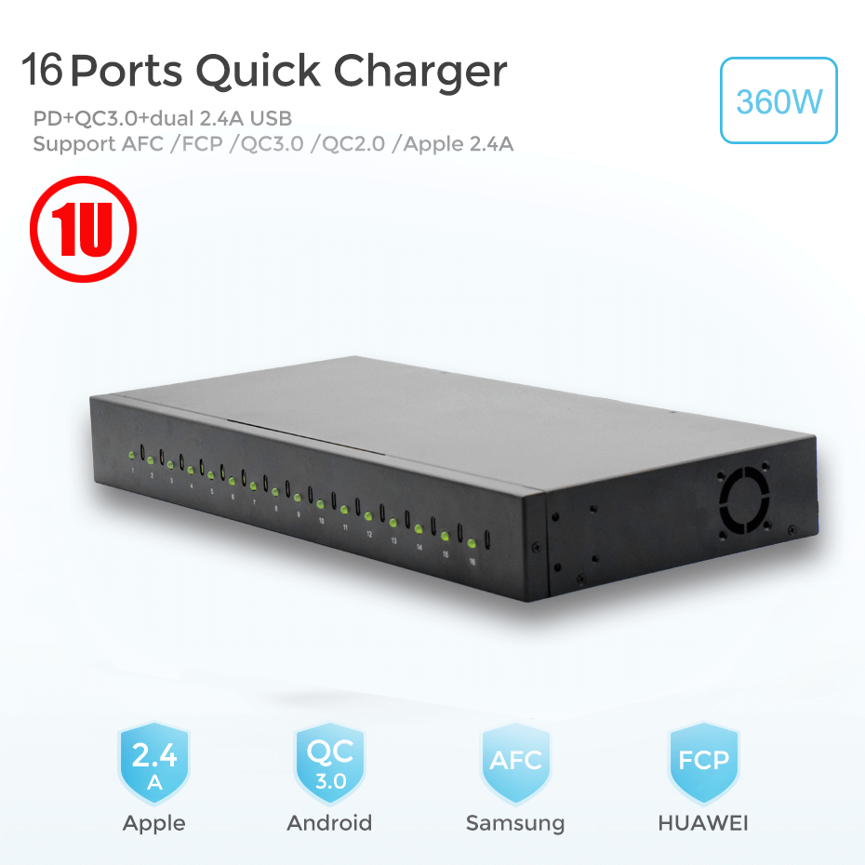
Built into a compact 1U 19-inch rackmount enclosure, the charger is designed for installation in server racks and compatible rack cabinets. It includes an internal power supply, rear-vented thermal management, a secure rack mounting kit, and an embedded temperature-sensing cooling fan.
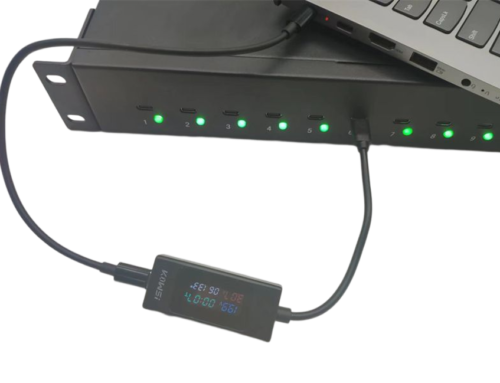
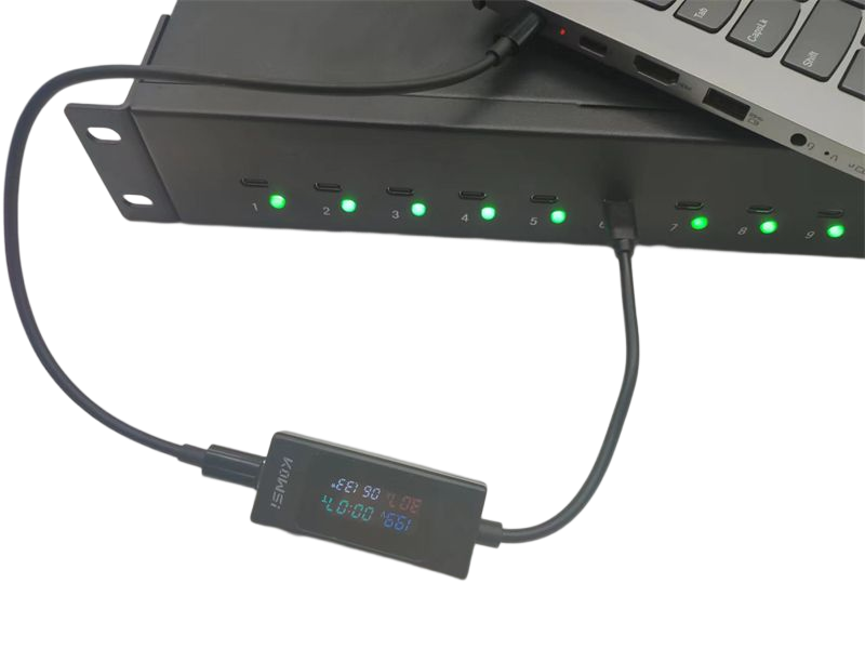
The unit is also designed with daily charging convenience in mind. An integrated on/off switch allows users to control the charger, while three-color LED indicators provide visual information about the charging status, including charging in progress and fully charged conditions.
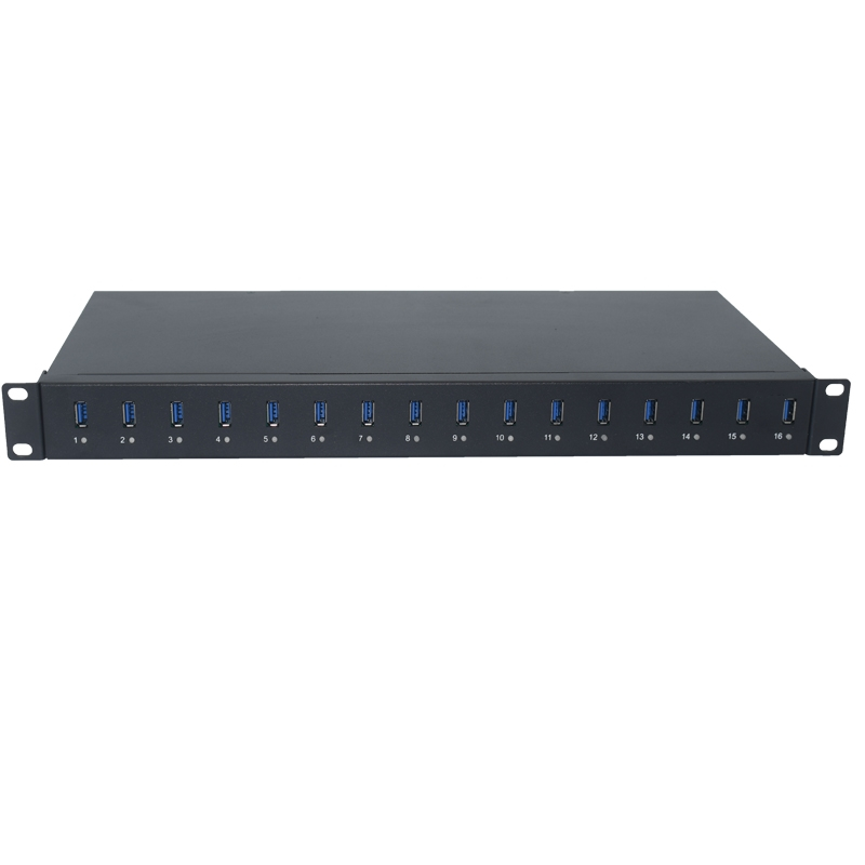
What Is a 19″ Rackmount 16 Ports USB Charger?
A 19″ Rackmount 16 Ports USB Charger is a centralized charging solution designed to charge multiple USB devices from one professionally installed rack-mounted unit.
Unlike individual wall chargers or desktop charging adapters, a rackmount charger can be integrated directly into a 19-inch server rack or equipment cabinet.
This approach helps organizations keep charging equipment organized while reducing the need for multiple individual power adapters.
The 16-port configuration is especially useful for environments where several devices need to be charged as part of a regular daily workflow.
Key Specifications
| Feature | Specification |
| Product | 19″ Rackmount 16 Ports USB Charger |
| Rack Format | 19-inch |
| Rack Height | 1U |
| Enclosure | Compact 1U enclosure |
| Power Supply | Internal PSU |
| Thermal Management | Rear-vented |
| Cooling | Temperature-sensing cooling fan |
| Rack Installation | Secure rack mounting kit |
| Charging Ports | 16 USB ports |
| Power Control | On/off switch |
| Status Indication | 3-color LED indication |
| Applications | Schools, businesses, organizations, classrooms, conference rooms, presenters |
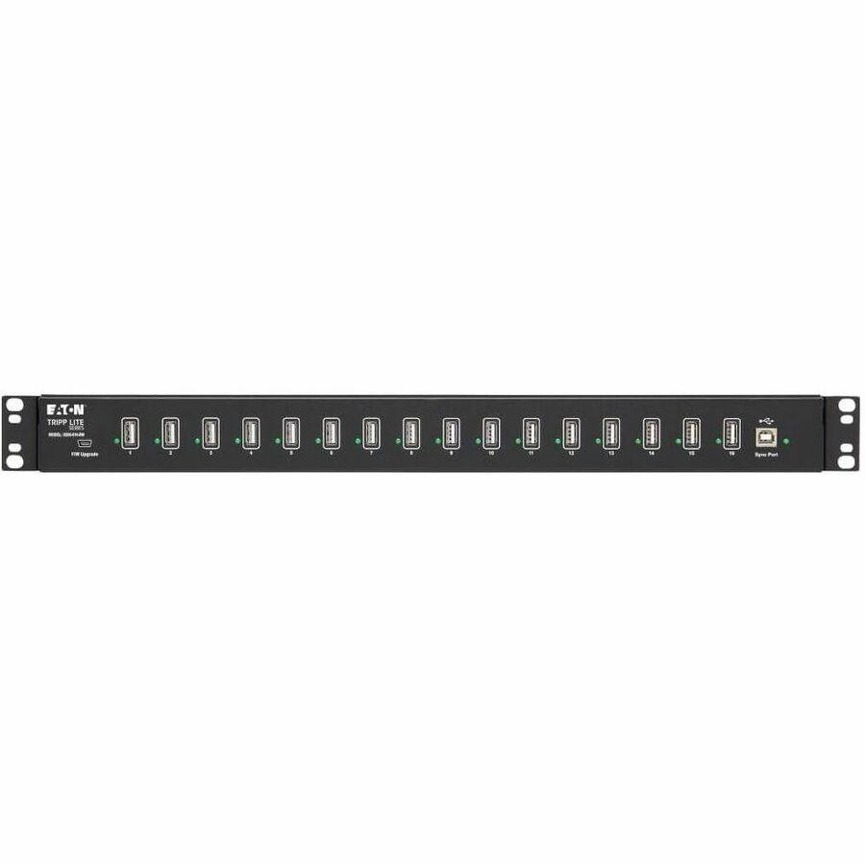
Compact 1U Rackmount Design
One of the most important features of this USB charger is its 1U rackmount design.
A 1U enclosure is designed to occupy a compact amount of vertical space inside a standard 19-inch rack. This makes the charger suitable for environments where rack space is valuable and equipment needs to remain organized.
The compact form factor can be useful in:
- Server racks
- Equipment cabinets
- School technology rooms
- Conference room infrastructure
- Business IT environments
- Presenter stations
- Professional charging areas
By installing the charger within an existing rack system, organizations can create a centralized charging location without requiring multiple desktop charging stations.
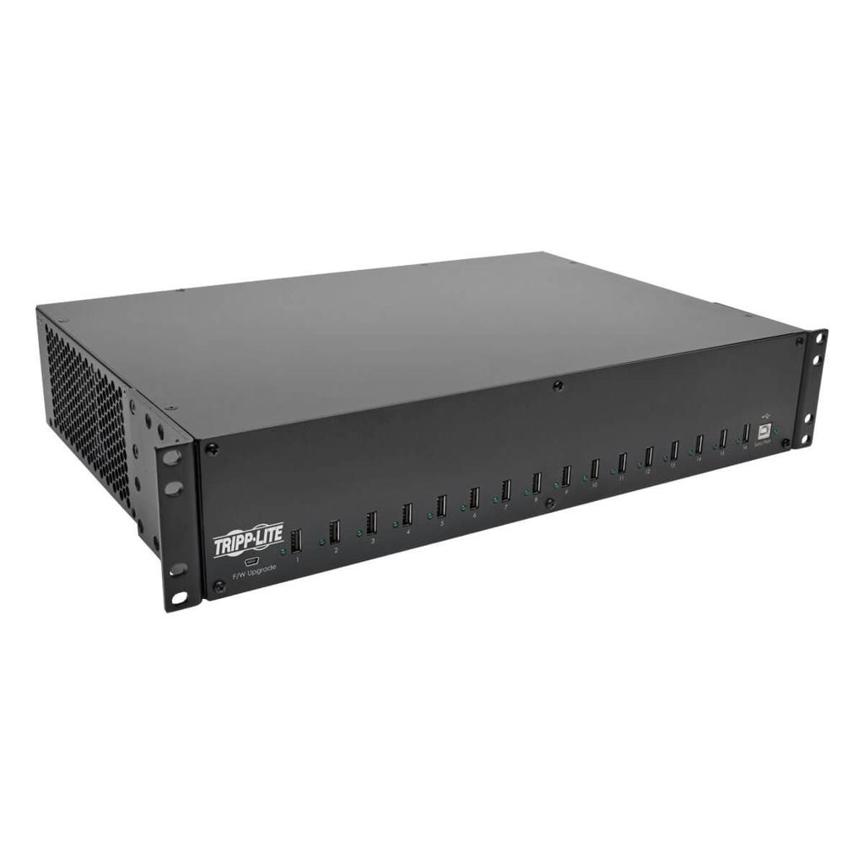
Internal Power Supply
The 19″ Rackmount 16 Ports USB Charger features an internal power supply unit (PSU).
Integrating the PSU inside the enclosure helps create a more organized installation by keeping the primary power hardware within the rackmount unit.
This design can reduce the need for an externally mounted power adapter and helps maintain a cleaner equipment setup.
For professional installations, an internal PSU can also make the overall charging system easier to integrate into an existing rack environment.
Temperature-Sensing Cooling Fan
Thermal management is an important consideration when multiple devices are being charged in a centralized enclosure.
The charger incorporates an embedded temperature-sensing cooling fan designed to support reliable operation and long service life.
The cooling system can monitor temperature conditions and provide active cooling when required, helping manage heat generated during operation.
Benefits of temperature-based cooling include:
- Improved thermal management
- Better operating reliability
- Reduced heat accumulation
- Support for long-term operation
- Improved suitability for rack environments
The rear-vented enclosure design also contributes to airflow management by allowing heat to move away from the internal components.
Rear-Vented Thermal Management
The compact 1U enclosure incorporates rear-vented thermal management.
In rack installations, airflow is particularly important because multiple pieces of equipment may operate within a relatively small space.
A rear-vented design helps establish a defined airflow path around the charging unit.
For installation, users should avoid blocking the ventilation areas and should ensure that the rack has adequate overall airflow.
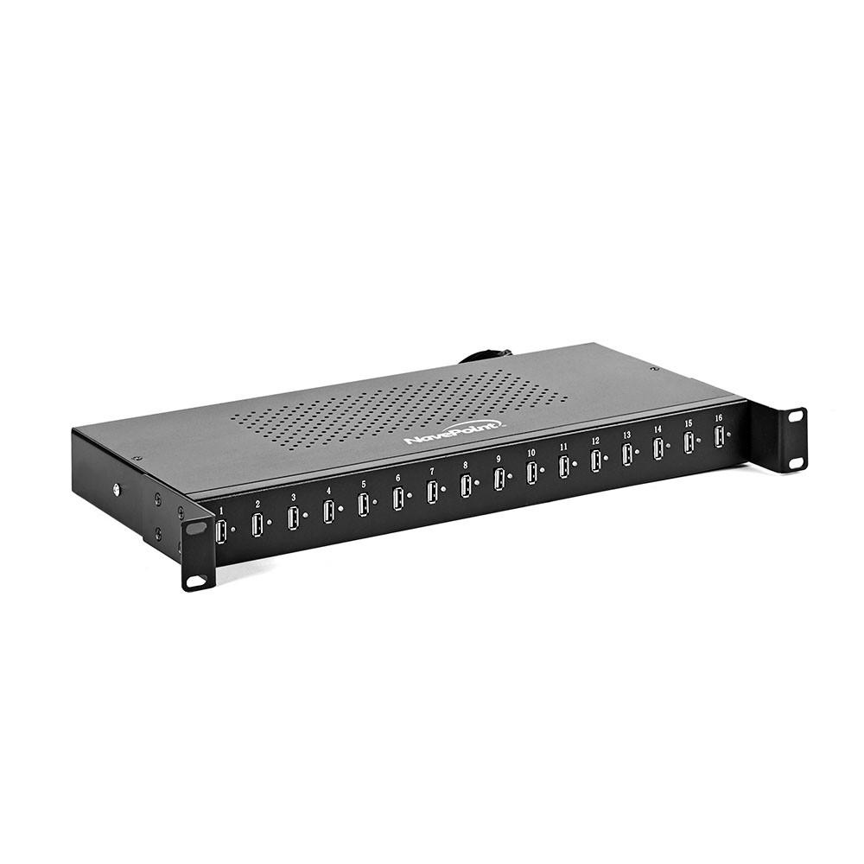
16-Port Centralized Charging
The charger provides 16 USB charging ports, allowing multiple devices to be connected to one centralized charging unit.
This is particularly useful in environments where users need to charge several devices simultaneously.
For example, a classroom may have multiple tablets or other USB-powered devices that need to be recharged at the end of a lesson. Similarly, businesses may need to maintain charging access for devices used by employees or presenters.
Instead of relying on numerous individual chargers, a centralized 16-port system provides a dedicated charging location.
On/Off Power Switch
The charger incorporates an on/off switch, giving users direct control over the unit’s operation.
This simple feature can be useful when the charger needs to be switched off outside operating hours or when the charging station is not required.
For organizations operating charging stations on a daily schedule, the power switch provides a convenient way to control the equipment without disconnecting the main power connection.
Three-Color LED Charging Indicators
Another practical feature is the three-color LED indication system.
The LEDs provide visual information about the charging process, including states such as:
- Charging in progress
- Fully charged
- Other operating/status conditions depending on the specific LED implementation
Visual indicators are especially useful in shared environments because users can quickly check the status of connected devices without repeatedly disconnecting them.
Why LED indicators are useful
| Benefit | Description |
| Quick status checking | Users can identify charging status visually |
| Easy monitoring | Multiple devices can be checked from one location |
| Better usability | Reduces unnecessary cable disconnection |
| Shared environments | Helpful for classrooms and conference rooms |
| Daily operation | Makes charging progress easier to monitor |
The exact meaning of each LED color should be confirmed against the manufacturer’s final operating documentation.
Designed for Schools and Educational Environments
Schools and educational organizations often manage multiple tablets, smartphones, presentation devices, and other USB-powered equipment.
A centralized 16-port charging station can provide a dedicated location for charging devices between lessons or at the end of the school day.
Possible educational applications
- Classroom device charging
- Tablet charging
- Presentation equipment
- Computer lab accessories
- Shared teaching devices
- Conference and training rooms
The rackmount design can be particularly useful where equipment is already organized within a technical cabinet or structured infrastructure.
Business and Office Applications
Businesses can also benefit from centralized charging.
Conference rooms and meeting spaces often use tablets, presentation devices, smartphones, and other portable electronics. Keeping individual chargers scattered around the room can create cable clutter and make it difficult to identify which devices are charging.
A centralized rackmount charger can provide a more organized alternative.
Potential applications include:
- Conference rooms
- Training rooms
- Presentation areas
- IT departments
- Employee device charging
- Meeting spaces
- Shared equipment rooms
Presenter and Conference Room Charging
The supplied product description specifically identifies conference rooms and presenters as potential use cases.
Presenters frequently rely on electronic devices during meetings, training sessions, and presentations. Keeping these devices charged is important for uninterrupted operation.
A dedicated charging hub can provide a central location where presentation-related devices can be connected and charged between sessions.
This can help organizations maintain a more professional and organized conference-room environment.
Rackmount Charger vs. Individual Chargers
A centralized rackmount charging system offers several organizational advantages compared with using multiple individual chargers.
| Feature | 19″ Rackmount 16-Port Charger | Individual Chargers |
| Charging capacity | 16 ports | Depends on number of chargers |
| Installation | 19-inch rack | Wall/desktop |
| Rack integration | Yes | Usually no |
| Cable organization | Centralized | Can become scattered |
| Power management | Central unit | Multiple adapters |
| Status monitoring | 3-color LED system | Depends on charger |
| Cooling | Integrated thermal management | Depends on individual unit |
| Maintenance | Centralized | Multiple devices |
| Professional appearance | High | Varies |
For professional environments with many devices, centralization can make charging infrastructure easier to manage.
Benefits of the 19″ Rackmount 16 Ports USB Charger
1. Space-Efficient 1U Design
The compact 1U enclosure is designed to make efficient use of rack space.
2. 16-Port Charging Capacity
Multiple USB devices can be connected to one centralized charging unit.
3. Professional Rack Installation
The 19-inch rackmount format allows the charger to be integrated into compatible server racks and cabinets.
4. Built-In Cooling
The temperature-sensing cooling fan helps manage heat during operation.
5. Internal PSU
The integrated power supply creates a more self-contained rackmount charging solution.
6. Easy Status Monitoring
Three-color LED indicators provide visual charging-status information.
7. Convenient Power Control
The integrated on/off switch allows users to control the charging unit directly.
8. Versatile Applications
The charger can be used in schools, businesses, organizations, classrooms, conference rooms, and presenter environments.
How to Install a 1U Rackmount USB Charger
Before installing the charger, make sure the rack or cabinet is compatible with the unit’s 19-inch rackmount design.
Step 1: Select the Rack Position
Choose a suitable 1U location that provides adequate access to power, USB cables, and ventilation.
Step 2: Install the Mounting Hardware
Use the supplied secure rack mounting kit to attach the charger to the rack.
Step 3: Check Ventilation
Make sure the rear ventilation area is not obstructed and that the rack has adequate airflow.
Step 4: Connect Power
Connect the internal PSU to the appropriate electrical supply according to the manufacturer’s requirements.
Step 5: Connect USB Devices
Connect the devices that need to be charged to the available USB ports.
Step 6: Turn the Unit On
Use the integrated on/off switch to activate the charging station.
Step 7: Monitor LED Indicators
Use the three-color LEDs to monitor the charging status of connected devices.
Best Practices for Reliable Operation
To maintain reliable performance, organizations should follow a few basic practices.
Maintain Proper Airflow
Do not block the rear ventilation area or cooling fan.
Avoid Overcrowding the Rack
Leave appropriate space around equipment when required by the rack installation guidelines.
Use Suitable USB Cables
Use quality cables that are compatible with the devices being charged.
Keep Connections Organized
Label or organize cables where many devices are connected simultaneously.
Monitor Temperature
Pay attention to unusual heat buildup or abnormal fan behavior.
Inspect the System Regularly
Periodically check mounting hardware, power connections, ventilation, USB ports, and cables.
Who Should Use This Rackmount USB Charger?
The product is particularly suited to organizations that need centralized charging for multiple USB devices.
| Organization | Example Application |
| Schools | Classroom device charging |
| Universities | Training and technology rooms |
| Businesses | Employee and meeting-room devices |
| Conference centers | Presenter equipment |
| Training organizations | Shared classroom devices |
| IT departments | Centralized device charging |
| Organizations | Shared USB charging infrastructure |
Frequently Asked Questions
What is a 19″ Rackmount 16 Ports USB Charger?
It is a centralized USB charging station with 16 ports, designed to be installed in a standard 19-inch rack using a compact 1U enclosure.
What does 1U mean?
1U refers to a standard rack-unit height used in equipment racks. A 1U device is designed to occupy a compact vertical space within a rack.
Does the charger include a power supply?
Yes. The supplied specifications state that the unit has an internal PSU.
Does it have a cooling system?
Yes. It features an embedded temperature-sensing cooling fan along with rear-vented thermal management.
Does it have an on/off switch?
Yes. The USB charging hub includes an integrated on/off switch.
How can I monitor charging status?
The charger uses a three-color LED indication system to provide visual charging-status information.
Where can this charger be used?
It is designed for environments such as schools, businesses, organizations, classrooms, conference rooms, and presenter areas.
Can it be installed in a server rack?
Yes. The product is specifically designed for 19-inch rackmount/server rack installation and includes a secure rack mounting kit.
Why use a rackmount USB charger instead of individual chargers?
A rackmount charger centralizes multiple charging connections, helping reduce cable clutter and creating a more organized charging infrastructure.
Conclusion
The 19″ Rackmount 16 Ports USB Charger is a practical centralized charging solution for organizations that need to manage multiple USB devices in a professional environment. Its compact 1U enclosure, internal PSU, rear-vented thermal management, temperature-sensing cooling fan, secure rack mounting kit, on/off switch, and three-color LED indicators make it well suited to structured installations.
From classrooms and conference rooms to business environments and presenter stations, the 16-port design provides a convenient way to centralize daily device charging.
For organizations looking to maximize rack space while maintaining an organized and easy-to-monitor charging setup, this 1U rackmount USB charger provides a professional foundation for multi-device charging infrastructure.