Introduction
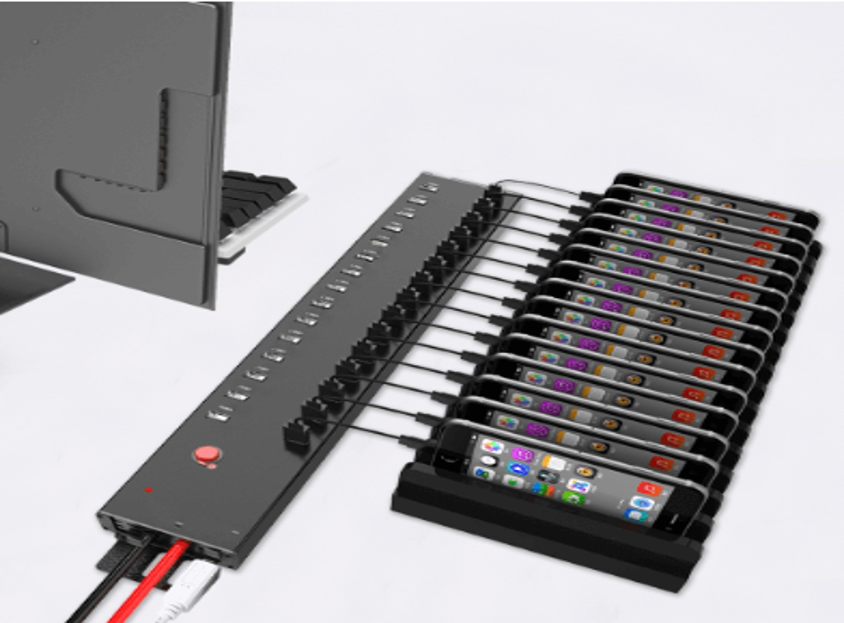
The 5 Ports USB Charger LC-818 provides a convenient way to charge multiple compatible devices from one centralized desktop unit. Smartphones, tablets, accessories, and other USB-powered devices can quickly lead to a collection of individual charging adapters, cables, and occupied power outlets.
A multi-port charger offers a more organized alternative by combining several charging connections into one unit. Instead of using a separate charger for every device, users can establish a centralized charging point where multiple compatible devices can be connected.
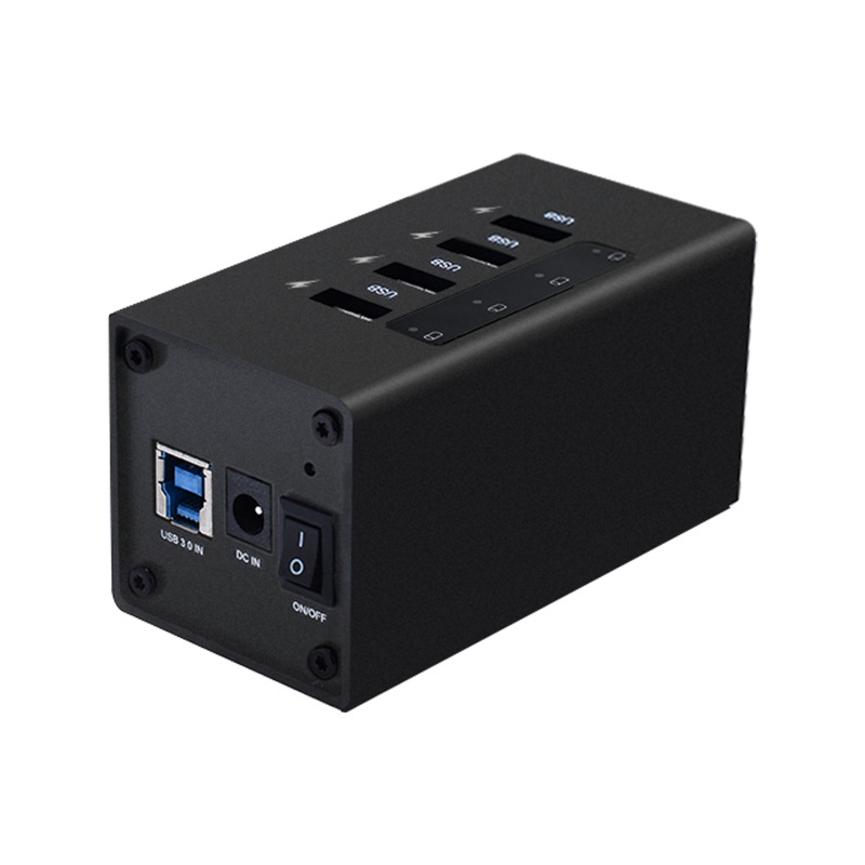
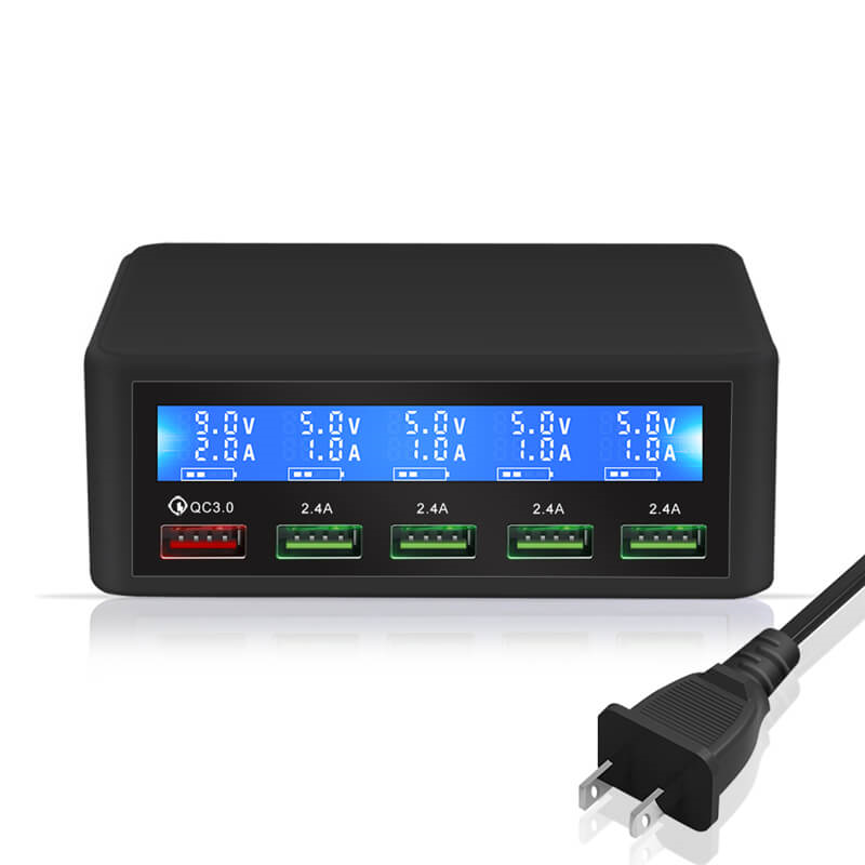
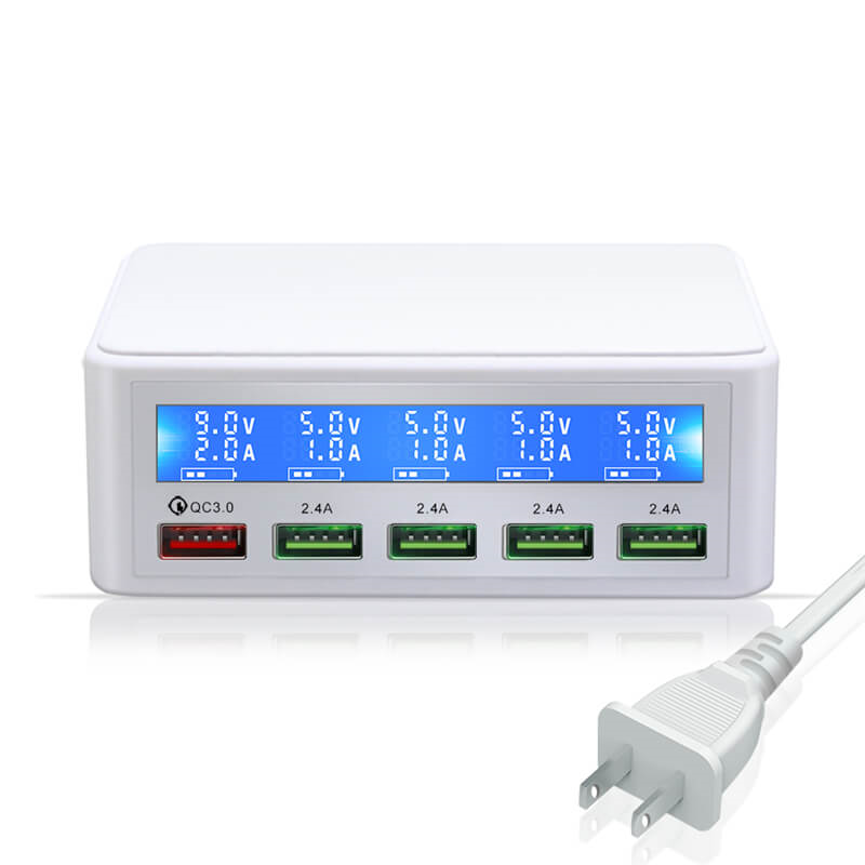
The 5 Ports USB Charger LC-818 is designed around this concept. It provides five charging ports in one desktop charging unit, consisting of one QC port and four additional USB ports. This combination gives users access to a dedicated Quick Charge connection along with four standard USB charging ports.
The LC-818 is categorized as a Desktop Multi-Port Charger, making it suitable for workstations, offices, classrooms, reception areas, homes, and other environments where multiple devices need convenient access to charging.
What Is the LC-818 5 Ports USB Charger?
The LC-818 is a multi-port USB charging solution designed to provide multiple charging connections from one desktop unit.
Its configuration is:
- 1 QC port
- 4 USB ports
- 5 total charging ports
The dedicated QC port is intended for compatible devices that support Quick Charge technology, while the four additional USB ports provide charging connections for compatible USB devices.
This makes the LC-818 a useful option for users who want multiple charging ports without placing several individual wall chargers around a desk or workspace.
Because the supplied specifications do not state the exact voltage, amperage, total wattage, or QC generation, these details should be confirmed before selecting the charger for devices with specific charging requirements.
Key Specifications of the 5 Ports USB Charger LC-818
| Specification | Details |
| Model | LC-818 |
| Product Type | Desktop Multi-Port Charger |
| Total Ports | 5 |
| QC Ports | 1 |
| USB Ports | 4 |
| Port Configuration | 1 QC + 4 USB |
| Main Function | Multi-device USB charging |
| Intended Design | Desktop charging |
| Product Categories | All Product, Charger Series, Desktop Multi-Port Charger, Uncategorized |
The straightforward five-port design makes the LC-818 particularly useful where several USB-compatible devices need to be charged in the same location.
How Does the 5 Ports USB Charger LC-818 Work?
The concept behind a multi-port USB charger is simple. Instead of using several individual power adapters, multiple charging connections are integrated into one charging unit.
A typical setup works like this:
Power source → LC-818 charger → USB charging ports → Compatible devices
Users connect appropriate USB cables to the available ports and then connect the other end to compatible devices.
The charger supplies power according to its electrical design and the requirements of the connected devices.
The actual charging performance can vary depending on the device, cable, charging technology, battery condition, and power requirements.
Understanding the 1 QC + 4 USB Configuration
The LC-818 stands out because it combines two types of charging connections within one unit.
1 QC Port
The first port is a QC, or Quick Charge, port.
Quick Charge is a charging technology designed to support faster charging for compatible devices. However, the exact charging performance depends on the Quick Charge version supported by the charger and the device.
The product information supplied for the LC-818 does not identify the exact QC version or electrical output. Therefore, it is best to verify those specifications when matching the charger with a particular device.
4 USB Ports
Alongside the QC port are four additional USB ports.
These ports increase the charger’s versatility by allowing multiple compatible USB devices to be connected from the same desktop charger.
The four standard USB ports can be useful for everyday charging requirements where a dedicated QC connection is not necessary.
Five Ports in One Unit
Together, the configuration provides:
1 QC + 4 USB = 5 charging ports
This gives users a centralized charging solution for multiple devices.
Benefits of the LC-818 5 Ports USB Charger
1. Charge Multiple Devices
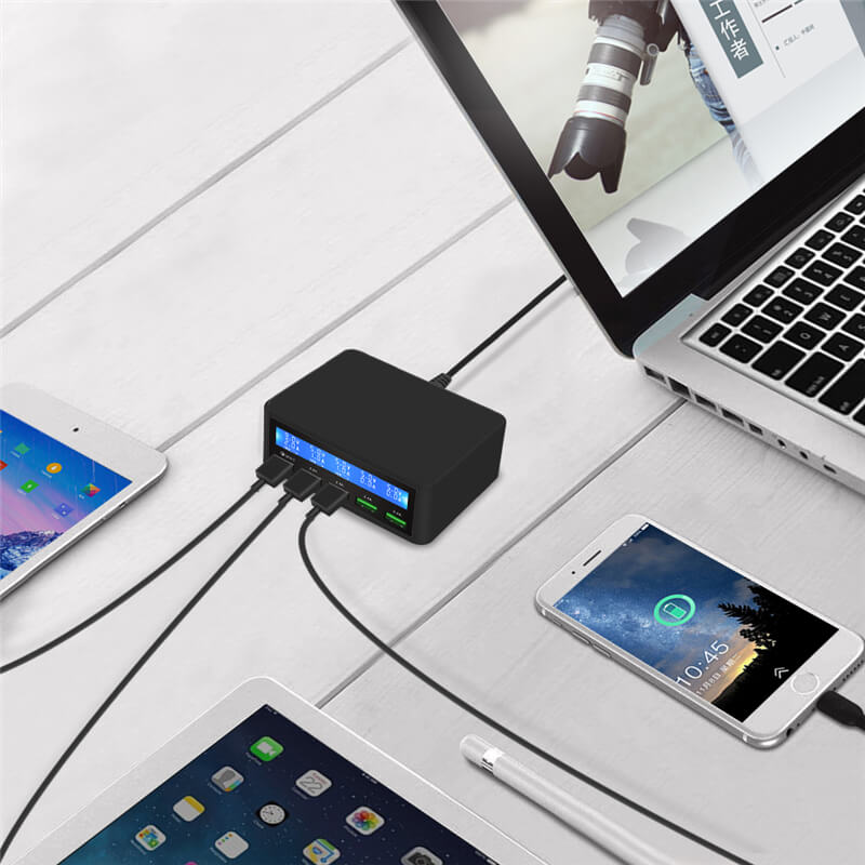
The five-port design allows multiple compatible devices to be connected to one charging unit.
This is particularly useful for people who regularly use several electronic devices throughout the day.
2. Dedicated QC Charging
The dedicated QC port provides a Quick Charge connection for compatible devices.
When both the charger and device support the relevant QC technology, the QC port can support the appropriate charging mode.
3. Reduces Charger Clutter
Using one multi-port charger can reduce the number of separate power adapters required on a desk.
Instead of several adapters occupying multiple outlets, users can centralize charging around the LC-818.
4. Convenient Desktop Charging
The product is categorized as a Desktop Multi-Port Charger, making it suitable for desks, workstations, counters, and similar locations.
5. Better Charging Organization
A dedicated charging area makes it easier to identify where devices should be connected when they need power.
6. Flexible Port Selection
Users have the option of using the QC connection or one of the four USB ports depending on their device and charging requirements.
Applications of the LC-818
The LC-818 can be useful in many environments where multiple USB devices require regular charging.
Home
Households can have several smartphones, tablets, accessories, and other USB-powered products.
A five-port charger provides one centralized location for charging compatible devices.
Office
Employees may need to charge smartphones and other portable devices during working hours. A desktop multi-port charger can keep charging equipment organized.
Classroom
Schools and educational environments increasingly use digital devices. A centralized charging unit can provide a convenient charging location for compatible classroom equipment.
Reception Areas
Businesses can place a multi-port charger in reception or waiting areas where visitors or employees may need access to charging.
Shared Workspaces
Coworking spaces and collaborative offices can provide centralized charging without requiring users to bring multiple charging adapters.
Personal Workstations
For users who regularly operate several USB-powered devices, the LC-818 can provide a dedicated charging point directly at the desk.
LC-818 for Office Charging
Office environments often involve multiple portable electronics.
Employees may have a smartphone, tablet, wireless accessories, or other USB-powered equipment that needs charging throughout the workday.
Without a centralized charging system, desks can become crowded with:
- Individual power adapters
- Multiple cables
- Extension cords
- Occupied power outlets
- Unorganized charging connections
The LC-818 can simplify this arrangement by bringing five charging ports into one desktop unit.
A simple office workflow can be:
Device needs charging → Connect to LC-818 → Charge → Disconnect → Return to use
This approach can help create a more organized workspace.
LC-818 for Classrooms
Classrooms can also benefit from centralized charging.
If several students or teachers use compatible USB-powered devices, charging them individually can be inconvenient. A multi-port charger creates a dedicated location where devices can be connected after use.
Example classroom charging process
| Step | Action |
| 1 | Devices are used during class |
| 2 | Devices are collected or returned to the charging area |
| 3 | USB cables are connected |
| 4 | Devices are connected to the LC-818 |
| 5 | Devices remain connected while charging |
| 6 | Devices are disconnected when ready |
A consistent charging routine can make device management easier for teachers and administrators.
LC-818 vs. Single-Port USB Charger
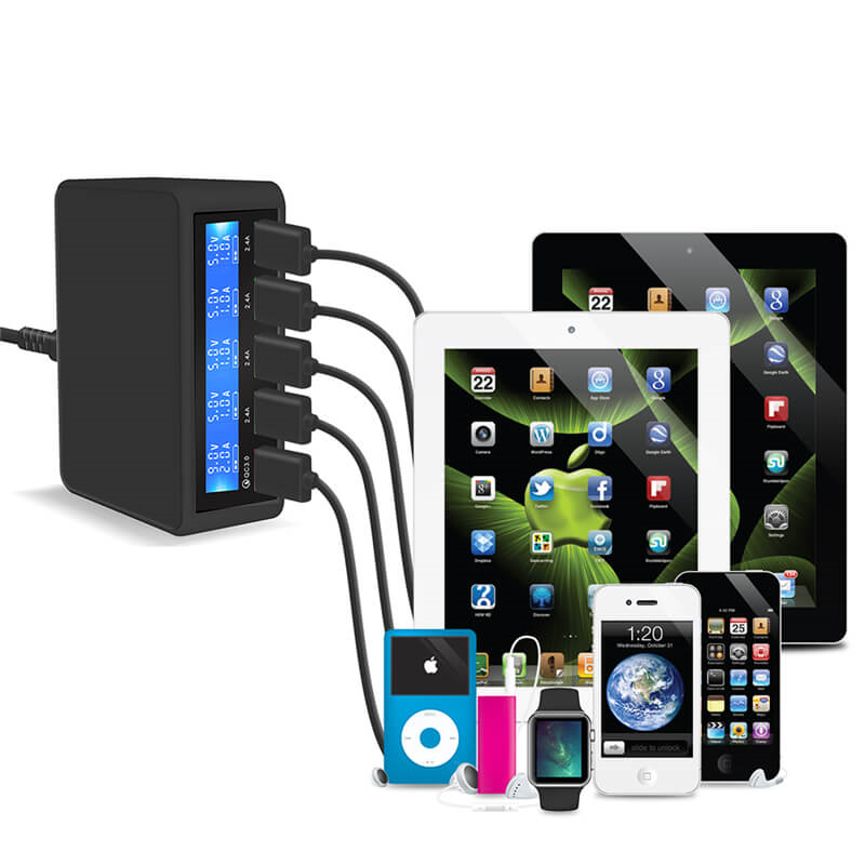
A single-port charger can be sufficient when only one device needs charging. However, it becomes less convenient when several devices need power at the same time.
| Feature | LC-818 | Single-Port Charger |
| Charging Ports | 5 | 1 |
| QC Port | 1 | Depends on model |
| Additional USB Ports | 4 | No |
| Multi-Device Charging | Yes | Limited |
| Centralized Charging | Yes | No |
| Best Use | Multiple devices | Single-device charging |
For users who regularly charge several devices, the LC-818 offers greater flexibility.
LC-818 vs. Multiple Individual Chargers
Another alternative is to use several separate chargers.
Although this can provide multiple charging connections, it can also require more adapters, cables, and available wall outlets.
| Consideration | LC-818 | Individual Chargers |
| Charging Ports | 5 in one unit | Distributed |
| QC Availability | 1 QC port | Depends on each charger |
| Organization | Centralized | Can become cluttered |
| Desk Space | One main charging unit | Multiple adapters |
| Cable Management | Easier to centralize | More components |
| Multi-Device Use | Convenient | Requires multiple chargers |
The LC-818 is therefore well suited to users who prefer centralized charging.
What Is Quick Charge?
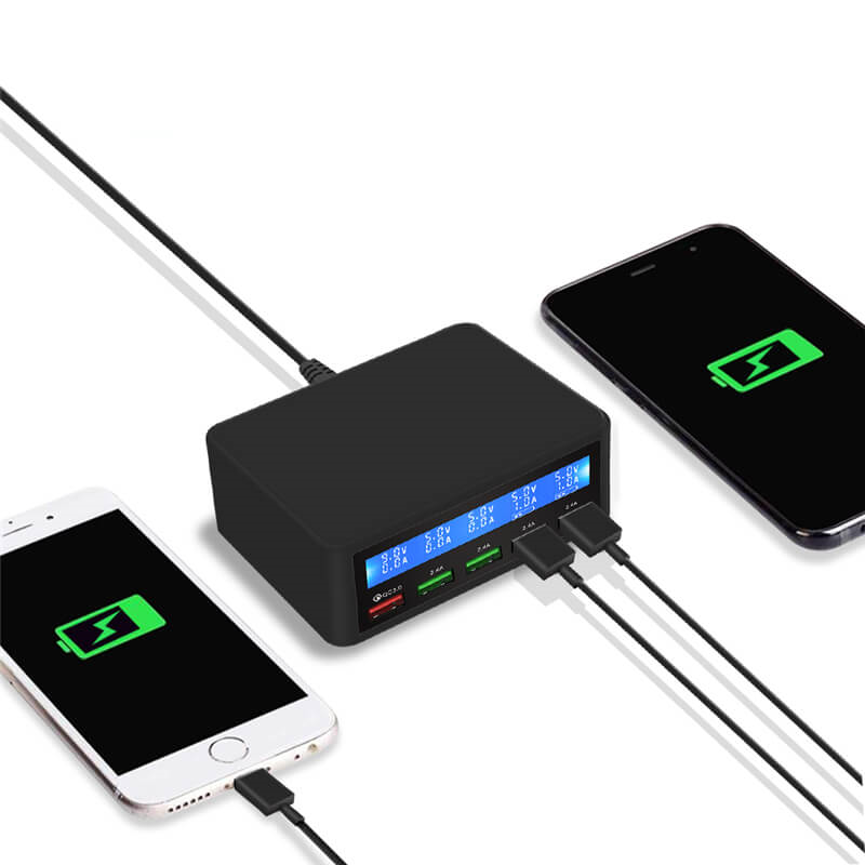
Quick Charge is a charging technology designed to support faster charging on compatible devices.
However, having a QC port does not automatically mean that every connected device will charge at the same speed.
Actual charging performance can depend on:
- Device compatibility
- QC version
- Charger output
- Charging cable
- Device charging circuitry
- Battery condition
- Supported charging protocols
For this reason, users should verify compatibility before expecting a specific charging speed.
The LC-818 product information confirms the presence of one QC port, but does not specify the exact QC generation or output profile.
Factors to Consider Before Buying
Selecting a multi-port charger requires more than simply counting the number of ports.
Device compatibility
Check whether your devices support the charging connections and protocols provided by the charger.
QC compatibility
If Quick Charge performance is important, verify the QC version supported by the charger and connected device.
Electrical specifications
Voltage, current, and total wattage are important for determining charging capabilities. These specifications have not been provided for the LC-818 and should be confirmed from the manufacturer’s technical documentation.
Cable compatibility
Use suitable cables for the connected devices. Cable quality and specifications can affect charging performance.
Number of devices
Consider how many devices you normally charge at the same time. Five ports can be useful for households, personal workstations, and smaller shared charging environments.
Charging location
A desktop charger should be placed in an accessible, organized area where cables can be managed properly.
Best Practices for Multi-Port Charging
A few simple practices can help maintain an organized charging setup.
Use suitable cables
Choose cables appropriate for the device and charging requirements.
Inspect cables regularly
Do not continue using cables with damaged connectors, exposed wiring, or severe wear.
Keep the charger area organized
Arrange cables so they do not become tangled or create unnecessary strain on the charging ports.
Verify QC compatibility
Before using the QC port for faster charging, confirm that the device supports the relevant Quick Charge technology.
Avoid cable strain
Place devices close enough to the charger that cables do not need to be stretched tightly.
Follow manufacturer specifications
Always follow the charger’s official electrical and safety specifications when installing and using it.
Important Technical Considerations
The supplied product information identifies the LC-818 as a 5 Ports USB Charger with 1 QC and 4 USB ports, but it does not provide exact electrical output specifications.
Therefore, the following details should be confirmed before making device-specific purchasing decisions:
- Output voltage
- Output current
- Total power rating
- QC version
- QC output profile
- Supported charging protocols
- Input requirements
This is particularly important when the charger will be used for a specific fleet of smartphones, tablets, or other electronics.
The number of ports tells us how many charging connections are available, but it does not by itself determine the charging speed or maximum power available to every connected device.
Who Can Benefit from the LC-818?
The LC-818 is a practical option for users who want multiple charging connections in a centralized desktop format.
Potential users include:
- Home users
- Office employees
- Small businesses
- Teachers
- Students
- Reception desks
- Shared workspaces
- Personal workstations
- Family charging areas
- Small device charging stations
Its combination of one QC port and four USB ports provides a useful balance between dedicated Quick Charge connectivity and standard USB charging.
Frequently Asked Questions
How many ports does the LC-818 have?
The LC-818 has five ports in total: one QC port and four USB ports.
What does 1 QC + 4 USB mean?
It means the charger has one dedicated Quick Charge port and four additional USB charging ports.
Can I charge five devices simultaneously?
The product provides five charging ports for multi-device charging. Actual simultaneous charging performance depends on the charger’s electrical specifications and the requirements of the connected devices.
Is the LC-818 a desktop charger?
Yes. It is categorized as a Desktop Multi-Port Charger.
What is the QC port used for?
The QC port is intended for compatible devices that support Quick Charge technology.
Does every device charge at Quick Charge speed?
No. Quick Charge performance requires compatibility between the charger and the connected device, along with appropriate charging conditions.
What is the maximum wattage of the LC-818?
The supplied specifications do not state the maximum wattage. The official product documentation should be checked for the exact electrical rating.
What voltage does the LC-818 provide?
The supplied information does not specify the output voltage. This should be confirmed from the manufacturer’s technical specifications.
Where can the LC-818 be used?
It can be used in homes, offices, classrooms, reception areas, shared workspaces, and other locations where multiple USB devices need convenient charging.
Conclusion
The LC-818 5 Ports USB Charger provides a convenient way to centralize multi-device charging in a compact desktop format. Its 1 QC + 4 USB configuration gives users five charging connections in one unit, including a dedicated Quick Charge port for compatible devices.
For homes, offices, classrooms, personal workstations, reception areas, and shared spaces, the LC-818 can help reduce charger clutter and create a more organized charging environment.
Its greatest advantage is convenience: instead of relying on several individual charging adapters, users can establish one central charging point for multiple compatible USB devices.
For buyers with specific charging requirements, it is important to verify the manufacturer’s detailed electrical specifications, including voltage, current, total wattage, and exact QC version, before purchasing. These details determine whether the LC-818 is the right match for the intended devices.
Overall, the 5 Ports USB Charger LC-818 is positioned as a practical desktop multi-port charging solution for users who need multiple USB connections in one centralized unit.