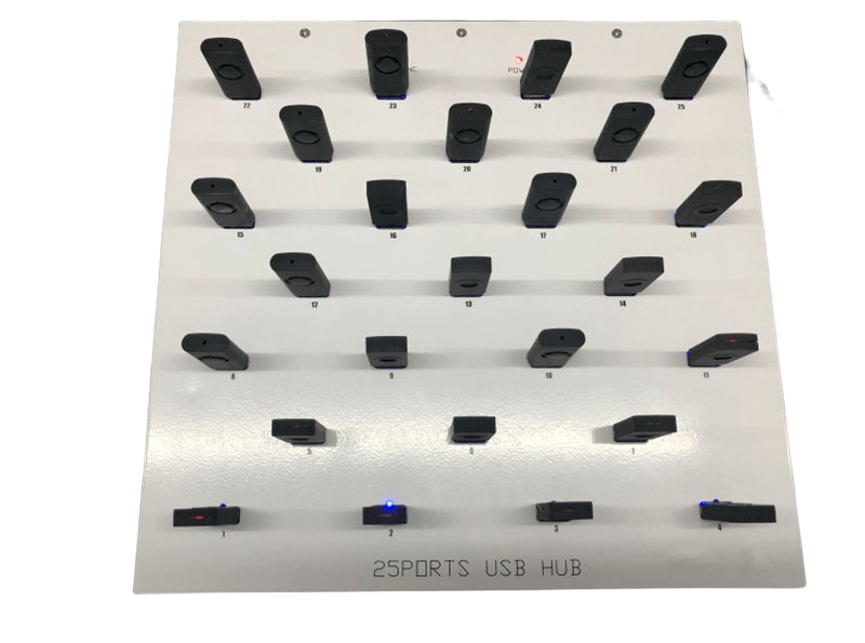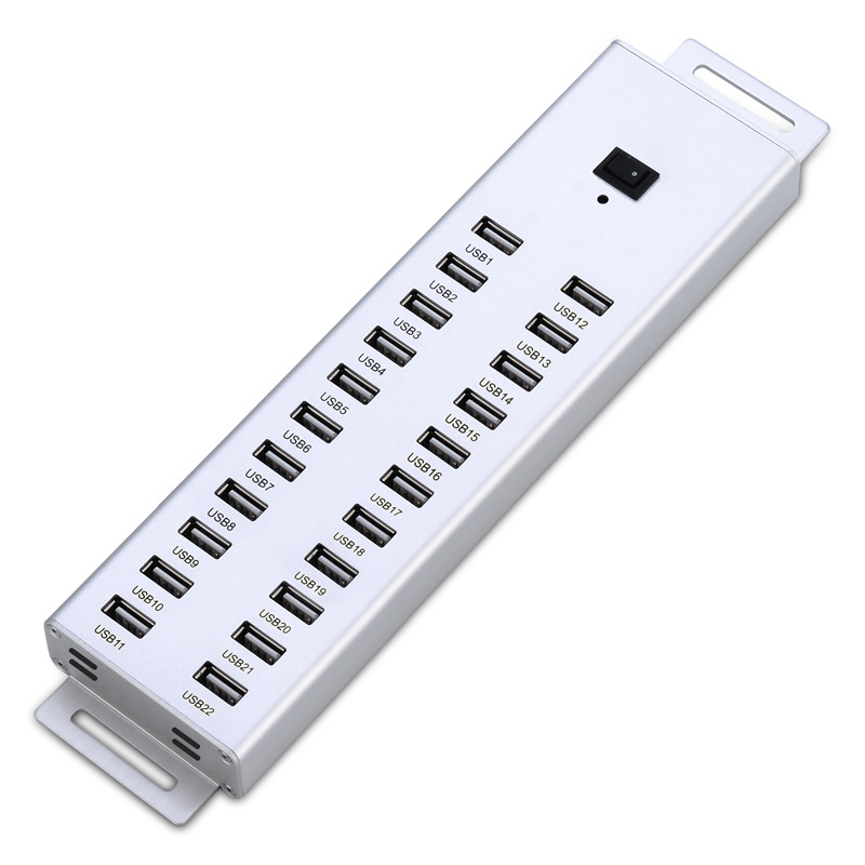
Introduction
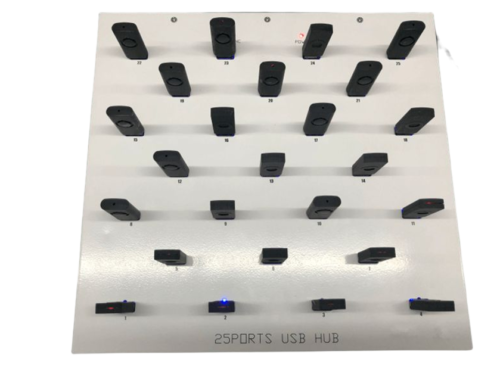
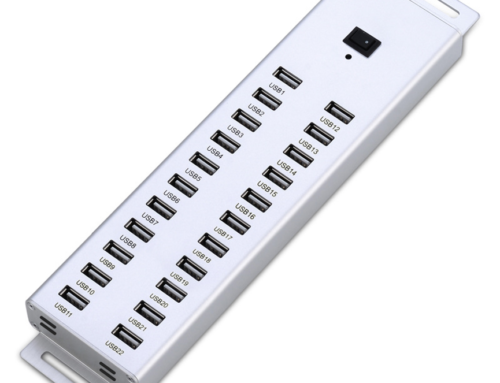
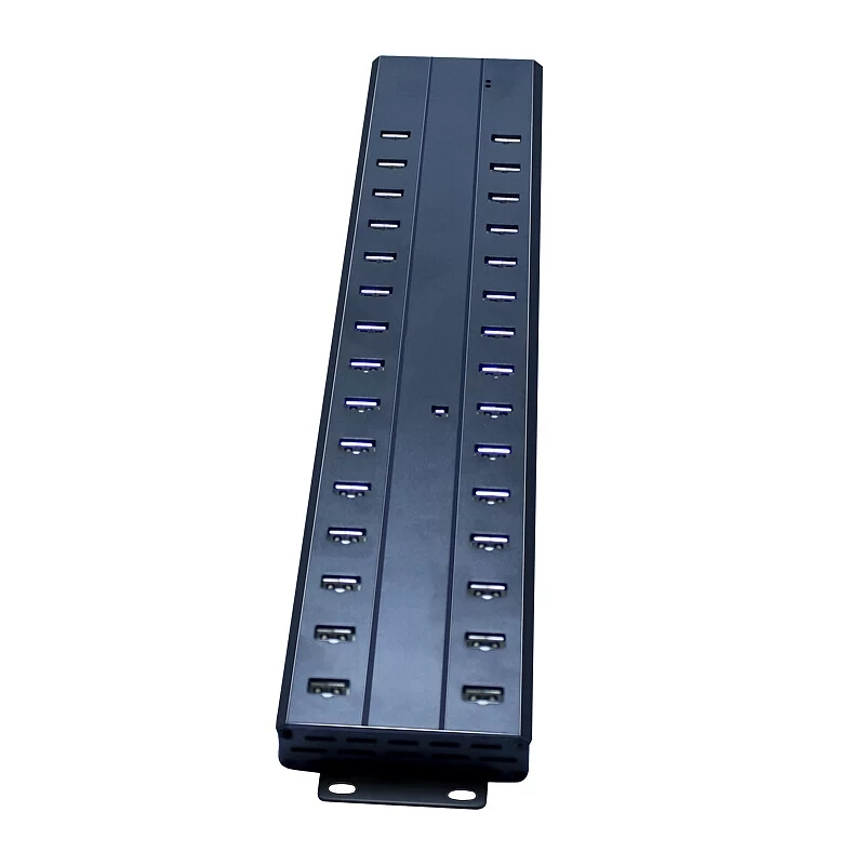
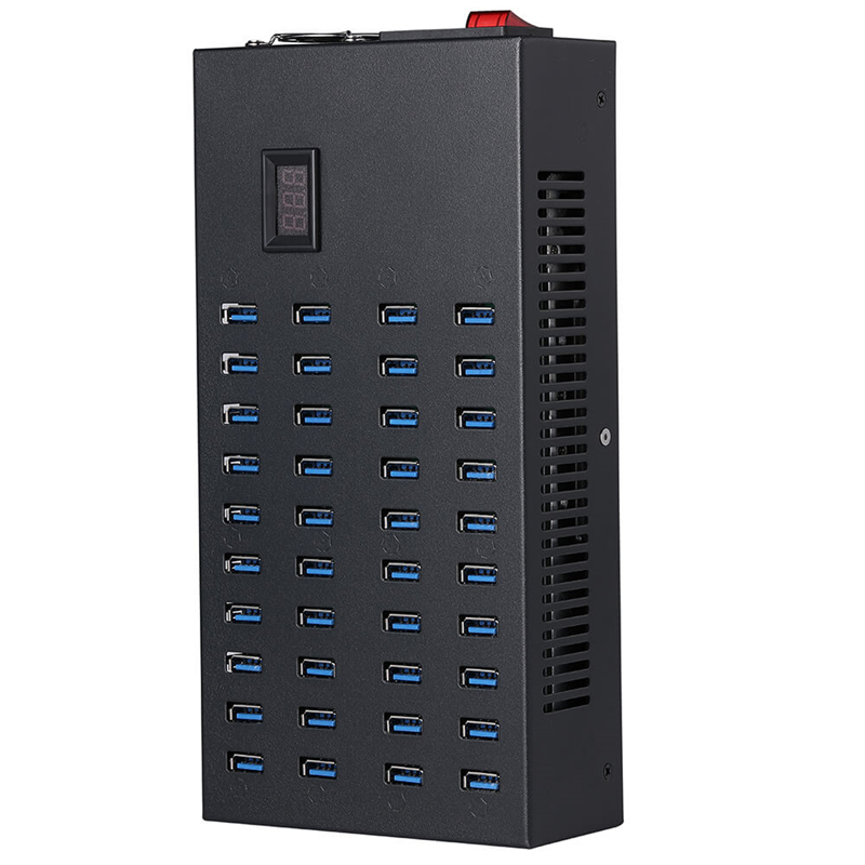
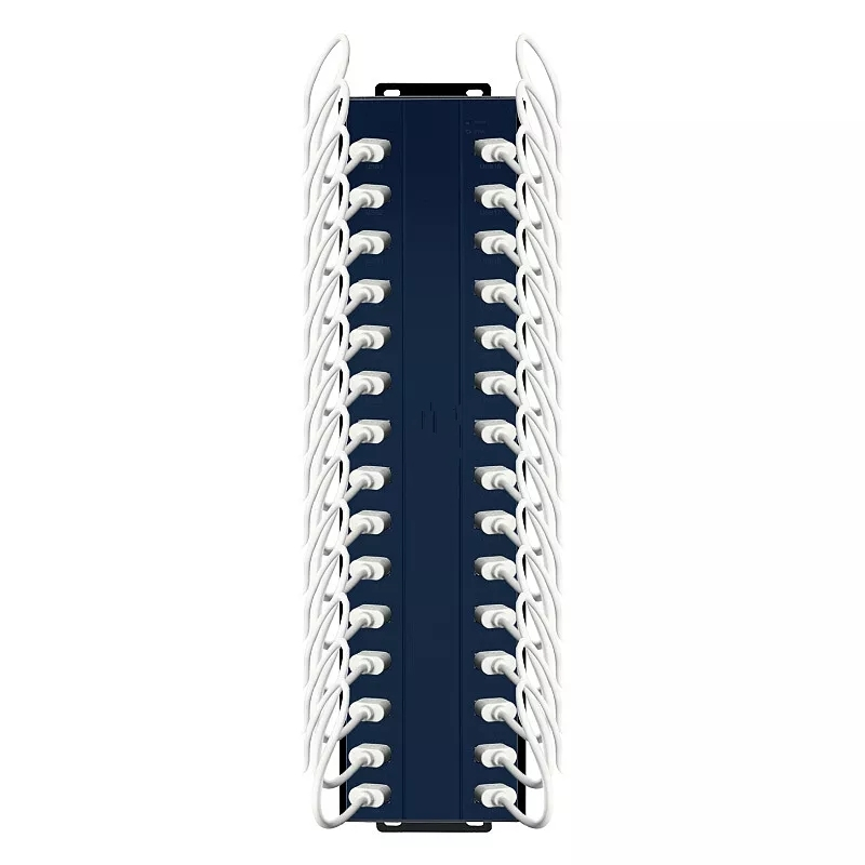
30 Port USB Hub is designed for environments where many USB devices need to be connected, charged, and synchronized from a single solution. A high-capacity solution can simplify charging, data synchronization, and device organization by bringing multiple connections together in one centralized unit.
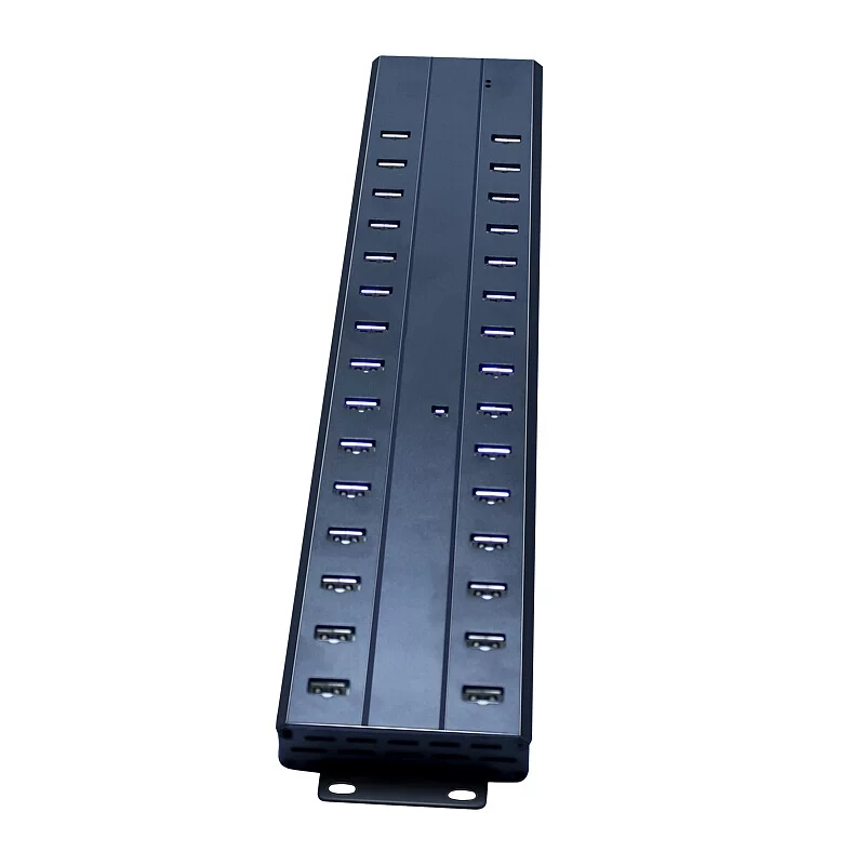
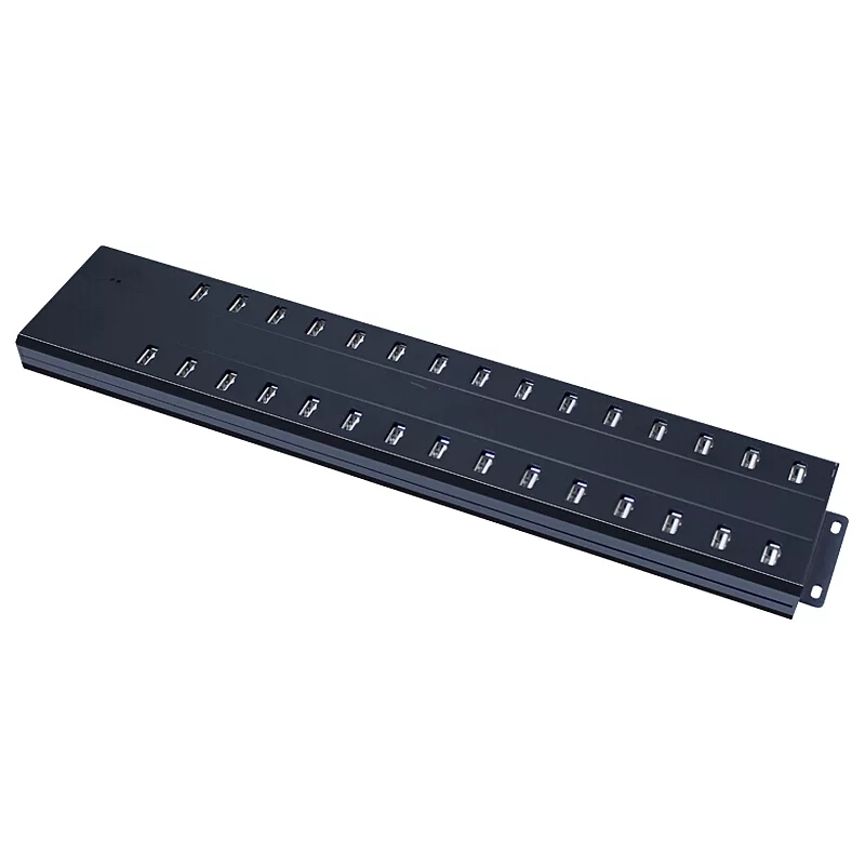
The 30 Ports USB 2.0 Hub is designed for environments where many USB devices need to be connected, charged, and synchronized from a single solution. It provides 30 USB 2.0 ports, with a stated 5V 2.4A charging capability for each port, supported by a 300W power supply.
This combination makes the hub suitable for workplaces, educational environments, IT departments, device-management setups, testing areas, service centers, and other locations where multiple USB devices may need to be handled at the same time.
Rather than relying on a collection of individual chargers and small USB hubs, a 30-port configuration provides a centralized approach to multi-device connectivity.
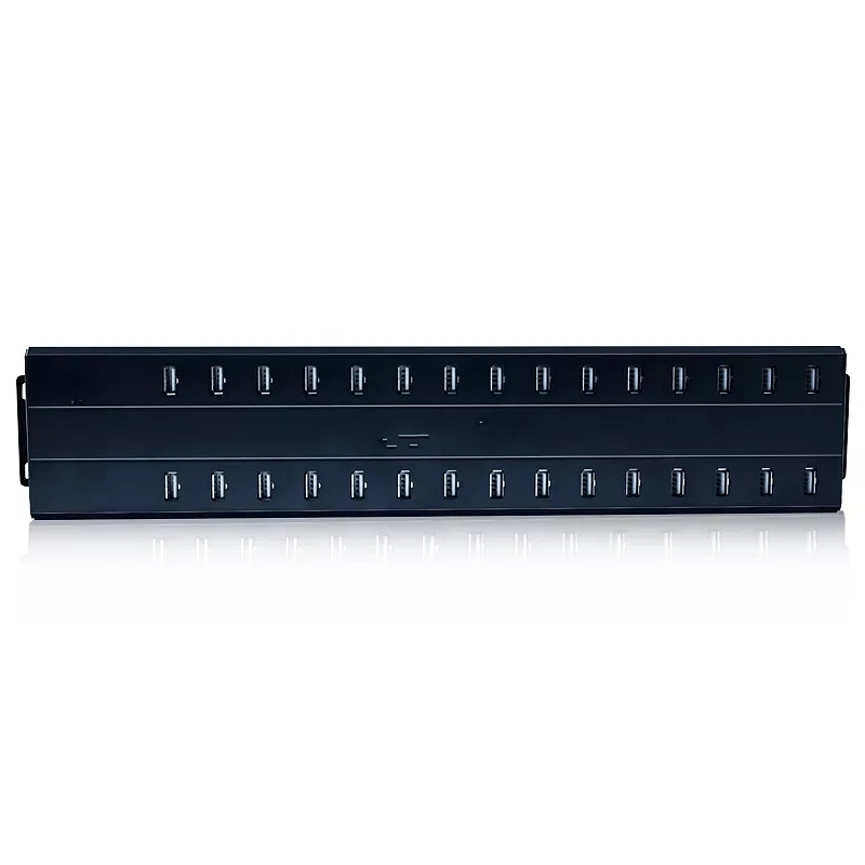
What Is a 30 Ports USB 2.0 Hub?
A USB hub expands the number of USB connections available from a host computer or compatible system. Instead of connecting every device directly to the computer, multiple USB devices can be connected through the hub.
This model provides 30 USB 2.0 ports, giving organizations a high port count for managing multiple devices from one centralized unit.
Its functionality combines two important roles:
- USB connectivity for connecting multiple compatible devices
- Charging support for USB-powered devices
- Data synchronization for compatible devices and software
- Centralized power delivery through its 300W power supply
The result is a practical multi-device platform for environments where a small two-, four-, or seven-port hub would not provide enough capacity.
Key Features at a Glance
| Feature | Specification |
| Product Type | 30 Ports USB Hub |
| USB Standard | USB 2.0 |
| Number of Ports | 30 |
| Charging Output | 5V, up to 2.4A per port |
| Power Supply | 300W |
| Main Functions | Charging and syncing |
| Charging Approach | Multi-device charging |
| Data Connectivity | USB 2.0 |
| Product Categories | All Product, Charge & Sync Hub, Data & Hub, New Products |
The specifications above describe the supplied product information. Specific host connectivity, data-sync software compatibility, physical dimensions, and other electrical details should be confirmed from the manufacturer’s documentation before deployment.
30 USB Ports for Multi-Device Connectivity
The primary advantage of this USB hub is its 30-port configuration.
A conventional computer may provide only a limited number of USB connections. When several phones, tablets, USB accessories, storage devices, or other compatible equipment need to be connected simultaneously, available ports can quickly become a limitation.
With 30 USB ports available in one centralized hub, users can reduce the need for multiple smaller hubs and charging accessories.
This can be particularly useful for:
- IT departments
- Schools and training centers
- Device testing environments
- Smartphone service centers
- Electronics refurbishment operations
- Offices
- Research and technical workspaces
- Device management stations
The high port count also makes the unit useful where multiple devices need to be handled during a repeated workflow rather than occasionally.
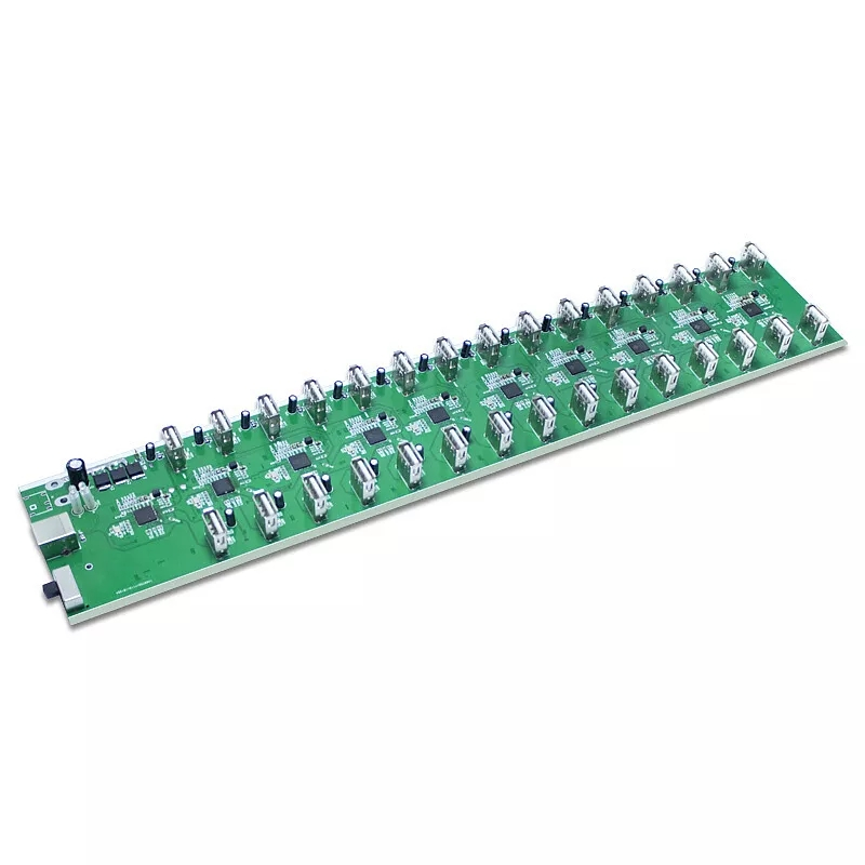
5V 2.4A Charging Per Port
The product specifies 5V 2.4A charging for each USB port.
At the stated maximum, a single port has a theoretical electrical power level of:
5V × 2.4A = 12W
Therefore, the stated 2.4A capability corresponds to up to approximately 12W at 5V per port, assuming the device actually draws the full available current.
However, this does not mean every connected device will continuously consume 2.4A.
Actual charging behavior depends on factors such as:
- The connected device
- The device’s charging circuitry
- Battery condition
- Cable quality
- Device charging requirements
- USB charging compatibility
- Overall power distribution within the hub
The 2.4A figure should therefore be understood as the maximum stated charging capability per port, rather than a guaranteed current draw for every device.
Understanding the 300W Power Supply
The hub is supplied with a 300W power supply.
This is an important specification because the 300W figure should be understood as the power supply/system rating rather than 300W being available independently at every port.
For example, multiplying the stated maximum port capability gives:
30 × 12W = 360W
That theoretical figure is higher than the stated 300W power supply.
This does not mean the product specification is necessarily incorrect. It means the maximum figures should not be interpreted as if every port can necessarily operate at its maximum simultaneously. The overall system has a stated 300W power supply, while individual ports are specified for charging up to 5V/2.4A.
Actual power distribution can depend on connected devices and the hub’s internal power-management design.
For procurement or high-load deployment, users should confirm the manufacturer’s official power-distribution specifications if simultaneous maximum-load operation is required.
USB 2.0 for Charging and Data Synchronization
The hub uses the USB 2.0 standard.
USB 2.0 is widely used for connecting peripherals and compatible mobile devices. It can support data communication as well as charging-related workflows.
For data synchronization, the actual performance depends on the connected device, host system, cables, software, and USB configuration.
It is important to distinguish between charging capability and data-transfer performance. The 2.4A charging specification describes electrical charging capability; it does not indicate a particular data-transfer speed.
Likewise, the USB 2.0 classification identifies the interface standard but does not mean that every connected device will transfer data at the theoretical maximum under every real-world condition.
Charging and Syncing in One Solution
One of the most useful characteristics of a charge-and-sync hub is the ability to support both power and data-related workflows.
For example, an organization may need to:
- Connect multiple compatible devices.
- Charge those devices.
- Transfer or synchronize data.
- Disconnect or replace devices.
- Repeat the process across a large device fleet.
A centralized 30-port hub can make this workflow easier to organize than using many separate chargers and USB hubs.
For device-management environments, this can also help create a dedicated workspace where USB connections are easier to monitor and maintain.
Fast and Secure Charging and Syncing
The product is described as supporting fast and secure charging and syncing.
The stated 5V 2.4A per-port charging capability provides substantial charging capacity for compatible USB devices compared with lower-current USB charging solutions.
However, charging speed should always be considered relative to the connected device. A device that requires less current will not necessarily draw the full 2.4A.
Similarly, synchronization performance depends on the USB connection and the devices and software being used.
For reliable operation, users should use suitable USB cables and ensure that connected devices are compatible with the intended charging and synchronization workflow.
Practical Applications
1. IT Departments
IT teams frequently work with multiple mobile devices, peripherals, and USB equipment. A 30-port hub can centralize USB connectivity in a dedicated workstation.
2. Schools and Training Centers
Educational environments may have multiple tablets or other USB-powered devices that need regular charging. Centralized charging can make device management easier for staff.
3. Smartphone Service Centers
Repair and refurbishment businesses may work with multiple devices throughout the day. A high-capacity USB hub can provide a centralized charging and connectivity point.
4. Device Testing
Testing environments may require multiple USB devices to be connected simultaneously. Thirty available ports can reduce the need for repeated connection changes.
5. Offices
Modern offices may use smartphones, USB accessories, and other portable devices. A dedicated multi-port hub can provide a centralized charging and connectivity station.
6. Electronics Refurbishment
Refurbishment workflows can involve repeated charging, testing, and data-management tasks. A multi-port solution can help organize these activities around one workstation.
Benefits of a 30 Port USB Hub
Centralized Device Management
Instead of distributing USB devices across several chargers and hubs, users can manage many connections from one location.
High Port Capacity
Thirty ports provide significantly more connectivity than conventional desktop hubs.
Dedicated Charging Capability
The stated 5V 2.4A maximum charging output per port provides a useful charging capability for compatible USB devices.
300W Power Supply
The 300W system power supply supports the hub’s high-capacity multi-device design.
Charging and Syncing
The solution is designed for workflows where devices may need both charging and USB data connectivity.
Simplified Workspace
Centralizing devices can reduce cable clutter and make charging and synchronization workflows easier to manage.
30 Port USB Hub vs Standard USB Hub
| Feature | 30 Port USB 2.0 Hub | Standard Small USB Hub |
| Port Count | 30 | Usually fewer |
| Multi-Device Use | Designed for high-volume connectivity | Better for smaller setups |
| Charging | Up to 5V 2.4A per stated port | Depends on model |
| Power Supply | 300W stated | Varies |
| USB Standard | USB 2.0 | Varies |
| Charging & Syncing | Supported | Depends on model |
| Best For | Large device environments | Personal or small setups |
The key difference is capacity. A standard hub may be convenient for adding a few USB connections, while a 30-port model is designed around larger-scale device connectivity.
How to Use the 30 Ports USB 2.0 Hub
A typical deployment can follow these steps:
Step 1: Position the Hub
Place the hub in a stable, accessible location with sufficient ventilation and access to the required power source.
Step 2: Connect the Power Supply
Connect the supplied or specified 300W power system according to the manufacturer’s installation instructions.
Step 3: Connect the Host System
Connect the hub to the compatible host computer or system using the appropriate USB connection.
Step 4: Connect USB Devices
Attach compatible devices to the available USB ports using suitable cables.
Step 5: Allow Devices to Charge
Connected devices can receive charging power according to their individual requirements and the hub’s available power distribution.
Step 6: Perform Synchronization
Where supported, use the appropriate host software or device-management software for data synchronization.
Best Practices for Reliable Operation
For a large multi-device setup, good cable and device management is important.
Use quality USB cables: Poor-quality or damaged cables can affect charging and data communication.
Avoid unnecessary overload: Although the hub has 30 ports, the total system power is rated at 300W. Avoid assuming that every port can continuously operate at its stated maximum simultaneously.
Keep the workspace organized: Labeling cables or devices can make large-scale workflows easier to manage.
Monitor device compatibility: Different smartphones, tablets, and USB devices can have different charging and synchronization requirements.
Allow adequate ventilation: High-load charging environments can generate heat, so appropriate airflow and installation conditions are important.
Separate charging from sensitive data workflows when necessary: If a particular device or application requires controlled synchronization, follow the software and device manufacturer’s procedures.
What to Consider Before Buying a 30 Port USB Hub
Before deploying a high-capacity USB hub, consider the following:
Number of Devices
If your environment regularly handles many devices simultaneously, a 30-port configuration can reduce the need for multiple hubs.
Charging Requirements
Check the charging requirements of the devices you intend to connect. The hub provides a stated maximum of 5V 2.4A per port.
Total Power Requirements
Consider the combined load of all connected devices. The product has a stated 300W power supply, so total system capacity matters when many devices are connected.
USB Standard
USB 2.0 is suitable for many connectivity and synchronization applications, but users requiring higher-speed data transfer should consider whether USB 2.0 meets their workflow requirements.
Cable Quality
A large multi-device deployment can involve many cables. Selecting suitable, reliable cables can help maintain stable charging and data communication.
Software Compatibility
If synchronization is a major part of the workflow, verify that the devices and software being used support the required data-management functions.
Frequently Asked Questions
How many devices can the hub connect?
The hub provides 30 USB ports, allowing up to 30 compatible USB connections at the port level. Actual usable device capacity depends on the intended charging, data, and host-system configuration.
What is the charging output per port?
The stated maximum charging capability is 5V 2.4A per USB port.
How much power does 5V 2.4A represent?
At the stated voltage and current, 5V × 2.4A equals approximately 12W per port.
Does the hub have a 300W power supply?
Yes. The supplied specification states a 300W power supply. This is the overall power-supply rating and should not be interpreted as 300W available independently on every port.
Is this a USB 2.0 hub?
Yes. The product is specified as a 30 Ports USB 2.0 Hub.
Can it charge and sync devices?
Yes. The product is described as supporting charging and syncing, making it suitable for multi-device charging and USB data workflows.
Does every device charge at 2.4A?
Not necessarily. 2.4A is the stated maximum per-port capability. Actual current draw depends on the connected device and its charging requirements.
Is this suitable for offices or schools?
Yes. Its high port count and charging/syncing functionality can be useful in offices, educational environments, IT departments, service centers, and other multi-device environments.
Conclusion
The 30 Ports USB 2.0 Hub is designed for organizations and workspaces that need centralized USB connectivity, charging, and synchronization for a large number of devices.
With 30 USB 2.0 ports, a stated 5V 2.4A maximum charging capability per port, and a 300W power supply, it provides a high-capacity platform for multi-device workflows.
Its strongest practical advantage is centralization: instead of relying on numerous small USB hubs and individual chargers, users can create a dedicated charging and synchronization station around one high-port-count solution.
For IT departments, schools, service centers, refurbishment operations, testing environments, and offices managing multiple USB devices, the hub can help simplify connectivity and make large-scale device handling more organized.
When evaluating the product for a high-load installation, users should pay particular attention to total system power, device charging requirements, USB 2.0 data needs, cable quality, and software compatibility. These factors help ensure that the hub is deployed according to its actual electrical and connectivity capabilities.
Overall, the 30 Ports USB 2.0 Hub is a practical centralized solution for environments where multiple compatible USB devices need to be connected, charged, and synchronized through a single high-capacity platform.