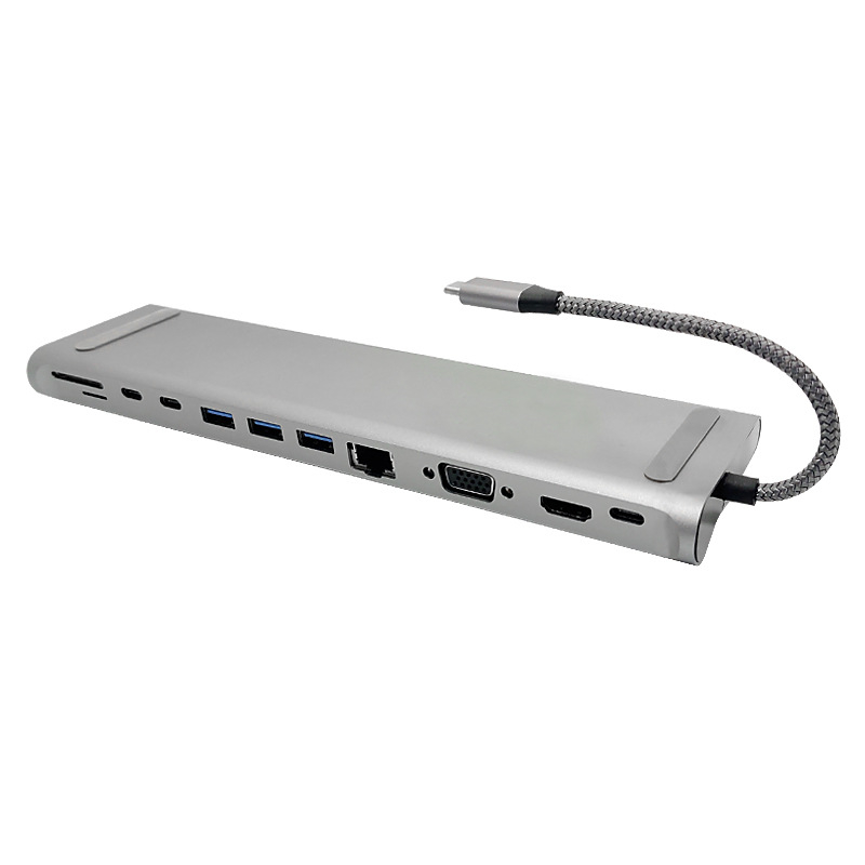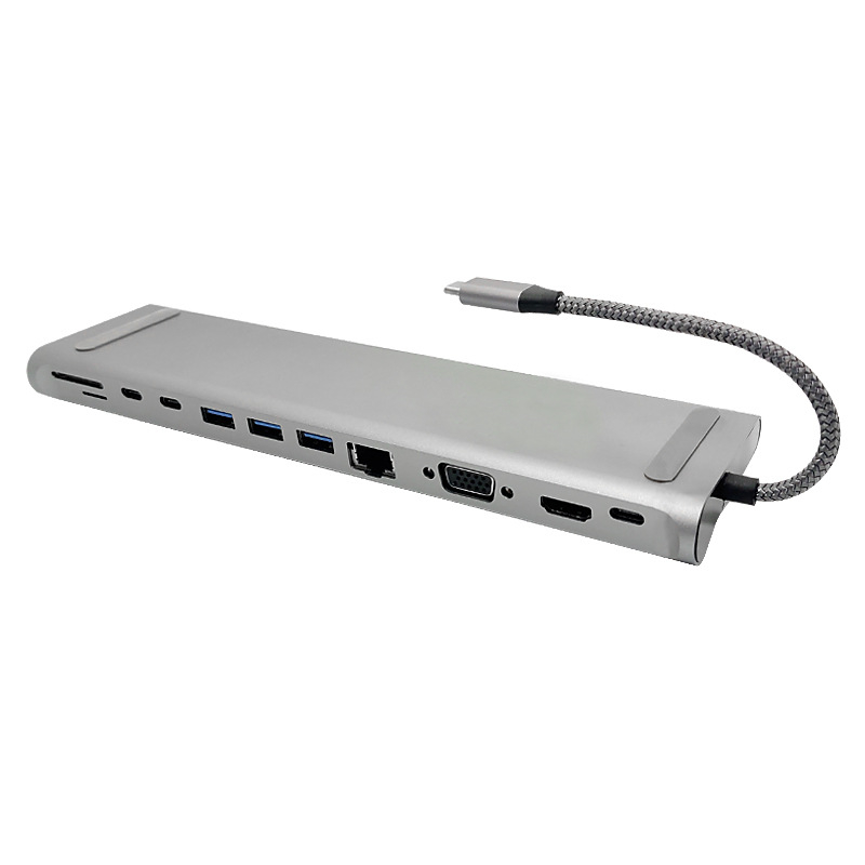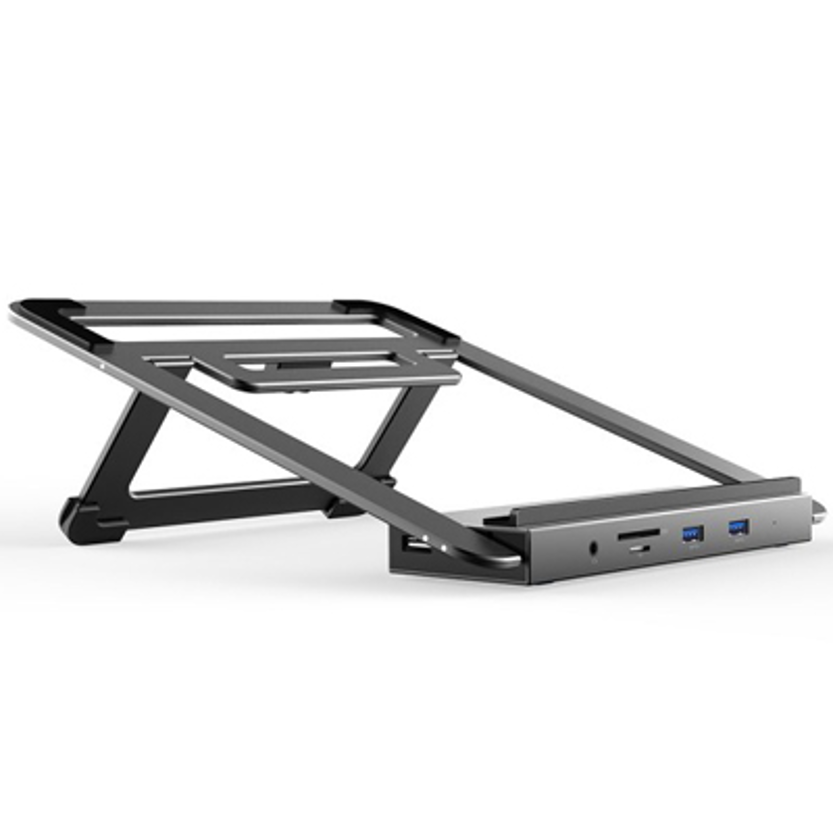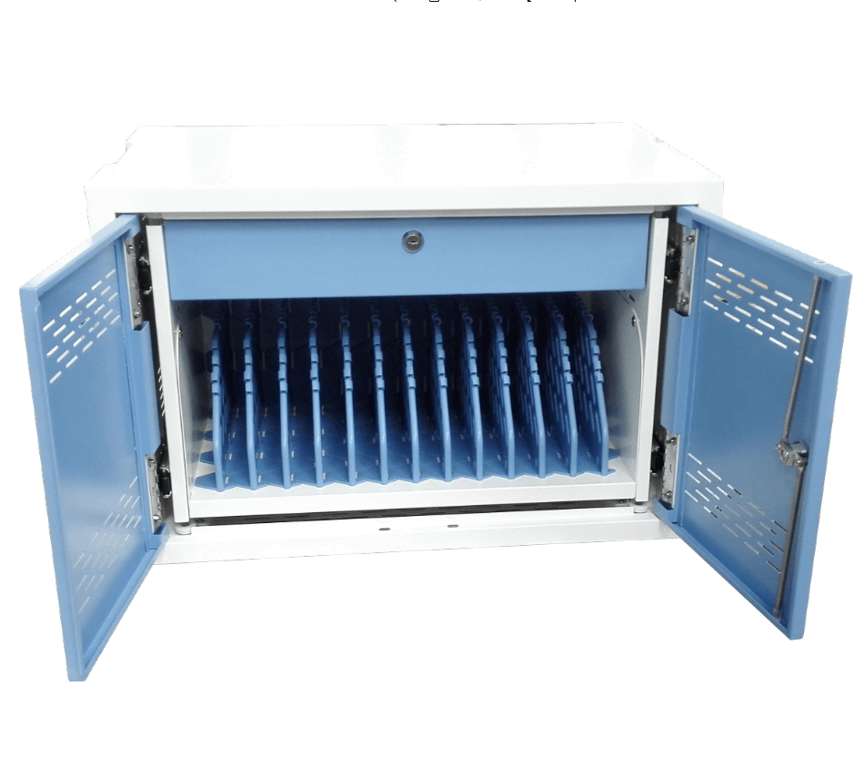
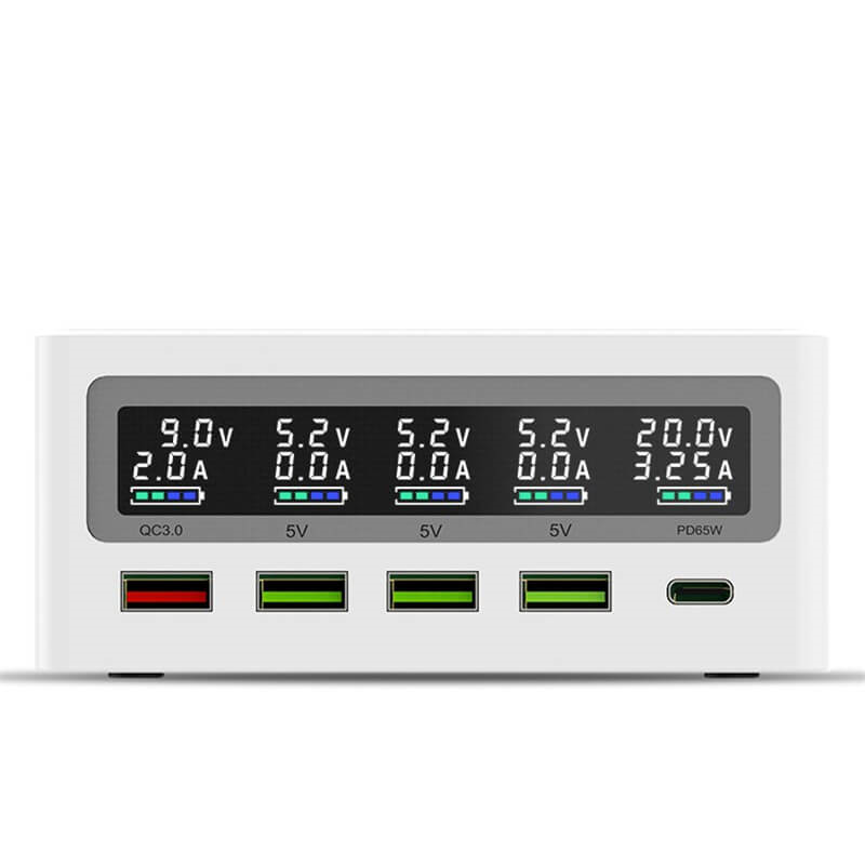
The 4-Port USB Charger L-26 is a compact multi-device charging solution designed for desktops, offices, shared spaces, and everyday USB power needs. Smartphones, tablets, wireless accessories, and other USB-powered electronics can quickly create a collection of charging adapters and cables. A centralized charging solution can make this process more organized and convenient.
The 4-Port USB Charger Model L-26 is designed as a compact multi-device charging solution for users who need several charging connections in one location. Its classification as a Desktop Multi-Port Charger makes it suitable for placement on desks, workstations, counters, bedside tables, and other convenient charging areas.
The product is also categorized under Wireless Charger, suggesting that wireless charging functionality may be part of the model or product configuration. However, because specific wireless charging power, supported wireless standard, USB output voltage, amperage, and total wattage were not supplied, those technical specifications should be confirmed with the manufacturer before making detailed performance claims.
This article explores the L-26, its potential applications, advantages, selection considerations, and best practices for creating an organized multi-device charging setup.
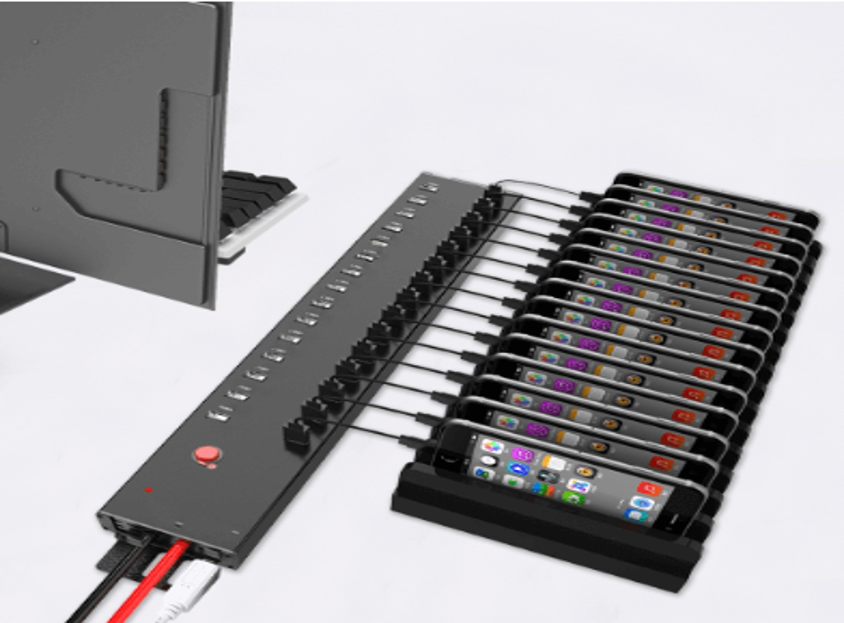
What Is the 4-Port USB Charger L-26?
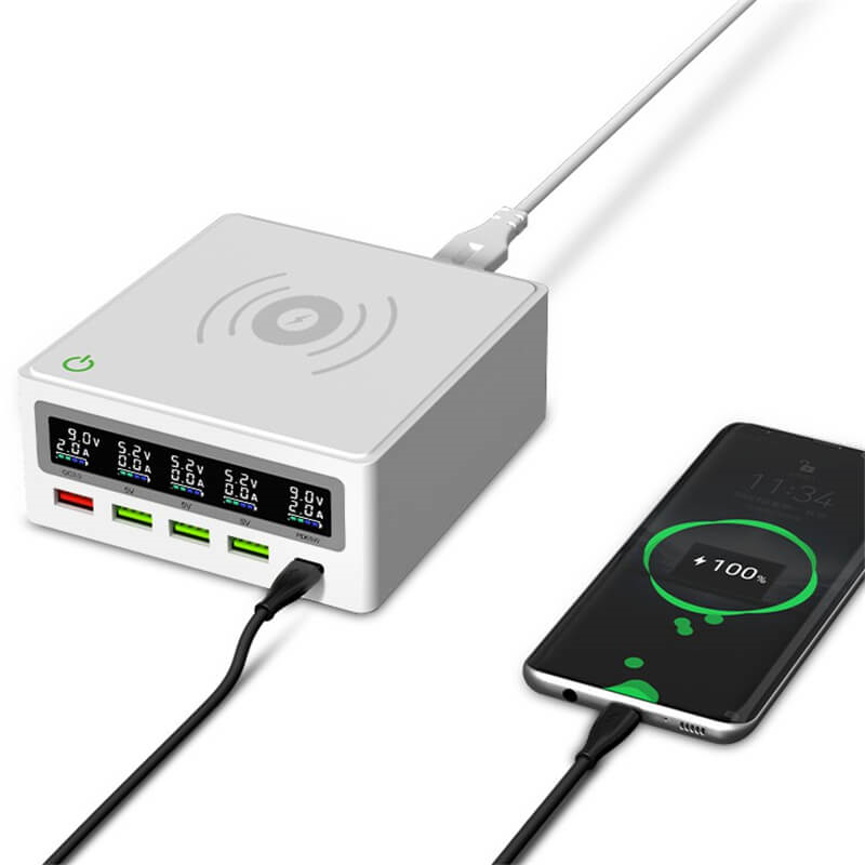
The 4-Port USB Charger L-26 is a compact charging station designed to provide multiple charging connections from a centralized unit.
Instead of using separate charging adapters for every device, a multi-port charger can consolidate charging into one location. This can reduce desktop clutter and make it easier to keep frequently used devices powered.
The product is categorized under:
- Charger Series
- Desktop Multi-Port Charger
- Wireless Charger
- Uncategorized
It is also associated with the tags Best Charging Station and USB Power Station.
Because the supplied product information does not specify the exact port configuration or output ratings, this article focuses on the confirmed four-port configuration and general use of the product rather than assuming unsupported technical specifications.
4-Port USB Charger L-26 Key Specifications
| Specification | Details |
| Product Name | 4-Port USB Charger |
| Model | L-26 |
| Port Configuration | 4 ports |
| Product Type | Multi-Port USB Charger |
| Form Factor | Desktop charging solution |
| Wireless Charging | Product is categorized under Wireless Charger |
| Primary Purpose | Multi-device charging |
| Category | Charger Series |
| Related Tag | Best Charging Station |
| Related Tag | USB Power Station |
| Recommended Environment | Desktop, office, home, shared workspace |
Technical Specification Note
The supplied information does not include exact values for:
- USB output voltage
- Output current
- Total charging wattage
- Wireless charging wattage
- Wireless charging standard
- Input voltage
- Cable configuration
- Dimensions
- Supported fast-charging protocols
These specifications should be verified from the manufacturer’s official documentation before publishing specific charging-speed or compatibility claims.
Four-Port Design for Everyday Charging
The most clearly defined feature of the L-26 is its four-port charging configuration.
Four charging connections can be useful for individuals or small groups who regularly need to charge several devices simultaneously.
For example, a desktop charging area might need connections for:
- A smartphone
- A tablet
- Wireless accessories
- Another USB-powered device
Instead of placing multiple charging adapters around a workspace, a four-port charger can provide a centralized location.
This makes the L-26 particularly relevant for everyday charging rather than extremely large-scale deployments.
Desktop Multi-Port Charging
The L-26 is specifically categorized as a Desktop Multi-Port Charger.
A desktop charger is designed to remain in a convenient location where users can connect and disconnect devices regularly.
Potential locations include:
- Home office desks
- Corporate workstations
- Reception counters
- Study desks
- Bedside tables
- Conference rooms
- Shared office areas
- Retail counters
- Small business workspaces
A desktop charging station can be particularly useful when charging is part of a daily workflow rather than an occasional activity.
What Makes a Desktop Charging Station Useful?
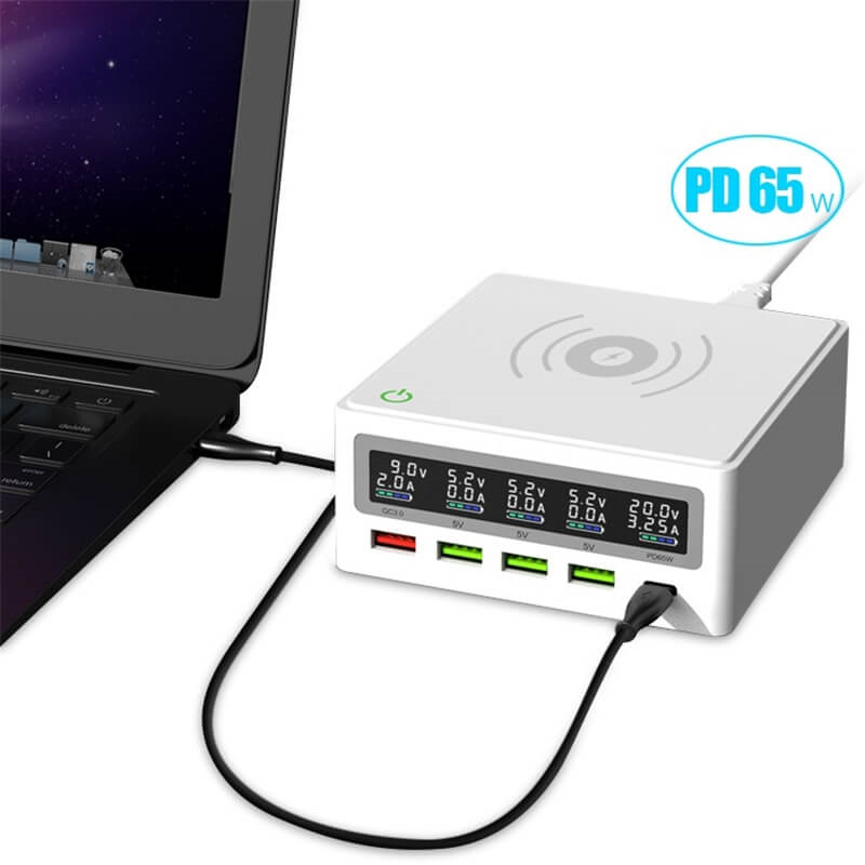
A centralized charging station can solve several common problems.
Less Cable Clutter
Multiple individual chargers can create a collection of power adapters and cables. A centralized charging station can help keep the charging area more organized.
Convenient Access
Users know where to go when a device needs charging.
Shared Charging
In an office or family environment, several people can use the same charging point.
Better Organization
A dedicated charging area can prevent charging cables from being scattered across desks and other surfaces.
Efficient Workspace Management
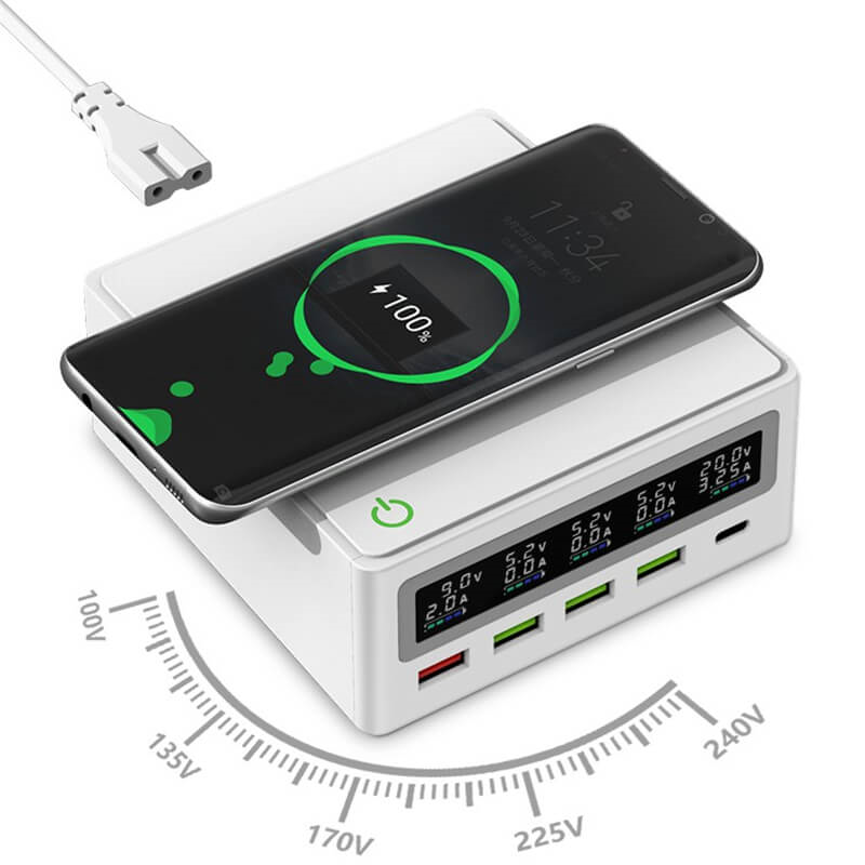
Keeping charging equipment in one location can make workspaces cleaner and easier to manage.
Wireless Charging Category
The L-26 is also listed under the Wireless Charger category.
Wireless charging can provide an additional level of convenience by allowing compatible devices to charge without requiring a charging cable to be physically connected to the device.
However, wireless charging performance depends heavily on the exact technology implemented in the product and the compatibility of the receiving device.
Important specifications to confirm include:
- Wireless charging standard
- Maximum wireless output
- Supported charging modes
- Compatible device types
- Required positioning
- Foreign-object detection, if applicable
- Thermal management
Because these details were not supplied for the L-26, they should not be assumed.
USB Power Station for Small Charging Setups
The product is tagged as a USB power station, which reflects its role as a centralized source for powering USB devices.
A USB power station can be useful when multiple devices need access to power from a single charging location.
For a small workspace, four ports may provide a practical balance between charging capacity and physical size.
Compared with a high-capacity charging cabinet containing dozens of ports, a four-port desktop charger is intended for much smaller charging requirements.
4-Port USB Charger L-26: Key Benefits
1. Multi-Device Charging
Four ports provide multiple charging connections from one centralized unit.
2. Compact Desktop Concept
Its desktop multi-port classification makes it suitable for workstations and other locations where space matters.
3. Reduced Charger Clutter
A centralized charging unit can reduce the need for multiple separate charging adapters.
4. Convenient Shared Charging
The charger can be placed in an accessible location for multiple users.
5. Potential Wireless Charging Convenience
Its Wireless Charger category indicates that wireless functionality may be part of the product configuration. Exact capabilities should be verified before purchase or publication.
6. Suitable for Everyday Use
Four ports can be appropriate for small households, personal workstations, and compact office setups.
7. Centralized Power Access
Instead of searching for different wall adapters, users can establish one dedicated charging point.
Where Can the L-26 Be Used?
The L-26 can potentially be used in many environments where a small number of devices need convenient charging.
| Environment | Potential Application |
| Home Office | Charge personal devices near a workstation |
| Bedroom | Create a centralized bedside charging area |
| Study Room | Keep smartphones and tablets powered |
| Corporate Office | Provide shared charging at desks |
| Reception Area | Offer convenient device charging |
| Conference Room | Support devices during meetings |
| Retail Counter | Provide staff charging access |
| Small Business | Create a dedicated charging station |
| Shared Workspace | Support charging for several users |
| Hotel Room | Provide centralized guest charging |
L-26 vs. Individual USB Chargers
Using a multi-port charger instead of several individual charging adapters can provide organizational advantages.
| Feature | 4-Port USB Charger L-26 | Individual Chargers |
| Centralized Charging | Yes | No |
| Multiple Connections | 4 ports | Usually one per adapter |
| Desktop Organization | Better centralized setup | More adapters and cables |
| Shared Use | Suitable | Less convenient |
| Space Efficiency | Potentially better | Can require more space |
| Charging Area | One dedicated location | Multiple locations |
| Scalability | Suitable for small setups | Add chargers individually |
| Wireless Category | Listed under Wireless Charger | Depends on individual charger |
The best option depends on the number of devices, available space, required charging standards, and desired organization.
Choosing a Multi-Port USB Charger
Before selecting a charging station, users should consider more than the number of ports.
Number of Devices
Four ports are useful when only a few devices need simultaneous charging. Organizations with larger charging requirements may need 10-, 20-, or 30-port charging systems.
Output Power
Check the charger’s voltage, current, and total wattage. These determine how much power the charger can provide to connected devices.
The L-26’s exact output specifications were not included in the supplied product information, so they should be confirmed before evaluating charging speed.
Device Compatibility
Different devices can support different charging standards. Make sure the charging solution matches the requirements of the devices being used.
Wireless Charging Requirements
If wireless charging is an important requirement, verify the wireless standard and maximum output before selecting the product.
Physical Design
For desktop use, consider how much space the charger occupies and how easily cables can be connected and removed.
Safety Features
Overcurrent, overvoltage, short-circuit, temperature, and other safety protections can be important for a multi-device charging system.
The exact protection features of the L-26 were not supplied, so they should be confirmed from the manufacturer’s technical documentation.
Actual performance can depend on USB standards and charging requirements:
A common mistake when comparing USB chargers is to focus only on the number of ports.
A four-port charger does not automatically mean that every connected device will charge at the same speed.
Actual performance can depend on:
- Device charging requirements
- Charger output capability
- Charging protocol
- Cable quality
- Battery condition
- Device temperature
- Power distribution
- Wireless charging alignment, where applicable
For this reason, users should evaluate both the number of ports and the electrical specifications.
Wired vs. Wireless Charging
The choice between wired and wireless charging depends on convenience and device compatibility.
| Factor | Wired Charging | Wireless Charging |
| Physical Connection | Cable required | No charging cable connected to device |
| Convenience | Direct connection | Convenient placement |
| Alignment | Generally not required | Device placement can matter |
| Cable Management | More cables | Potentially fewer device-side cables |
| Compatibility | Depends on USB connector/protocol | Depends on wireless standard |
| Charging Performance | Depends on charger/device/cable | Depends on charger/device/alignment |
If the L-26 includes wireless charging functionality, users should verify the supported wireless standard and output before relying on it for particular devices.
Creating an Organized Charging Station
A charging station works best when it has a clear and consistent location.
A simple setup can include:
Charging Unit → Cables → Devices → Ready-to-Use Area
For a home office, the charger can remain on the desk with commonly used charging cables nearby.
For a shared office, the charger can be placed in a clearly accessible location with labeled or organized cables.
For a bedside setup, cable length and placement should be considered so that cables do not become tangled or create unnecessary hazards.
Best Practices for Using a Multi-Port Charger
1. Use Compatible Cables
Use cables appropriate for the connected device and charging requirements.
2. Avoid Damaged Cables
Replace cables showing exposed wires, damaged connectors, or other signs of wear.
3. Keep the Charging Area Organized
Cable organization becomes increasingly important as more devices are connected.
4. Follow Manufacturer Instructions
Always use the charger according to the manufacturer’s specified electrical requirements.
5. Do Not Assume Fast Charging
A USB port does not automatically support every fast-charging protocol. Confirm compatibility.
6. Monitor Heat
If the charger or connected equipment becomes unusually hot, disconnect the devices and investigate the cause.
7. Keep Ventilation Clear
If the product requires airflow for thermal management, avoid covering ventilation openings.
8. Verify Wireless Compatibility
For wireless charging, ensure the device supports the relevant wireless charging standard.
Who Should Consider the L-26?
The L-26 may be a suitable choice for users who need a small, centralized charging station rather than a large commercial charging cabinet.
It can be particularly useful for:
- Individuals with several devices
- Home-office users
- Small offices
- Students
- Families
- Reception desks
- Conference rooms
- Shared workspaces
Its four-port capacity keeps it focused on smaller charging requirements while avoiding the size and complexity of high-capacity charging systems.
Why a Four-Port Charger Can Be More Practical Than a Large Charging Station
Not every environment needs dozens of charging ports.
A 30-port charging station may be appropriate for a school, event, or large organization, but it can be unnecessary for a home office or small workspace.
A four-port solution can provide a more proportionate setup when only a few devices require charging.
This can make the charging area easier to manage while providing enough capacity for everyday device use.
Frequently Asked Questions
What is the L-26?
The L-26 is a 4-Port USB Charger designed as a multi-device charging solution, with a desktop multi-port charger classification.
How many devices can it charge?
The product is specified as having four charging ports. The actual number of devices that can charge simultaneously depends on the specific port configuration and available power.
Is the L-26 a desktop charger?
Yes. It is categorized as a Desktop Multi-Port Charger, making it intended for convenient placement on desks and similar surfaces.
Is the L-26 a wireless charger?
The product is listed under the Wireless Charger category. However, the supplied specifications do not provide the wireless charging standard or power rating, so those details should be confirmed with the manufacturer.
What is the output power?
The supplied product information does not provide exact voltage, current, or wattage specifications. These should be verified before making specific charging-speed claims.
Is it suitable for smartphones?
It is designed as a multi-port USB charging solution and may be used with compatible USB-powered devices. Exact compatibility depends on the available port configuration and charging specifications.
Is it suitable for an office?
Yes. A four-port desktop charging station can be useful in offices, reception areas, meeting rooms, and individual workstations where several devices need convenient access to charging.
Can it replace individual chargers?
It can reduce the need for multiple charging adapters in a small setup, but users should verify that its output specifications and charging protocols meet the requirements of their devices.
What should I check before buying?
Check the number and type of ports, output voltage/current, total wattage, wireless charging specifications, supported charging protocols, safety features, dimensions, and compatibility with your devices.
Conclusion
The 4-Port USB Charger Model L-26 is a compact multi-device charging solution designed around centralized charging for smaller environments. Its four-port configuration makes it suitable for home offices, desks, small businesses, shared workspaces, conference rooms, and other locations where several devices need convenient access to power.
Its classification as a Desktop Multi-Port Charger and Wireless Charger, together with the USB Power Station tag, positions the L-26 as a practical option for users looking to create an organized charging area without deploying a large charging cabinet.
The key advantage of a product like the L-26 is convenience: multiple charging connections can be consolidated into one dedicated location, helping reduce cable and adapter clutter.
Because detailed electrical specifications were not included in the supplied product information, buyers should confirm the exact USB output, total wattage, wireless charging capability, supported protocols, and safety features before making a final purchasing decision. Once those specifications are verified, the L-26 can serve as a practical centralized charging solution for everyday multi-device environments.